How to add a subscribe to sequence action in Manychat
Here is how to add a subscribe to sequence action in manychat
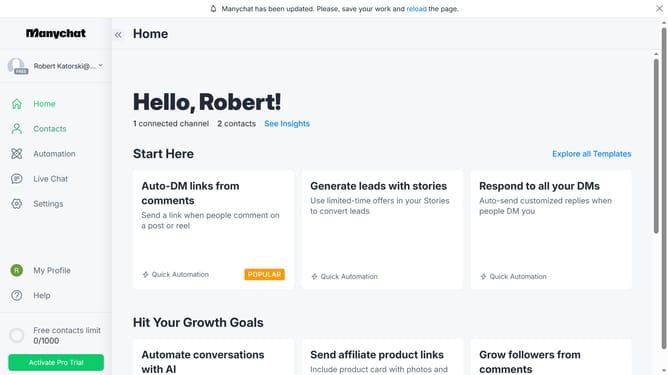
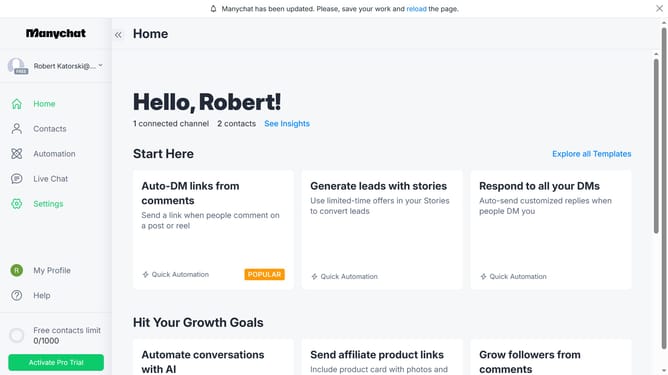
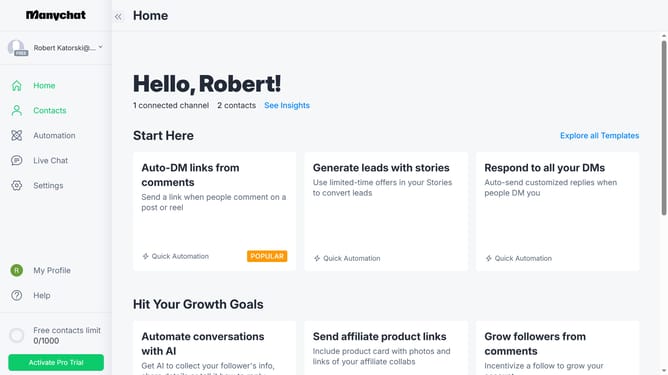
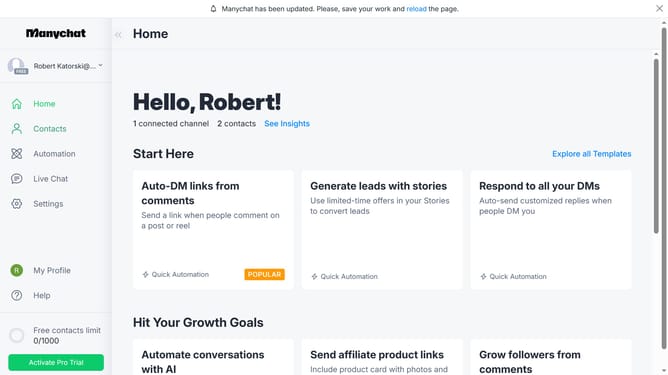
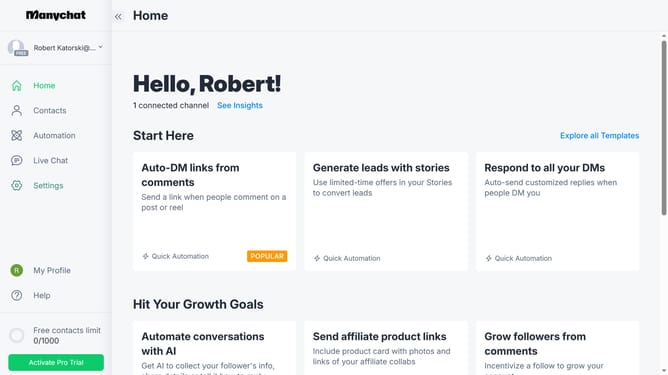
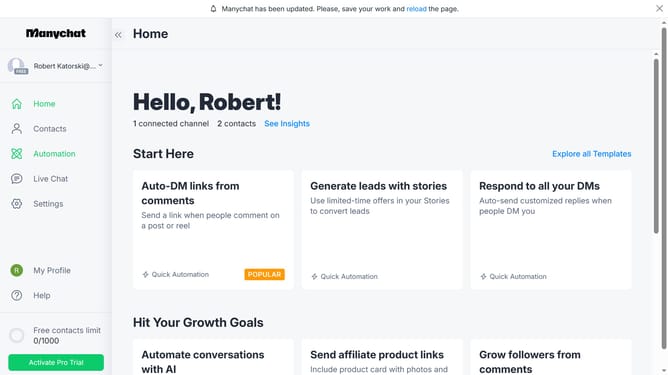
- First click on the "Automation" option in the left sidebar menu
- Click an automation from the automation list
- Click the plus button in the top-right corner of the automation builder
- Scroll down in the pop up menu
- Click on the "Actions" option in the Logic section of the side panel
- Click the "+ Action" button to add a new action
- Click "Automation" in the left side menu
- Select "Subscribe to Sequence" from the automation actions list
- Click on the "Subscribe to Sequence" empty text field
- Finally select your preferred sequence from the dropdown list
Why should you add a subscribe to sequence action in Manychat
Manychat is a dynamic platform that automates customer communication through interactive chatbots.
Add a subscribe to sequence action in Manychat and seamlessly nurture customer relationships. This feature allows you to automatically engage users with pre-defined messages, creating a personalized experience.
By subscribing users to a sequence, you ensure timely and relevant communication, enhancing customer satisfaction and loyalty. This strategic approach not only streamlines communication but also boosts customer engagement without additional effort.
Last update