How to add gallery content block in Manychat
Here is how to add gallery content block in manychat
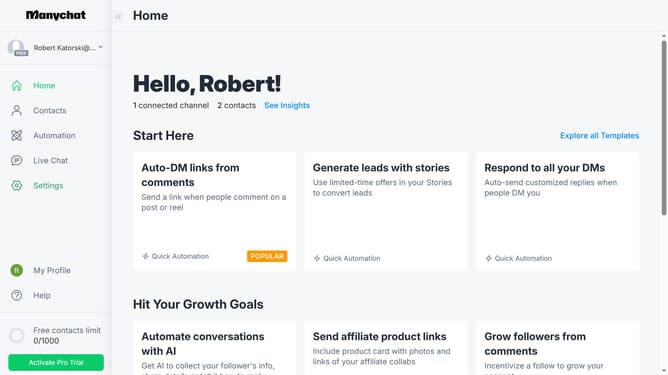
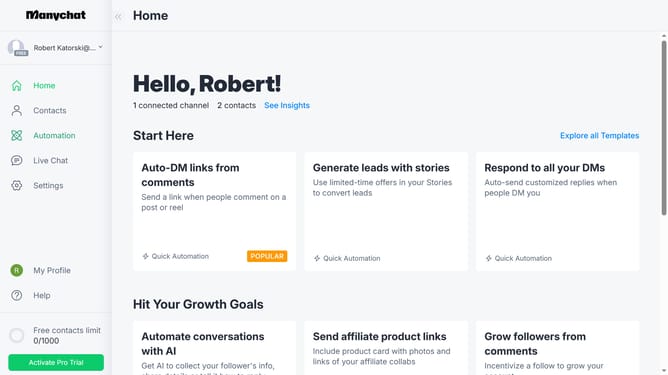
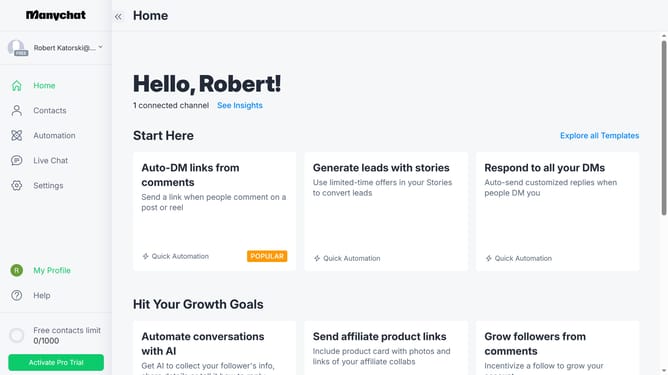
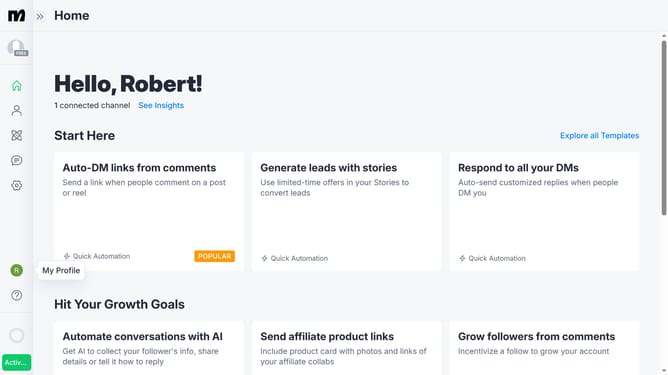
- First click on the "Automation" option in the left sidebar menu
- Then click on an automation in the automation list
- Click on the content block in the automation builder
- In the workflow editor, scroll down
- Click on "More" button at the bottom of the content blocks menu
- Finally click on "Gallery" to add the gallery content block
Why should you add gallery content block in Manychat
Manychat revolutionizes communication by automating conversational marketing.
The gallery content block feature enhances engagement by allowing you to showcase multiple images in a single carousel layout.
By adding a gallery content block, you provide a visually appealing and dynamic way to share product images or event highlights, improving user interaction.
This feature helps capture attention, leading to increased user retention and a richer conversational experience for your audience.
Last update