How to disable conversations assignment limit in Manychat
Here is how to disable conversations assignment limit in manychat
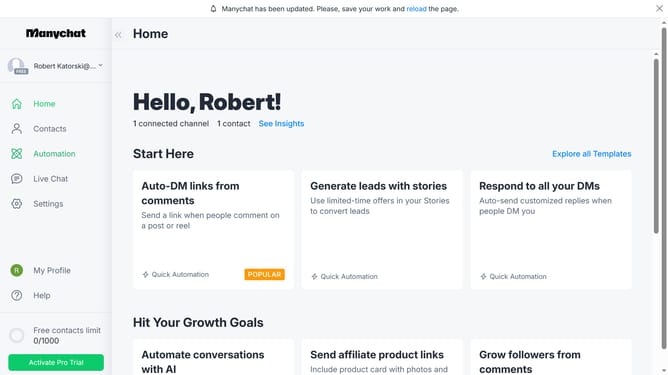
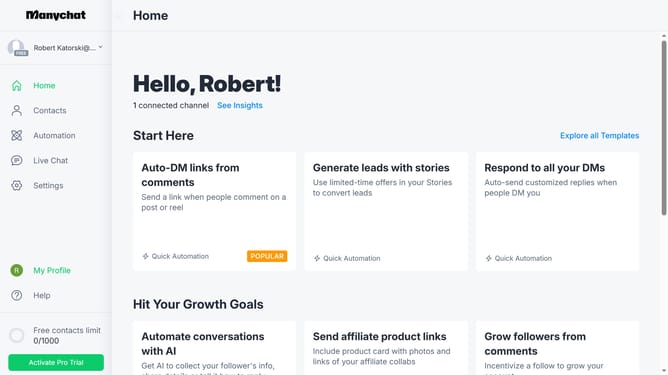
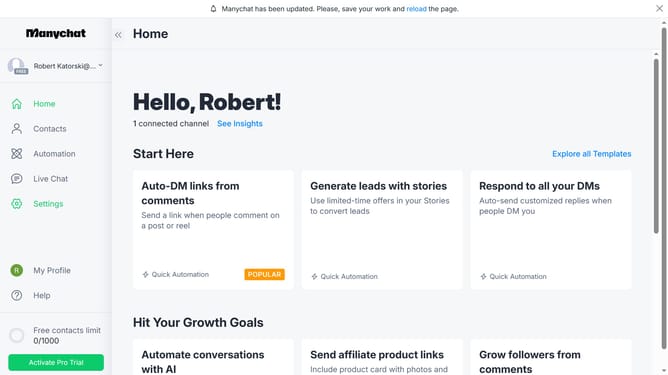
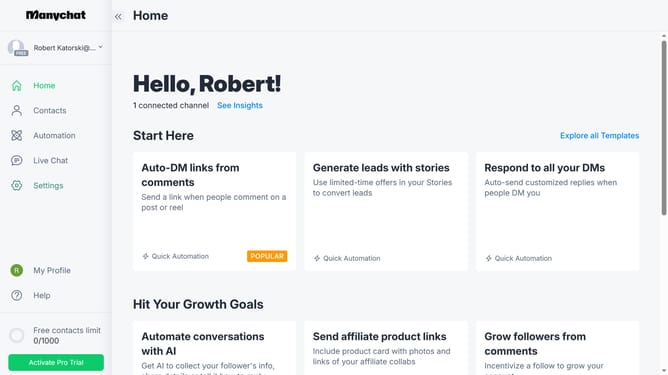
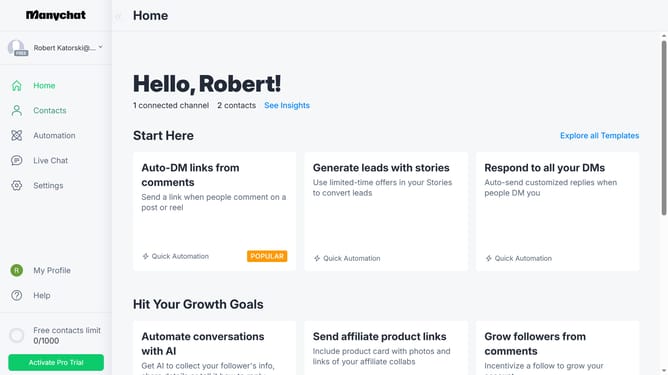
- First click on the "Settings" option in the left sidebar menu
- Then click on "Team Members" in the settings menu
- Next click the "Edit" button next to the team member's name you want to disable the conversations assignment limit
- On the team member details page, scroll down
- Finally click on "Disable Limit" button under the conversations assignment limit section
Why should you disable conversations assignment limit in Manychat
Manychat is a powerful tool designed to automate and enhance communication through chat.
One notable feature of Manychat is the ability to disable conversation assignment limits, offering flexibility in managing customer interactions.
By disabling these limits, businesses can streamline their workflows, ensuring that customer inquiries are handled efficiently without restricting the number of conversations assigned.
This adaptability in conversation management leads to improved customer satisfaction and smoother team collaboration.
Last update