How to delete a contact in Manychat
Here is how to delete a contact in manychat
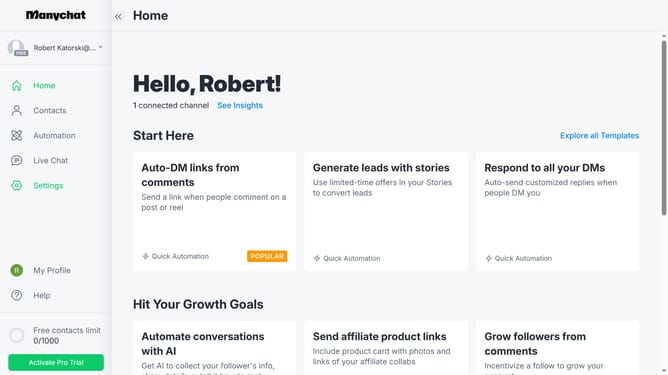
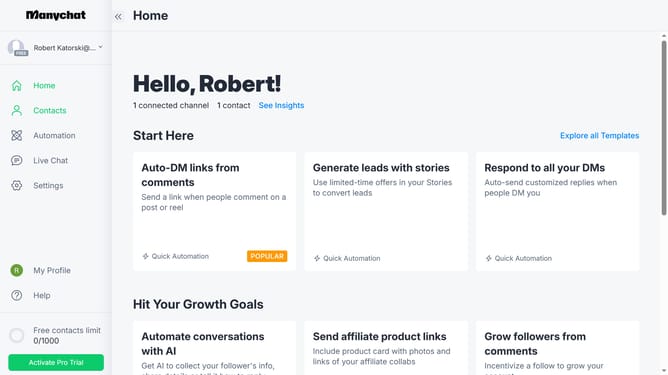
- First click on the "Contacts" option in the left sidebar menu
- Then click on the contact card of the person you want to delete from the contacts list
- Next click on the "More options" menu (three dots) in the top-right corner of the contact details modal
- Then select "Delete Contact" from the dropdown menu
- Click on the empty input field and type "delete"
- Finally click the "Delete" button to confirm contact deletion
Why should you delete a contact in Manychat
Manychat is a powerful platform designed to simplify interactions between businesses and their audiences through engaging automated messaging.
The ability to delete a contact in Manychat is a streamlined feature that maintains an organized contact list. This feature is essential for keeping your subscriber base relevant and up-to-date.
By removing contacts that are no longer active or essential, you enhance the quality of interactions and insights derived from your list, boosting engagement efficiency.
Utilizing this feature aids in optimizing your communication strategies and ensures you're reaching a meaningful audience effectively.
Last update