How to add a set user field action in Manychat
Here is how to add a set user field action in manychat
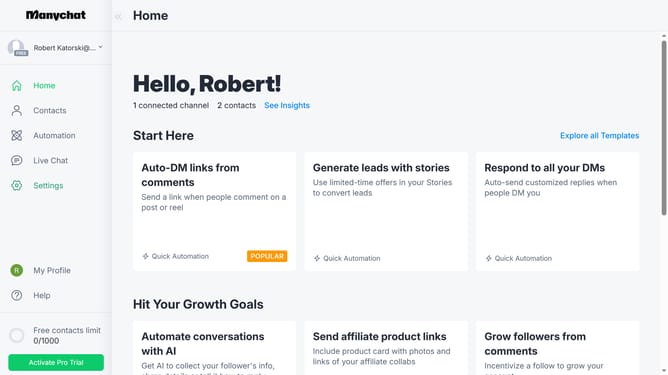
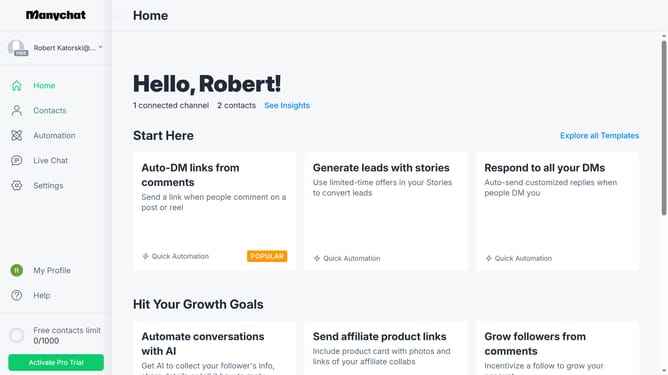
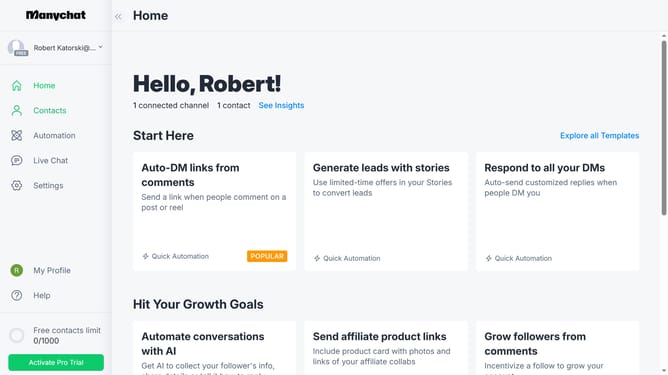
- First click on "Automation" in the left sidebar menu
- Then click an automation n the automations list
- Click the "+" button in the top-right corner to add a new step
- Scroll down in the pop up menu
- Click "Actions" under the Logic section
- Click on the "+ Action" button in the Actions configuration panel
- Select "Contact data" from the menu options
- Finally click on "Set User Field" from the available contact data actions
Why should you add a set user field action in Manychat
Manychat is a versatile platform designed to elevate customer interaction through chat automation.
The "set user field action" in Manychat allows businesses to personalize their communication strategy with ease.
By setting user-specific fields, a company can tailor its messaging and offers to match individual preferences and interactions.
This feature not only enhances user experience but also boosts engagement rates, providing valuable insights into customer behavior while fostering deeper connections.
Last update