How to add a delete contact action in an automation in Manychat
Here is how to add a delete contact action in an automation in manychat
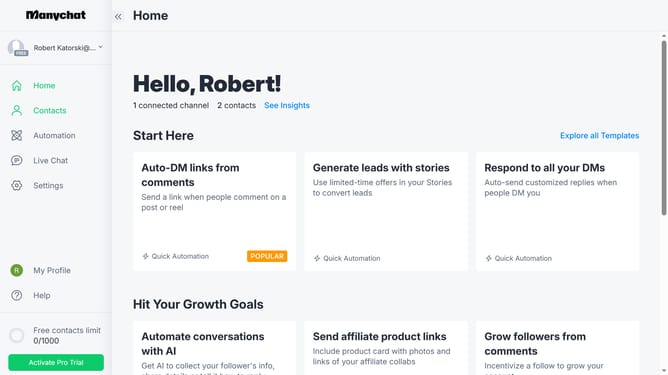
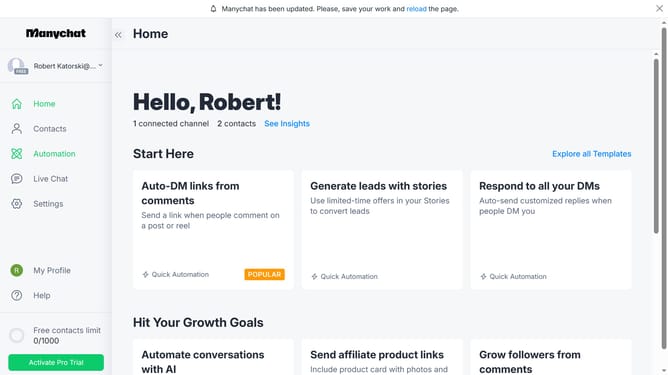
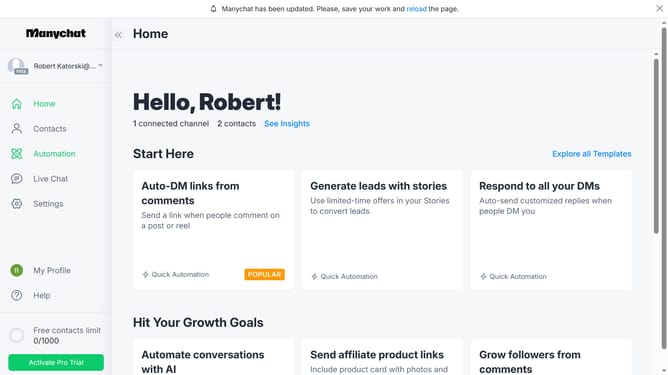
- First click on the "Automation" option in the left sidebar menu
- Select an automation from the automation list
- Click the plus "+" button in the top-right corner to open the pop up menu
- Scroll down in the pop up menu
- Click "Actions" under the Logic section
- Click the "+ Action" button to add a new action
- Click on "Contact data" in the left menu of the actions modal
- Scroll down in the actions menu
- Finally click "Delete Contact" to add the delete contact action on your automation
Why should you add a delete contact action in an automation in Manychat
Manychat is a powerful tool for creating automated conversations and enhancing customer engagement through chatbots.
The ability to add a delete contact action in an automation in Manychat helps streamline contact management by allowing you to automatically remove obsolete or inactive contacts.
This feature is beneficial as it ensures your contact list remains up-to-date and relevant, effectively improving the efficiency of your communication strategies.
By automatically deleting contacts no longer engaged, your campaigns become more focused, optimizing resources and enhancing overall performance.
Last update