How to delete API key in Manychat
Here is how to delete api key in manychat
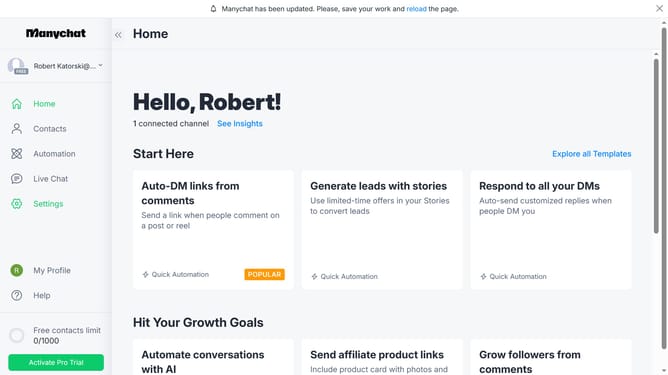
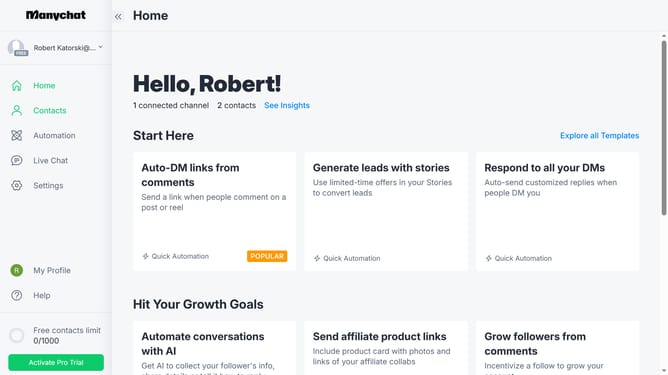
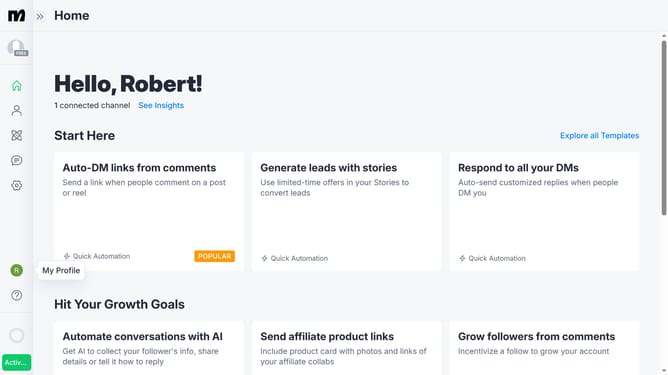
- First click on "My Profile" in the left sidebar menu
- Then click on "API Settings" option from the profile dropdown menu
- Next click on "Delete API Key" button in the API settings section
- Finally click the "Delete" button in the confirmation dialog to permanently remove the API key
Why should you delete API key in Manychat
ManyChat empowers businesses with automated, conversational marketing through chatbots on platforms like Facebook Messenger.
Deleting an API key in ManyChat is essential for maintaining the security and integrity of your chatbot interactions. As teams evolve or developers change, revoking obsolete API keys ensures that only authorized connections can communicate with your system.
This feature simplifies the process, providing peace of mind by minimizing potential security risks and fortifying your digital communication channels against unauthorized access.
Last update