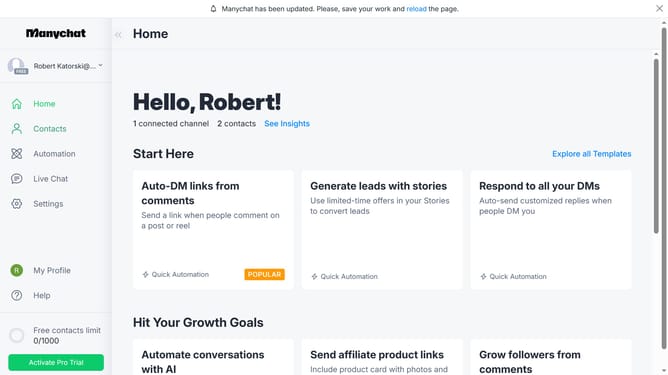
How to connect claude account in Manychat
Here is how to connect claude account in manychat
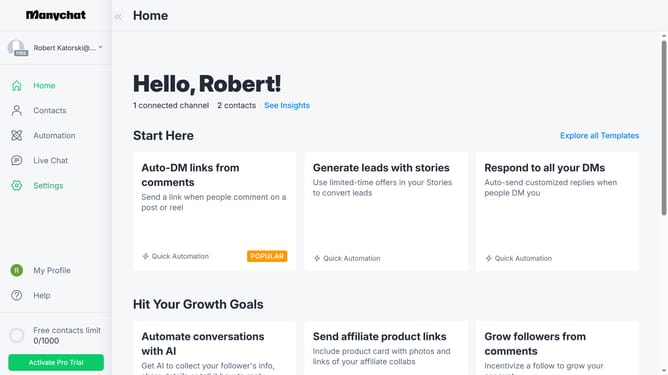
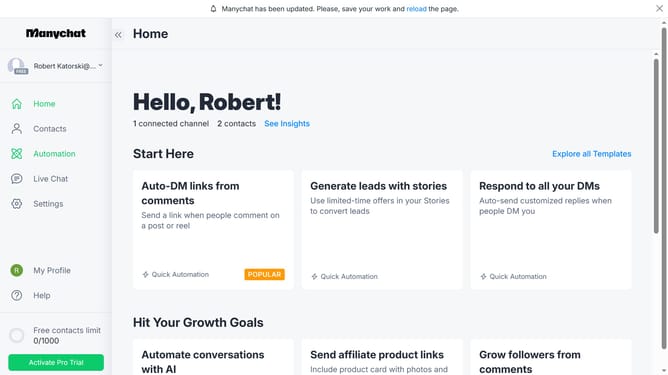
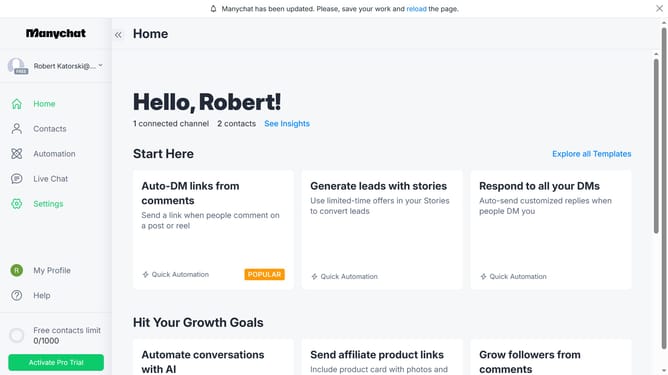
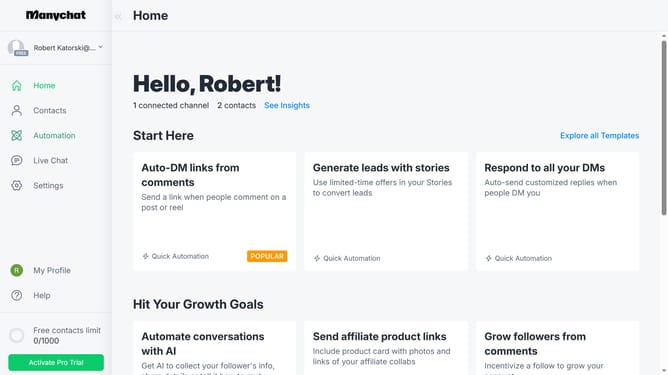
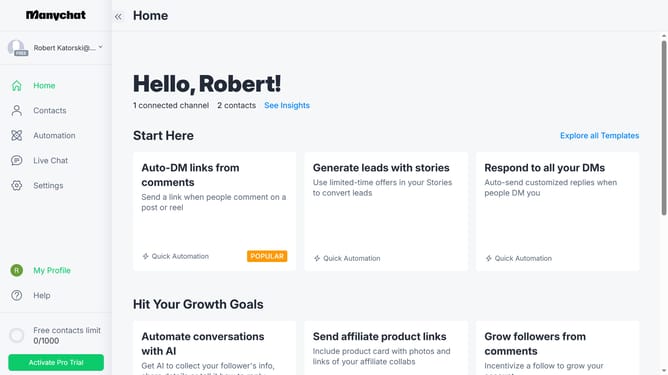
- First click on the "Settings" option in the left sidebar menu
- Then scroll down in the settings
- Next click on "Integrations" in the left settings submenu
- Then scroll down in the integrations settings
- Finally click on the "Connect Claude Account" section to integrate your Claude AI account
Why should you connect claude account in Manychat
Manychat is a dynamic platform designed to streamline customer communication through powerful chat automation.
Integrating a Claude account into Manychat enriches these capabilities by adding advanced AI functionalities, enhancing user interaction and content delivery.
This connection is beneficial as it enables seamless, intelligent responses, making customer engagement more efficient and personalized.
By connecting Claude with Manychat, businesses can leverage AI to foster deeper customer relationships.
Last update