How to create templates in ManyChat
Here is how to create templates in manychat
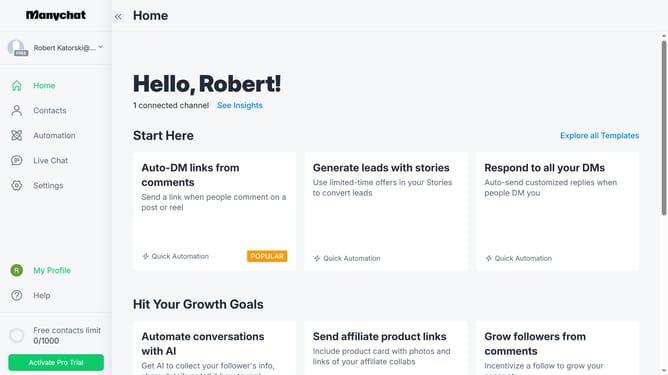
- First click on your profile icon in the left sidebar to open profile settings
- Then click on "My Templates" option in the profile dropdown menu
- Click the "+ New Template" button in the top right corner of the templates page
- On the source account selection page, click the "Use Account" button next to your email address
- Select template elements you want to include on your template
- Review the selected content and click "Next Step" button in the top right corner
- On the bot fields page, click "Next Step" again as there are no bot fields to configure
- Click on the template name input field and type in the desired name for your template
- Finally click the "Create The Template" button in the top right corner to complete the process
Why should you create templates in ManyChat
ManyChat is a versatile platform designed to streamline communication and enhance customer engagement through chatbot automation.
Creating templates in ManyChat is a powerful feature that allows users to save time and maintain consistency in their messaging strategies.
By utilizing templates, businesses can ensure a uniform tone and style across all interactions, which enhances brand recognition and delivers a cohesive customer experience.
Overall, this feature helps businesses efficiently manage their communication efforts, reducing repetitive tasks and fostering productive interactions with their audience.
Last update