How to subscribe multiple contacts to a sequence in ManyChat
Here is how to subscribe multiple contacts to a sequence in manychat
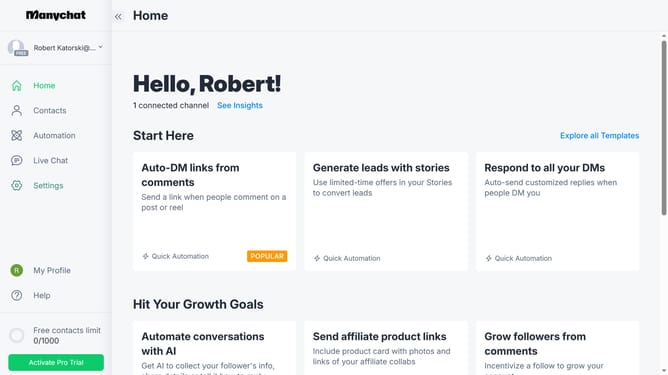
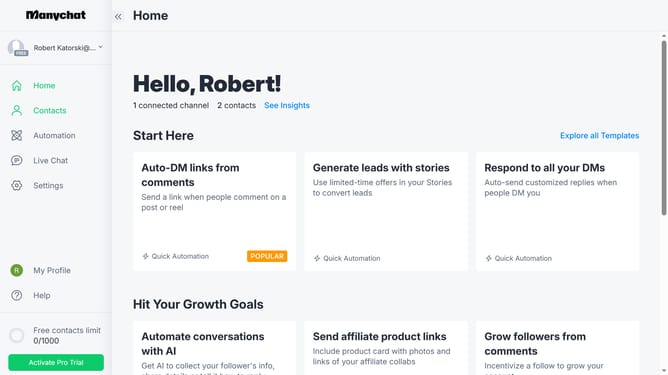
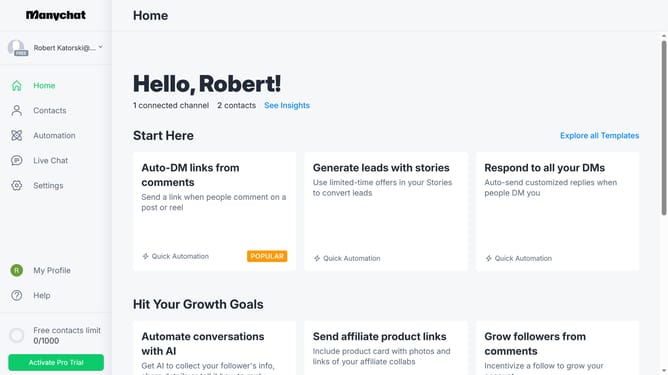
- First click on the "Contacts" item in the left sidebar menu
- Then click on the checkbox next to the contacts you want to subscribe to a sequence in the contacts list
- Click on the "Bulk Actions" button in the top right corner
- Select "Subscribe to Sequence" from the dropdown menu
- Click in the "Enter sequence" text field
- Select the sequence you want to add from the suggestion sequence options
- Click the "Save" button
- Finally click the "Confirm" button in the confirmation dialog
Why should you subscribe multiple contacts to a sequence in ManyChat
ManyChat is an intuitive platform designed to streamline interaction through automated messaging, enhancing customer engagement exponentially.
With the capability to subscribe multiple contacts to a sequence, ManyChat offers efficiency and time-saving advantages.
This feature allows you to effortlessly manage and nurture leads, guiding them through a personalized journey.
By efficiently automating these interactions, businesses can focus on delivering a tailored experience, ensuring consistent communication and building stronger relationships with their audience.
Last update