How to add a menu item in Instagram in ManyChat
Here is how to add a menu item in instagram in manychat
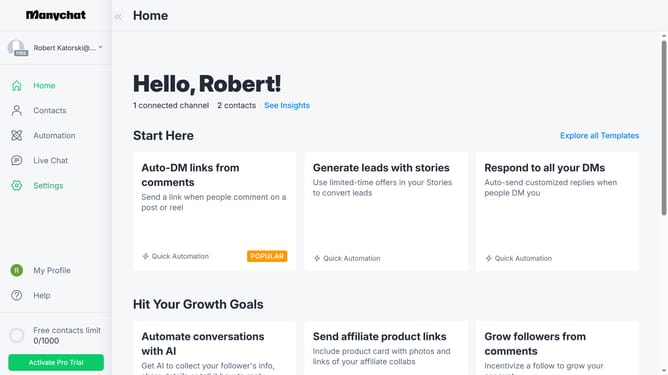
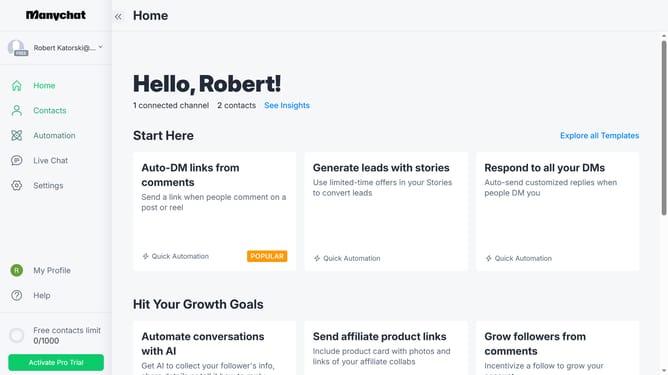
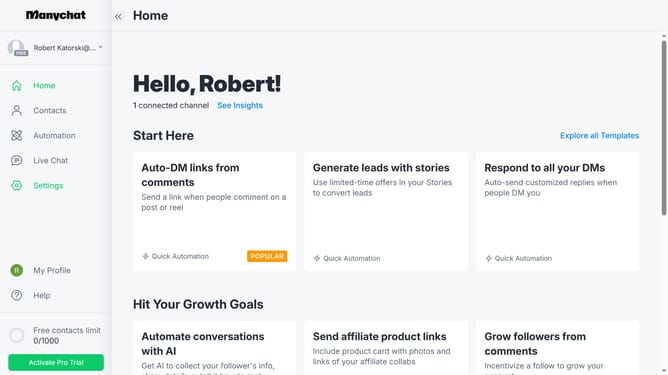
- First click on the "Settings" option in the left sidebar menu
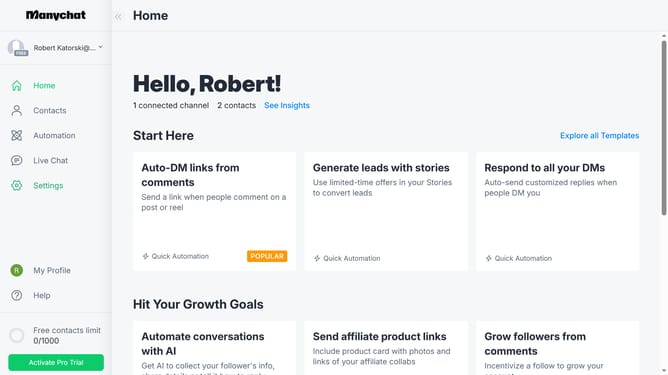
- Then click on the "Instagram" channel in the Channels section of the settings menu
- Next click on the "Edit" button in the Main Menu section
- Then click on the "+ Menu Item" button to add a new menu item
- Next click on the text field labeled "Menu Item" and change it to your preferred menu item
- Finally click "Done" in the pop up menu to save the new menu
Why should you add a menu item in Instagram in ManyChat
ManyChat is a cutting-edge platform designed to streamline customer engagement through dynamic chat automation.
Add a menu item in Instagram within ManyChat to easily guide users to desired actions or information. This feature enhances user navigation by providing quick access to frequently accessed options directly from the Instagram platform.
By leveraging this capability, businesses can improve user experience, reduce friction in customer journeys, and increase conversion opportunities seamlessly.
Last update