How to connect mailchimp account in Manychat
Here is how to connect mailchimp account in manychat
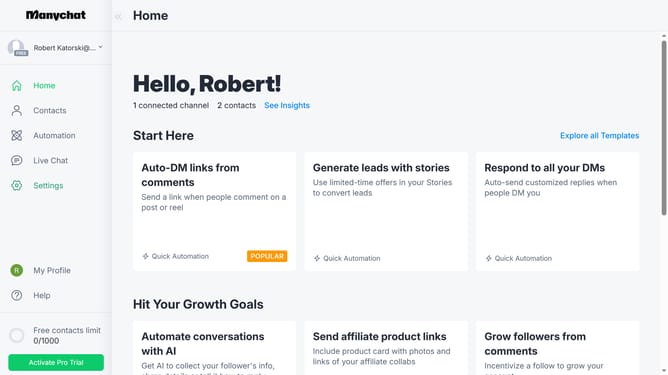
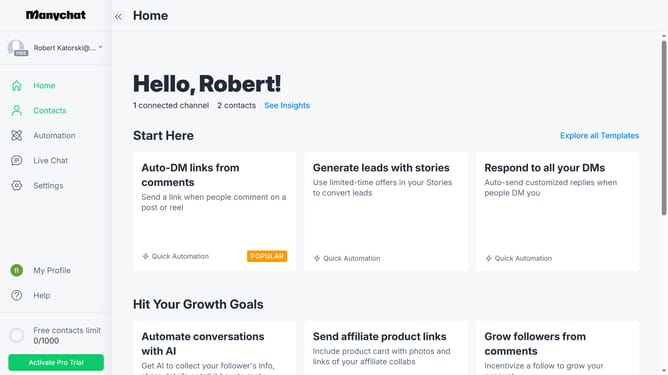
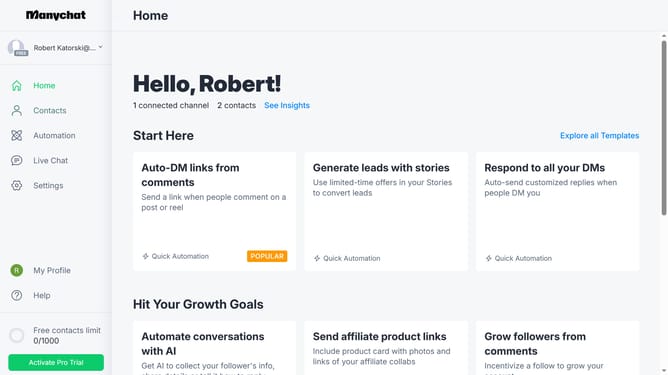
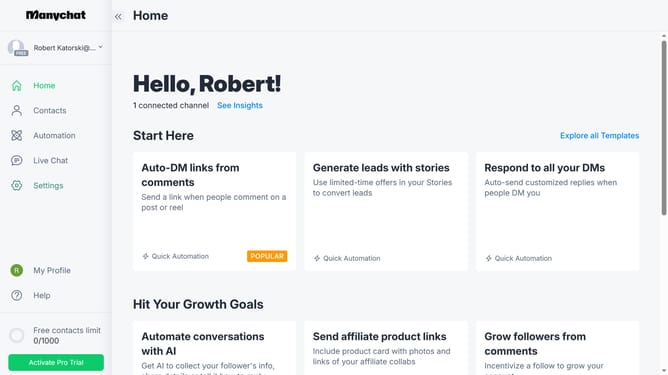
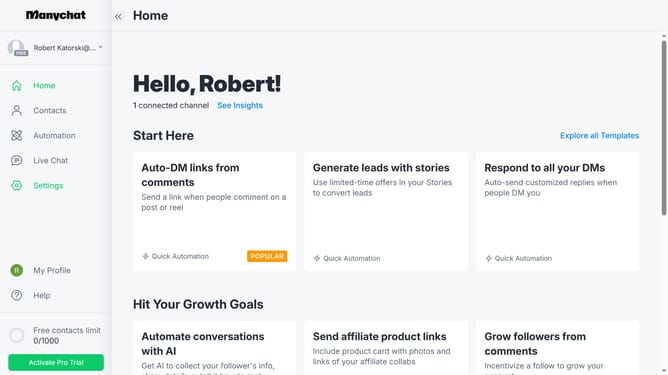
- First click on the "Settings" option in the left sidebar menu
- Next scroll down in the settings
- Then click on "Integrations" in the left settings submenu
- Scroll down in the Integrations settings
- Finally click the "Connect MailChimp Account" button to integrate MailChimp with your Manychat
Why should you connect mailchimp account in Manychat
Manychat empowers businesses by streamlining communication through automated messaging.
Connecting your Mailchimp account to Manychat enhances your marketing strategy by seamlessly syncing your subscribers and email campaigns.
This integration ensures your audience receives tailored content, improving engagement and customer retention.
By combining Manychat's automation with Mailchimp's robust email platform, businesses can optimize their outreach and streamline communication efforts effortlessly.
Last update