How to add template description in ManyChat
Here is how to add template description in manychat
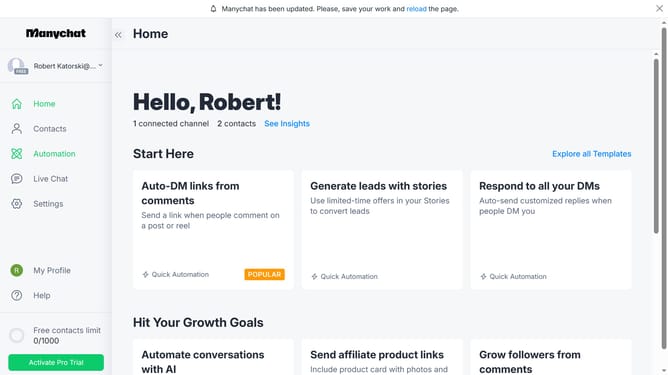
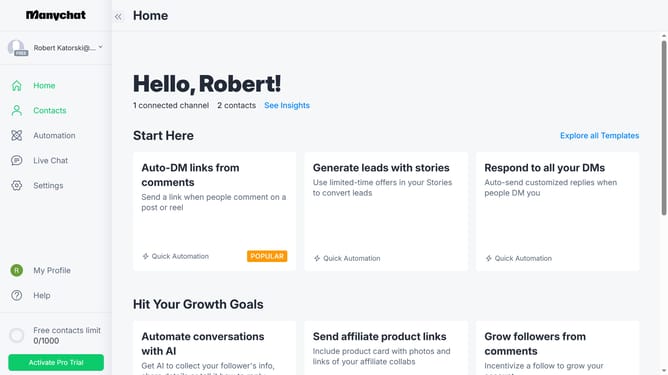
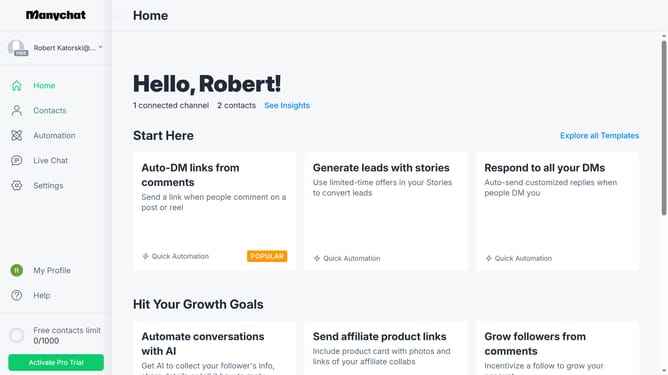
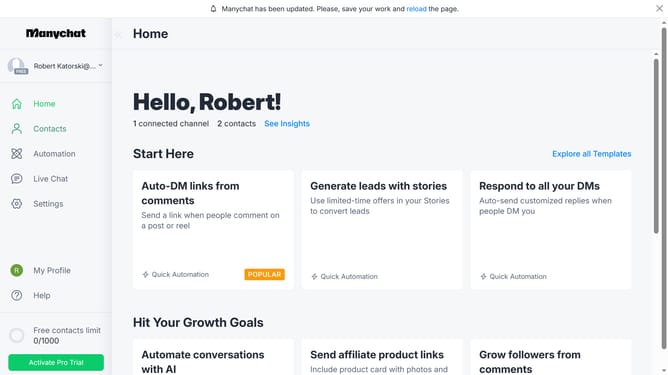
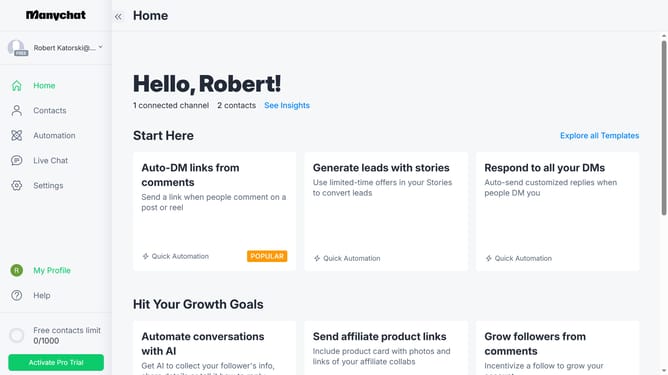
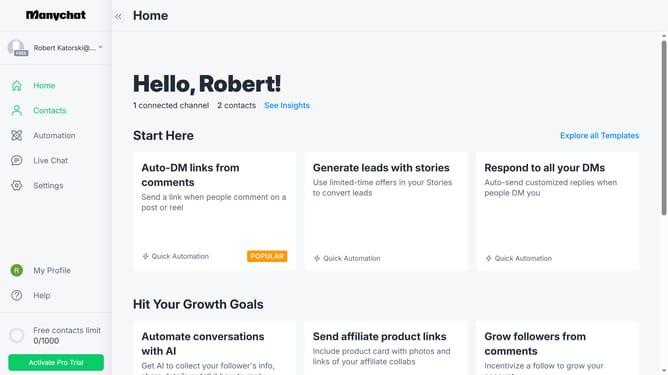
- First click on the "My Profile" button in the left sidebar
- Then click on "My Templates" option in the profile dropdown menu
- Next click on the template you want to add description in the templates list
- Then click on the "About" text field in the template settings and add the description for the template
- Finally click on the "Save" button in the bottom right corner of the template settings
Why should you add template description in ManyChat
ManyChat is a dynamic tool designed to enhance customer engagement through automated messaging.
Adding a template description in ManyChat is a strategic way to streamline workflow by providing clear and concise explanations for each template’s purpose and use.
This feature ensures that team members or collaborators quickly understand the intent behind each automation, making collaboration smoother and more efficient.
By keeping everyone on the same page, it maximizes the utility of templates, leading to more effective communication and improved customer interactions.
Last update