How to pause automations forever for a contact in Manychat
Here is how to pause automations forever for a contact in manychat
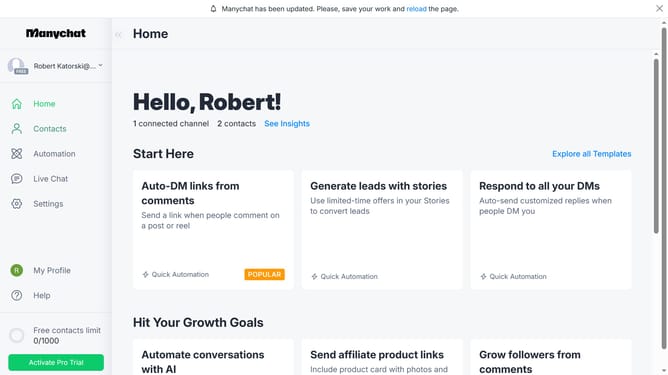
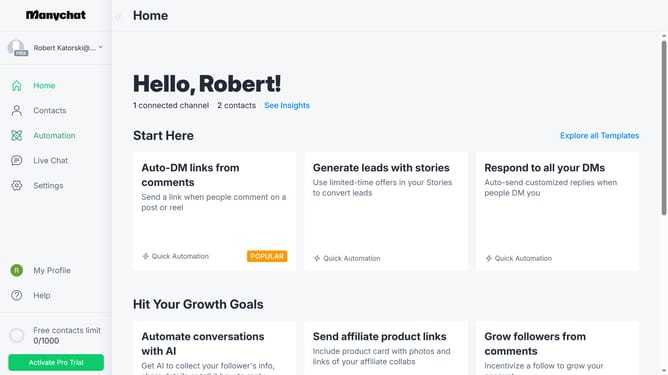
- First click on the "Contacts" option in the left sidebar
- Then click on the name of the contact you want to pause the notification
- Next click on the "Pause Automations" button in the contact details modal
- Finally select "Pause forever" option from the duration dropdown menu
Why should you pause automations forever for a contact in Manychat
Manychat is an intuitive platform designed for automating chats and enhancing customer engagement seamlessly.
The feature to pause automations forever for a contact in Manychat provides a remarkable level of control over individual interactions.
By allowing you to halt automations indefinitely, it ensures that your communications are always tailored to the specific needs and preferences of each contact, minimizing irrelevant or untimely messages.
This can be particularly beneficial for keeping the conversation personal and relevant, fostering stronger connections with your audience.
Last update