How to filter contacts by full name in ManyChat
Here is how to filter contacts by full name in manychat
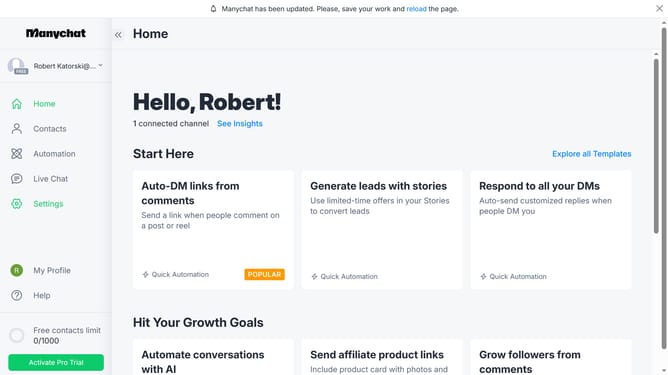
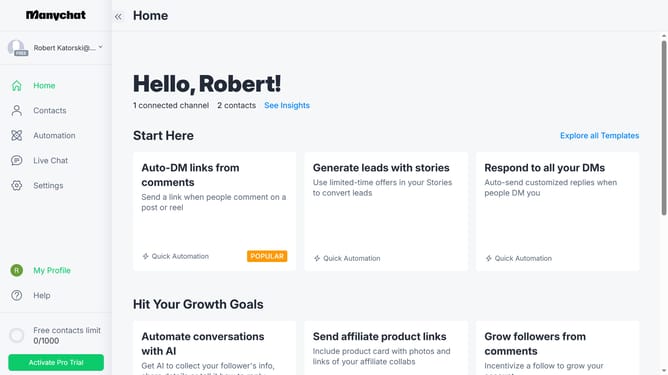
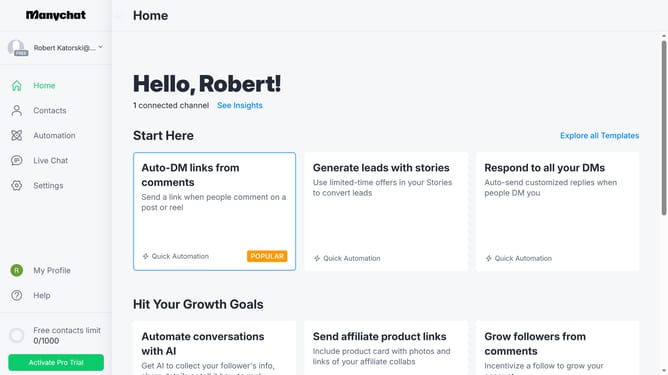
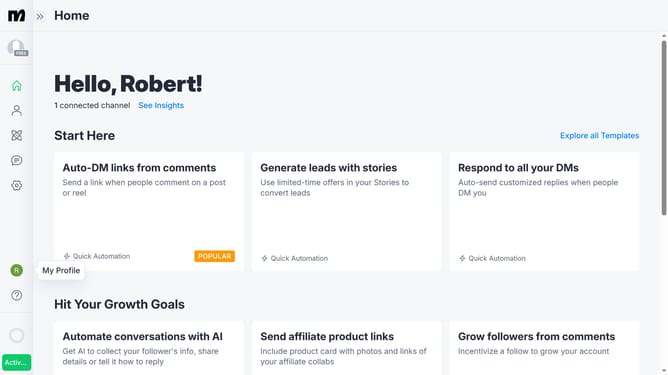
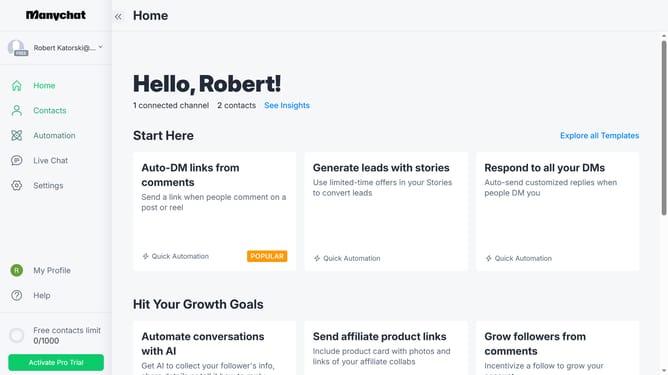
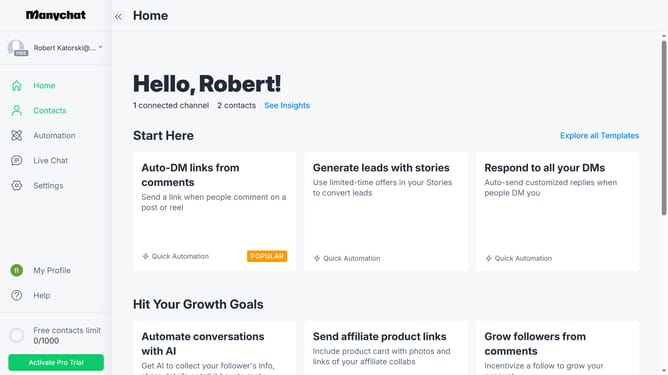
- First click on the "Contacts" item in the left sidebar menu
- Then click on the "Filter" button in the top toolbar
- Next click on the "+ Condition" button in the filter area
- Click on "System Fields" in the filter dropdown menu
- Select "Full Name" from the system fields list
- Select "is unknown" from condition options
- Click on "is" in the condition dropdown
- Finally select the full name of the contact you want to filter from the suggestion option
Why should you filter contacts by full name in ManyChat
ManyChat is a powerful tool that automates conversations for businesses on messaging platforms.
Filtering contacts by full name in ManyChat allows users to efficiently organize and access specific customer data.
This feature enhances user experience by speeding up communication and ensuring targeted interactions, benefiting customer relationship management.
With streamlined contact management, businesses can focus more on personalized engagement strategies, driving growth and customer satisfaction.
Last update