How to add a clear user field action in Manychat
Here is how to add a clear user field action in manychat
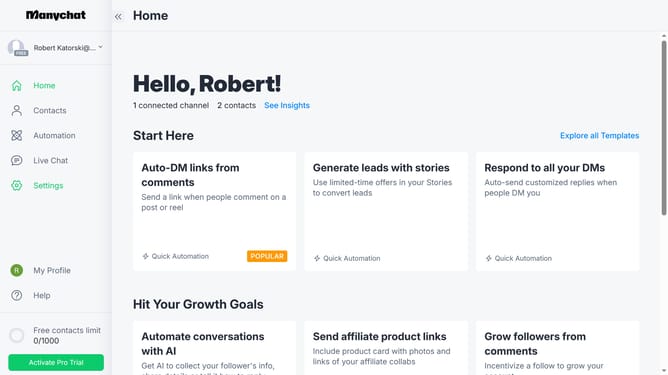
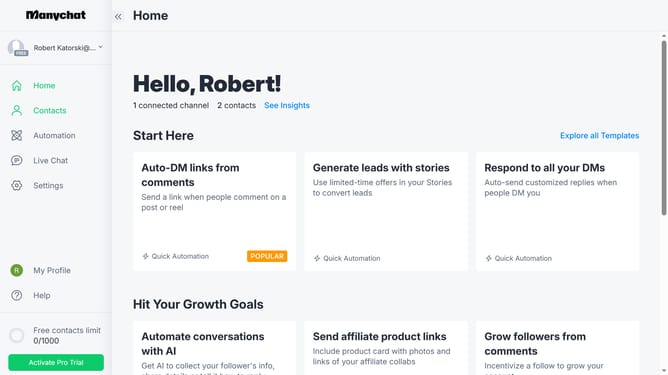
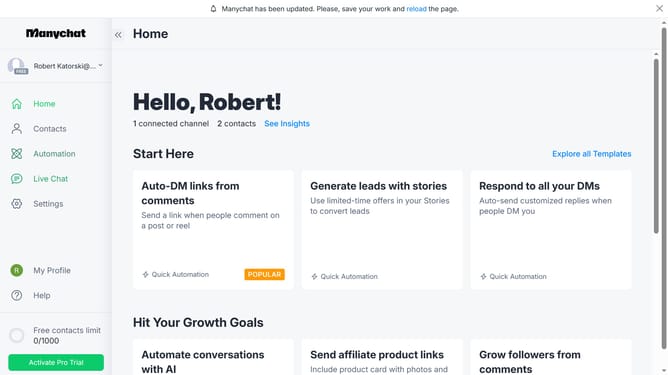
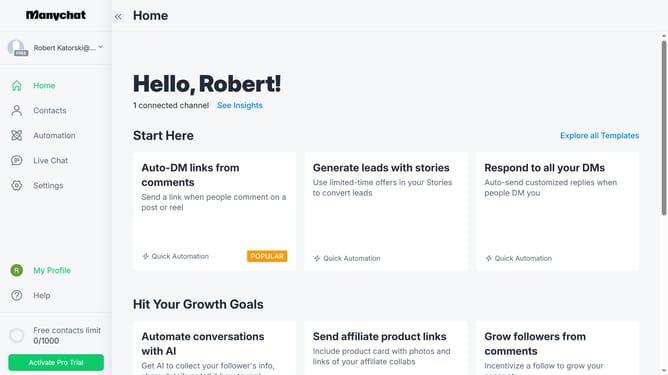
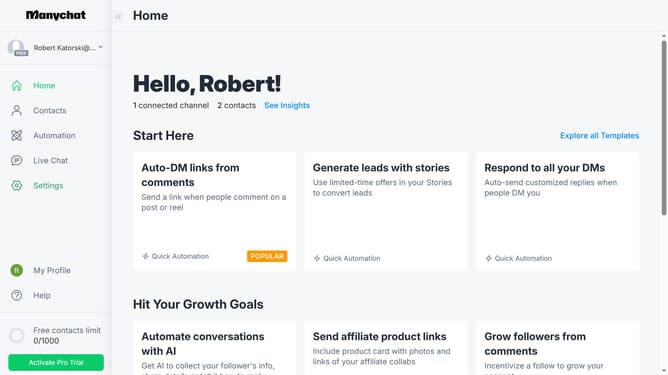
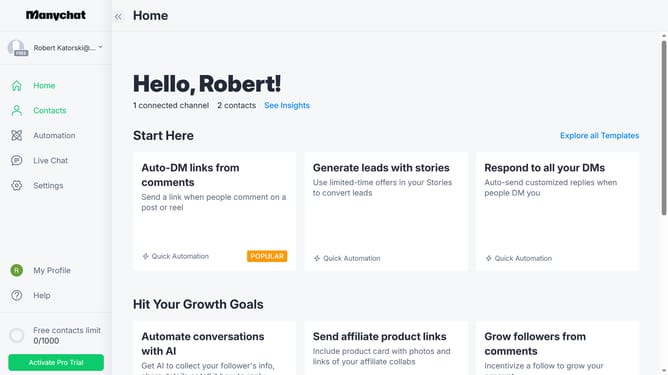
- First click on "Automation" in the left sidebar menu
- Click an automation in the automation list
- Click on the "+" button in the top-right corner
- Scroll down in the menu pop up
- Click on "Actions" button in the bottom action panel
- Click on the "+ Action" button to add a new action
- Select "Contact data" from the left menu of the actions modal
- Click on "Clear User Field" option in the contact data actions list
- Click on the empty text field in the Clear User Field action
- Finally select the user field you want to clear from the dropdown list
Why should you add a clear user field action in Manychat
Manychat is an intuitive platform designed to enhance communication with automated messaging solutions.
Utilizing the "clear user field action" in Manychat offers a streamlined approach to managing user data by erasing outdated or irrelevant information efficiently.
This functionality is crucial for maintaining clean datasets, enabling more personalized interactions, and ensuring that messages are precisely targeted.
By keeping user fields updated, businesses can improve engagement and build more effective communication strategies with their audiences.
Last update