How to add video content block in Manychat
Here is how to add video content block in manychat
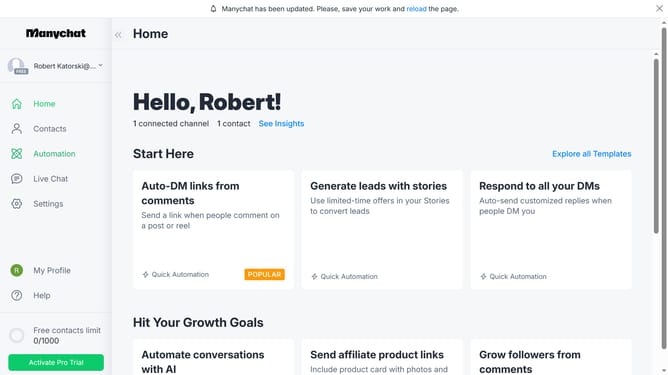
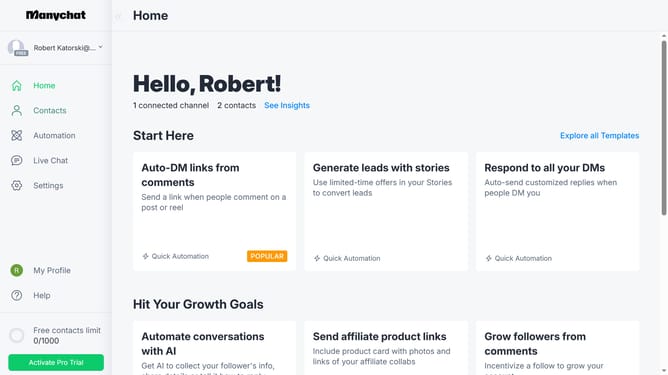
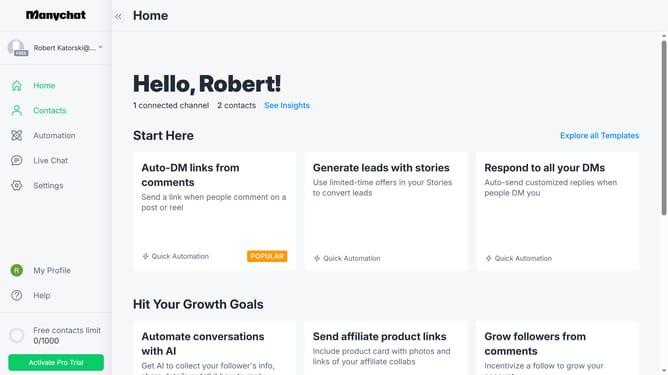
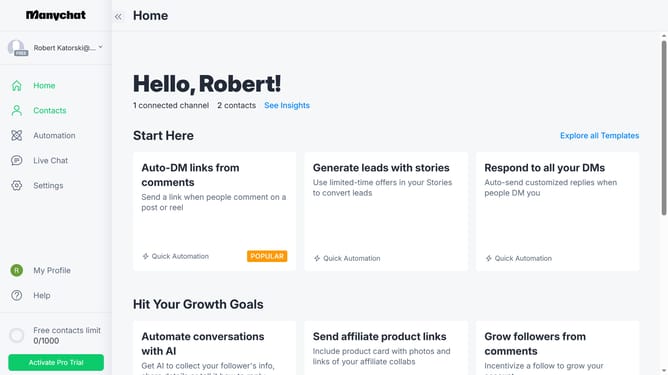
- First click on "Automation" in the left sidebar menu
- Then click on an automation in the automation list
- Click on the content block in the automation builder page
- Next scroll down in the content block details panel
- Click on "More" option at the bottom of the content blocks list
- Finally click "Video" to add the video content block
Why should you add video content block in Manychat
Manychat is a powerful platform designed to enhance customer engagement through automated chatbot interactions.
Adding a video content block in Manychat is a feature that elevates user experience by incorporating multimedia into conversations. It's an opportunity to provide dynamic and visually engaging content directly within your automated messages.
This approach enriches communication and is ideal for tutorials, product demos, or sharing compelling stories that captivate your audience's attention, leaving a memorable impact. Videos boost interaction rates and ensure the message is more relatable and enjoyable for viewers.
Last update