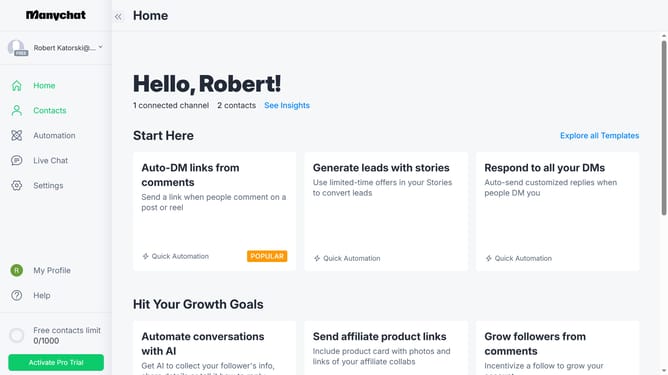
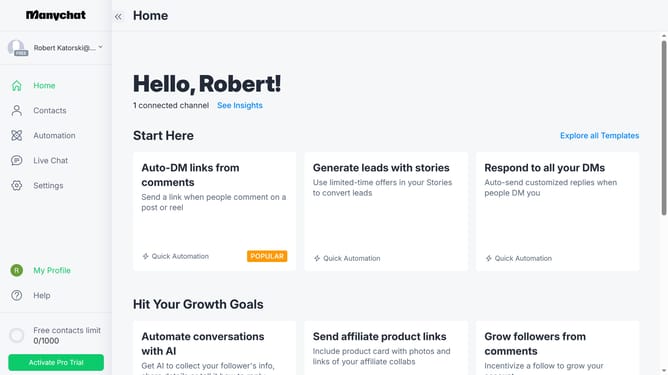
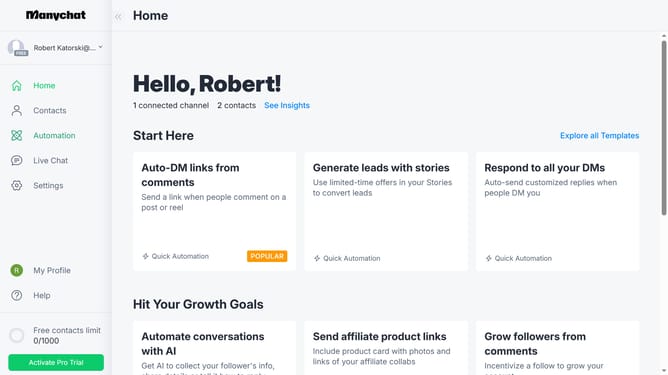
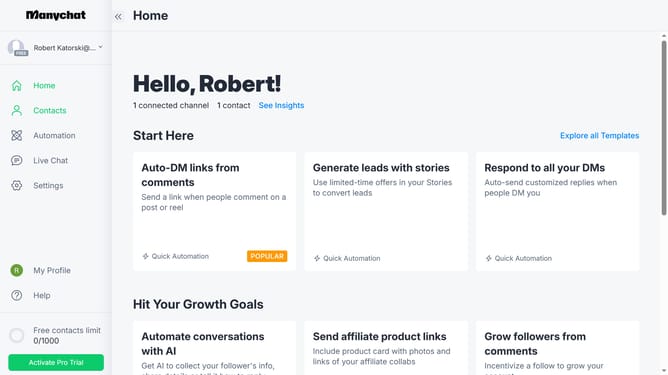
How to delete an Instagram conversation starter in Manychat
Here is how to delete an instagram conversation starter in manychat
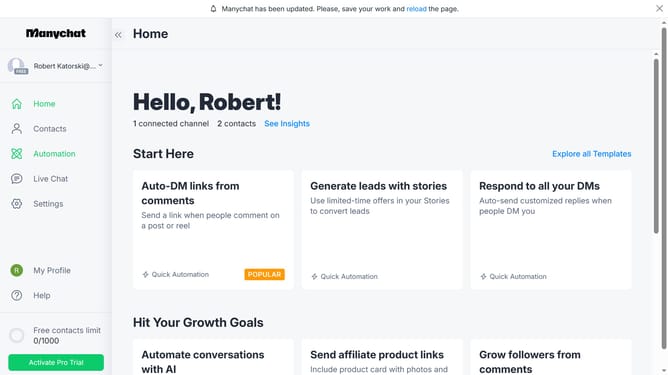
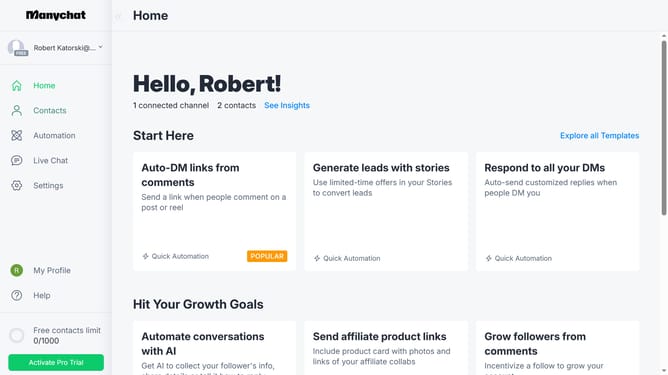
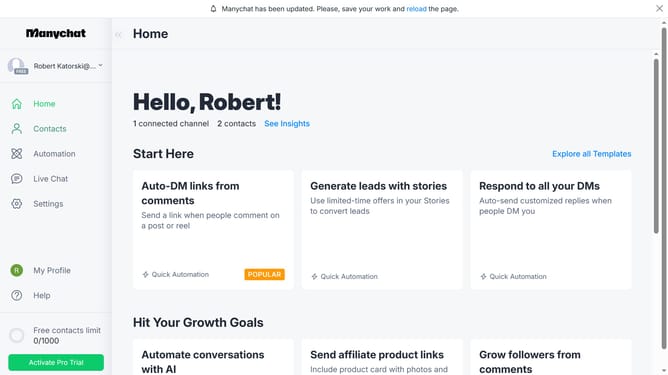
- First click on the "Settings" option in the left sidebar menu
- Then click on the "Instagram" channel in the Channels section
- Next scroll down in the settings
- Then click on the "Edit" button next to "Conversation Starters"
- Next click on the conversation starter you want to delete from the list
- Finally click on the "Delete" button to delete the conversation starter
Why should you delete an Instagram conversation starter in Manychat
Manychat is a powerful tool designed to simplify automated messaging across social platforms.
The option to delete an Instagram conversation starter in Manychat offers a clean way to manage your interactions right from the source. It provides the flexibility to keep your communication channels organized and relevant.
By maintaining a clutter-free message flow, you can focus on the most meaningful exchanges, enhancing your customer engagement and building better relationships over time.
Last update