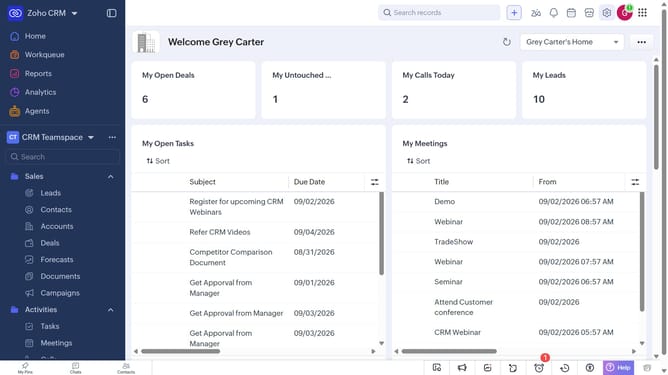
How to enable Switch Labels on Zoho CRM
Here is how to enable switch labels on zoho crm
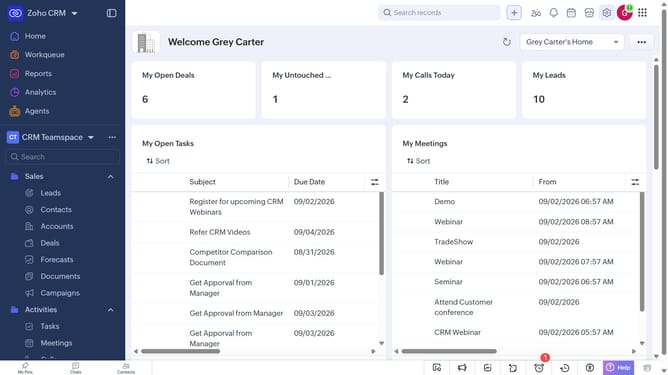
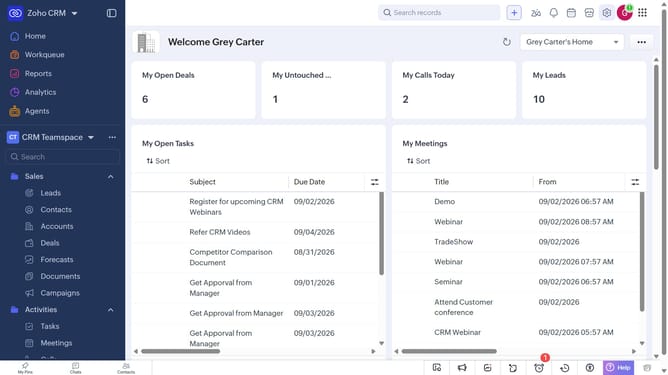
- First click on the settings icon in the top menu
- Next click on "Personal Settings" under the "General" section
- Click on the "Accessibility" tab
- After that, click on the "Vision" tab
- Then, locate the "Switch Labels" option
- Finally, turn on the toggle next to it
Why should you How to enable Switch Labels on Zoho CRM
Zoho is an innovative platform designed to streamline your business processes through a suite of cloud-based tools.
Enabling Switch Labels on Zoho CRM can dramatically simplify navigating through your customer data.
By allowing users to switch between different label views within the CRM, this feature enhances the user experience by offering flexibility and clarity.
It ultimately leads to a more organized workspace, reducing time spent on searching and fostering a more efficient workflow. Enjoy smoother data management at the click of a button with this powerful capability.
Last update