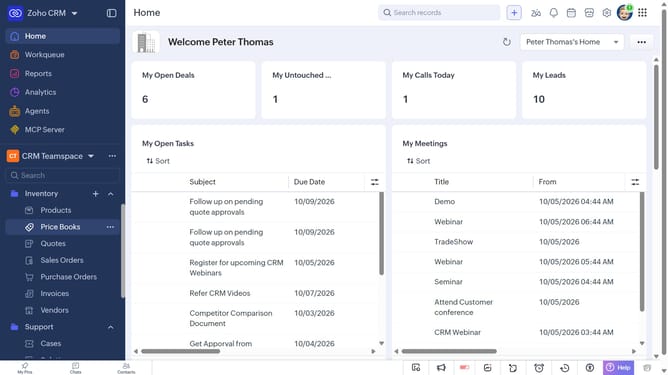
How to preview ARIA landmarks on Zoho CRM
Here is how to preview aria landmarks on zoho crm
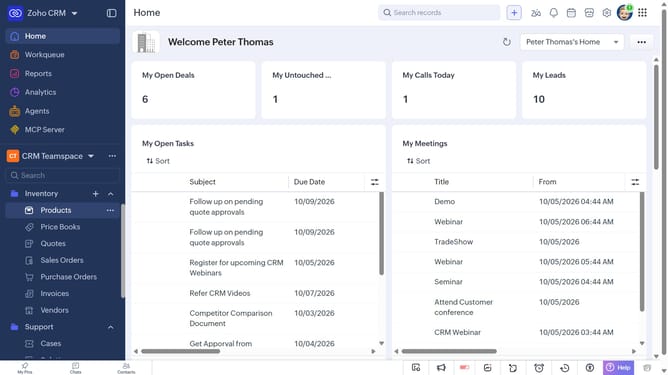
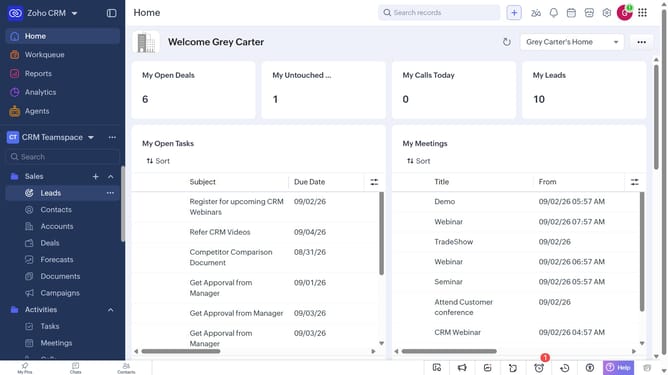
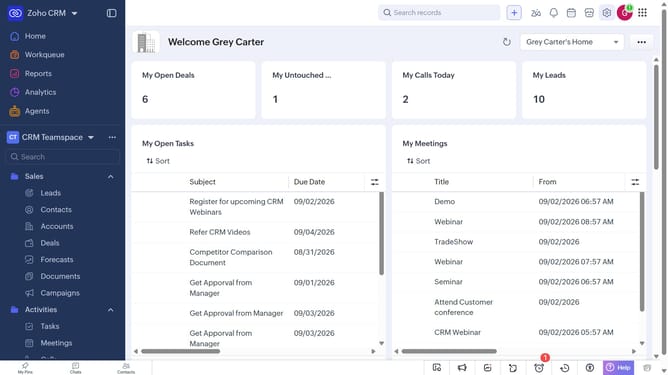
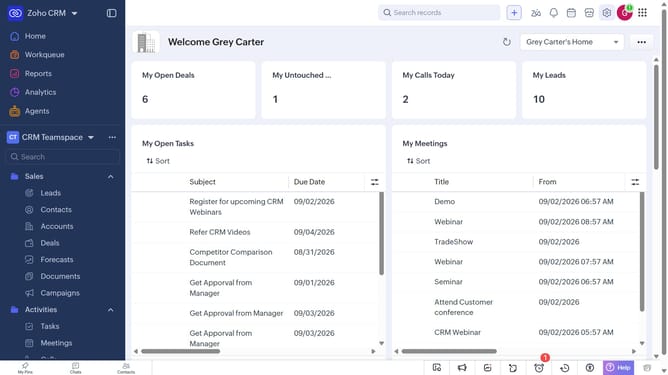
- First click on the settings icon in the top menu
- Next click on "Personal Settings" under the "General" section
- Click on the "Accessibility" tab
- After that, click on the "Vision" tab
- Then, locate the "ARIA Landmark" section
- Finally, click on "Preview" to view the ARIA landmarks
Why should you How to preview ARIA landmarks on Zoho CRM
Zoho is an all-in-one platform designed to streamline your business operations with efficiency and ease.
Discovering how to preview ARIA landmarks in Zoho CRM enhances your accessibility management and user experience. By visualizing these crucial HTML elements, users can better understand webpage structure for assistive technologies.
Utilizing this feature ensures that your CRM is more inclusive and accessible, aligning with modern web standards. It empowers your team to create well-structured content, improving navigation for all users.
Last update