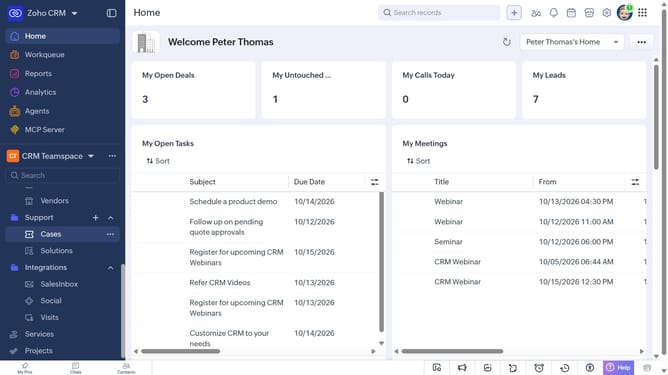
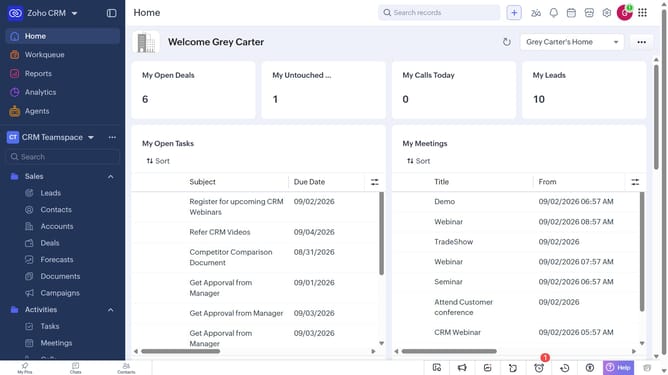
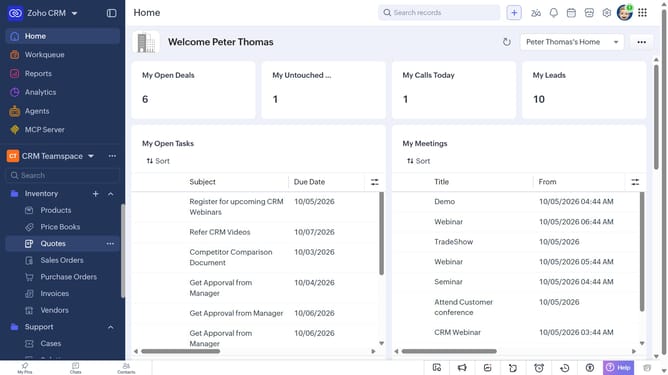
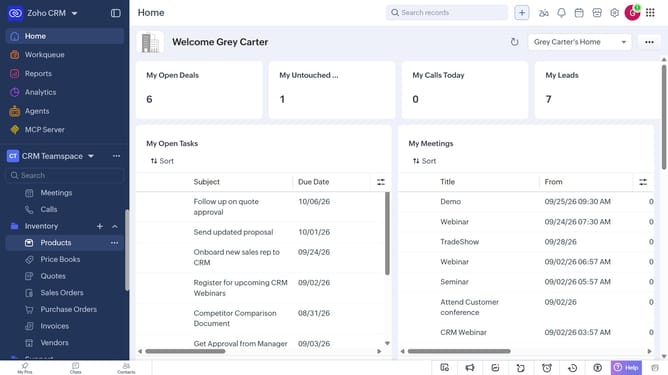
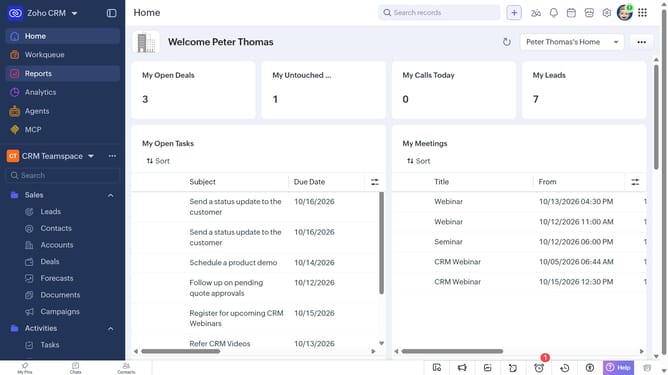
How to reset the font size to Default on Zoho CRM
Here is how to reset the font size to default on zoho crm
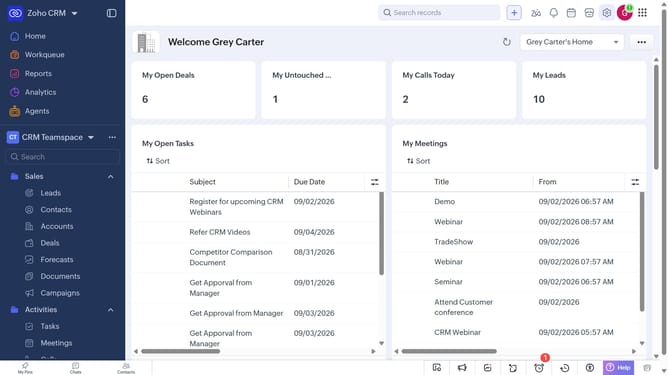
- First click on the settings icon in the top menu
- Next click on "Personal Settings" under the "General" section
- Click on the "Accessibility" tab
- After that, click on the "Vision" tab
- Then, locate the "Font Size" option
- Finally, click on the "Reset" option
Why should you How to reset the font size to Default on Zoho CRM
Zoho CRM empowers businesses to manage customer relationships smoothly and efficiently.
Resetting the font size to default in Zoho CRM ensures your interface remains consistent and easy to read, which is essential for maintaining an organized workspace.
This feature is beneficial because it prevents visual clutter and enhances readability, allowing for clearer communication and faster processing of customer information.
An easily readable interface helps teams work more effectively, avoiding misunderstandings and ensuring productivity is maximized.
Last update