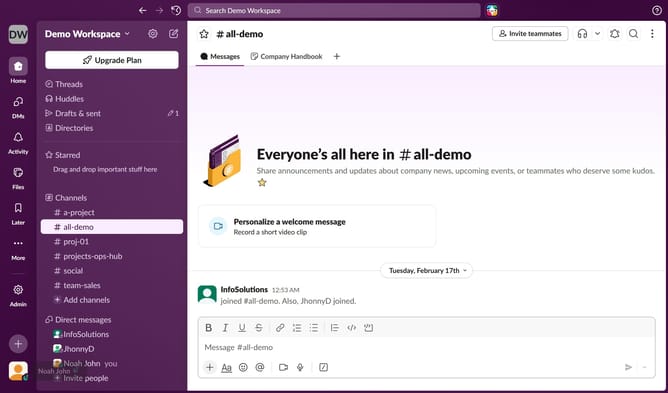
How to enable messages from VIPs in Slack
Here is how to enable messages from vips in slack
- First click on the user profile icon in the left sidebar
- Then click on "Preferences" option from the dropdown menu
- Next click on "Notifications" tab in the Preferences window
- Then select the "Messages from VIPs, even if notifications are paused" checkbox
- Finally click on the close button to exit the Preferences window
Why should you enable messages from VIPs in Slack
Slack is a collaborative platform designed to streamline team communication and enhance workplace productivity.
Enabling messages from VIPs in Slack ensures you never miss crucial updates from important stakeholders. This specialized feature allows you to prioritize communications from key individuals, fostering timely responses and efficient decision-making.
By focusing on messages from VIPs, you can streamline workflow management, reduce distractions, and maintain clear channels for critical information. This enhances overall team performance and strengthens essential connections.
Last update