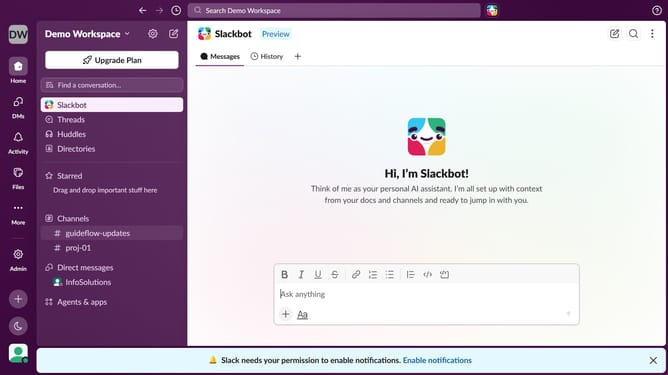
How to disable desktop notifications in Slack
Here is how to disable desktop notifications in slack
- First click on the user profile icon in the bottom left sidebar
- Then click on "Preferences" in the menu that appears
- Next, click on the "Notifications" tab in the preferences window
- After that, uncheck the "Desktop notifications" checkbox
- Finally click on the close button to exit the preferences window
Why should you disable desktop notifications in Slack
Slack is a dynamic platform designed for seamless team communication and collaboration.
Disabling desktop notifications in Slack can be an effective strategy to maintain focus during tasks that require deep concentration. By turning off these alerts, you create a space that minimizes interruptions, allowing you to engage fully in your work without unnecessary breaks in concentration.
This feature is especially beneficial for users who are managing multiple responsibilities and need to prioritize tasks without constant digital distractions, fostering a more efficient work environment.
Last update