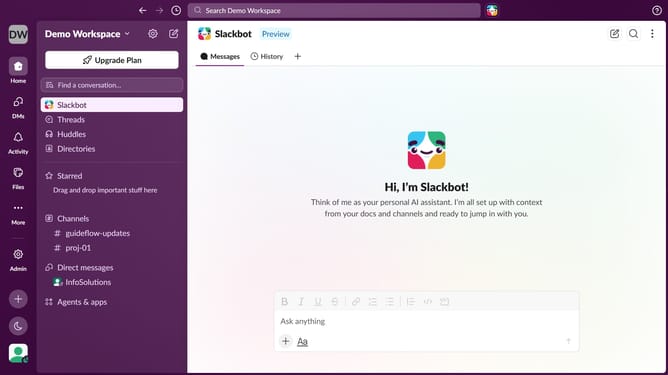
How to rename a folder in Slack
Here is how to rename a folder in slack
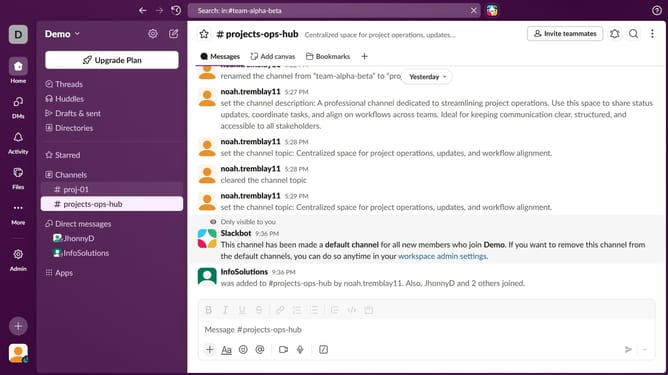
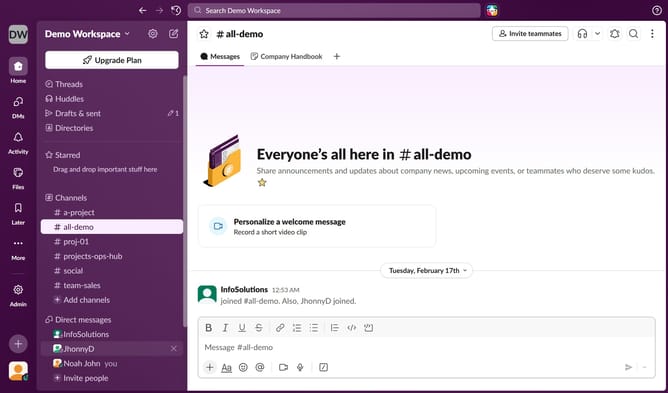
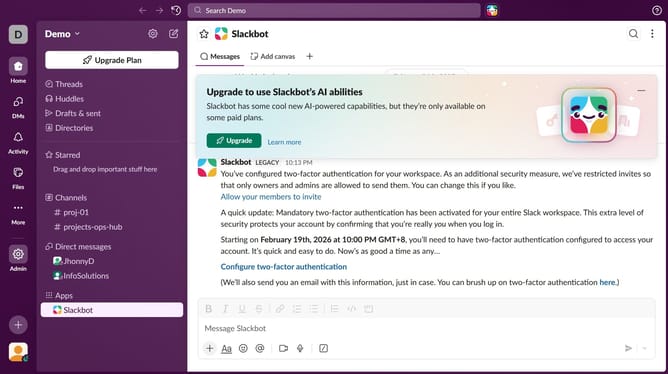
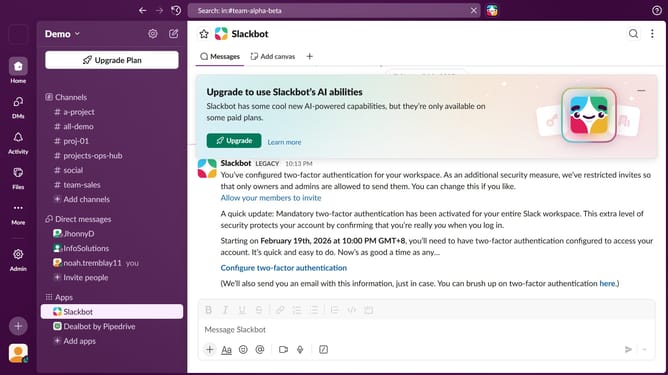
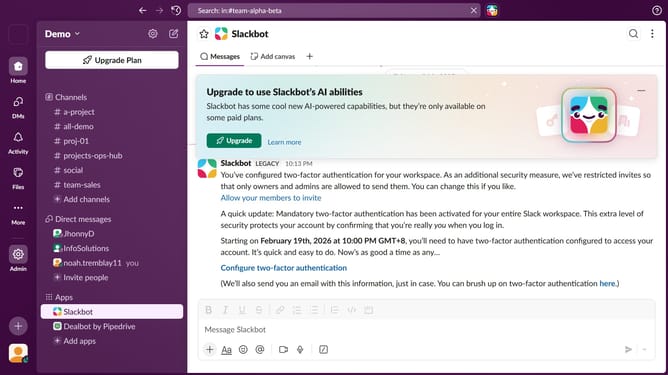
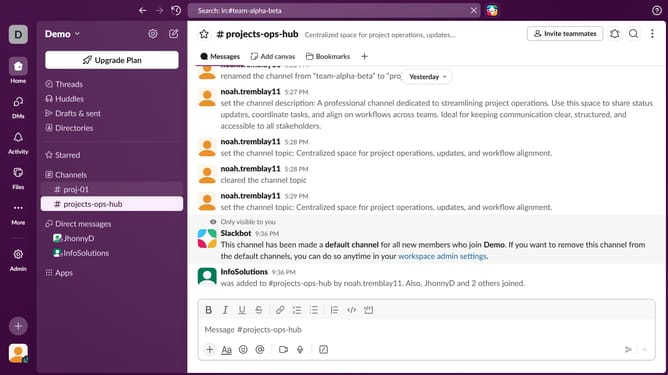
- First click on a channel in the left sidebar
- Then click on file button in the main panel header
- Then right-click on file button
- Then select "Rename folder" from the dropdown menu
- Then click on folder name text input and edit it
- Finally click on "Save" button
Why should you rename a folder in Slack
Slack is a dynamic platform designed to streamline team communication and collaboration.
Renaming a folder in Slack is a feature that enhances organization by allowing users to keep their workspace tidy and well-structured.
This feature is beneficial for maintaining clarity, making sure that every team member can easily find and navigate folders relevant to their work.
By enabling renaming, Slack helps promote efficiency and focus, ensuring that teams can remain agile and responsive in their communication.
Last update