Slack
Slack is a business communication platform that organizes team conversations into channels and direct messages.
Website
Industry
Collaboration
Share this article:

How to sort channels alphabetically in Slack

Here is how to sort channels alphabetically in slack

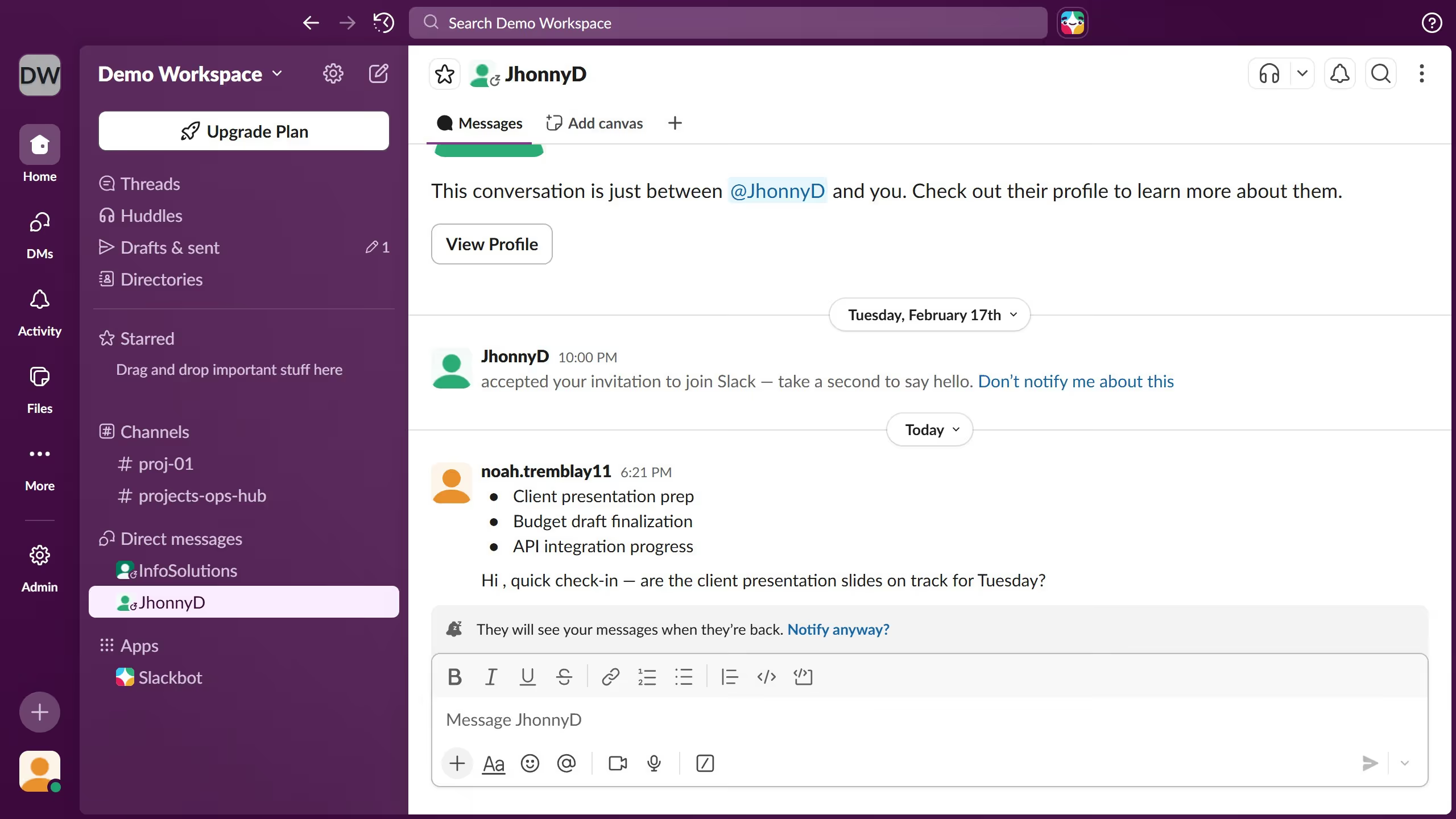
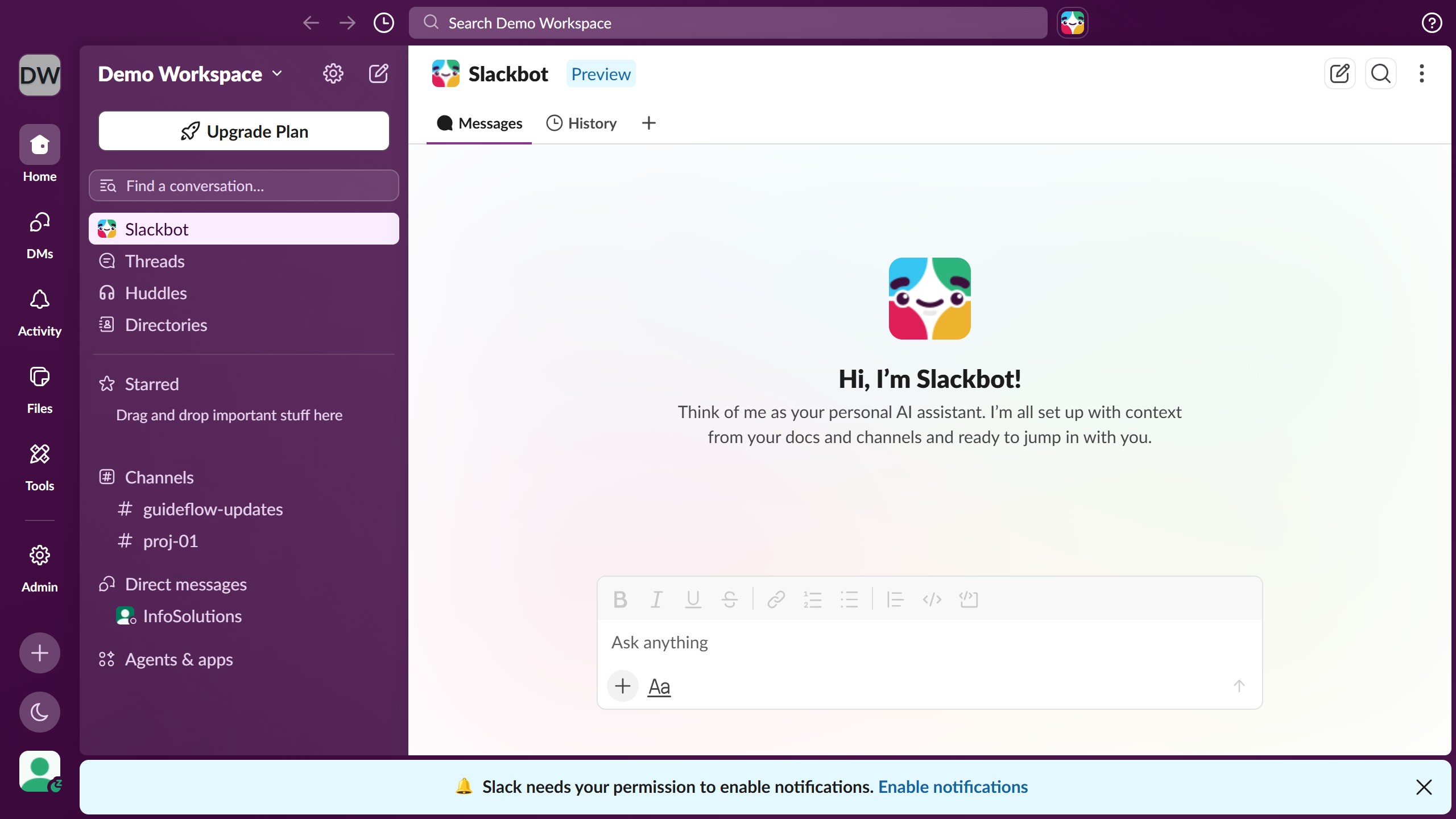
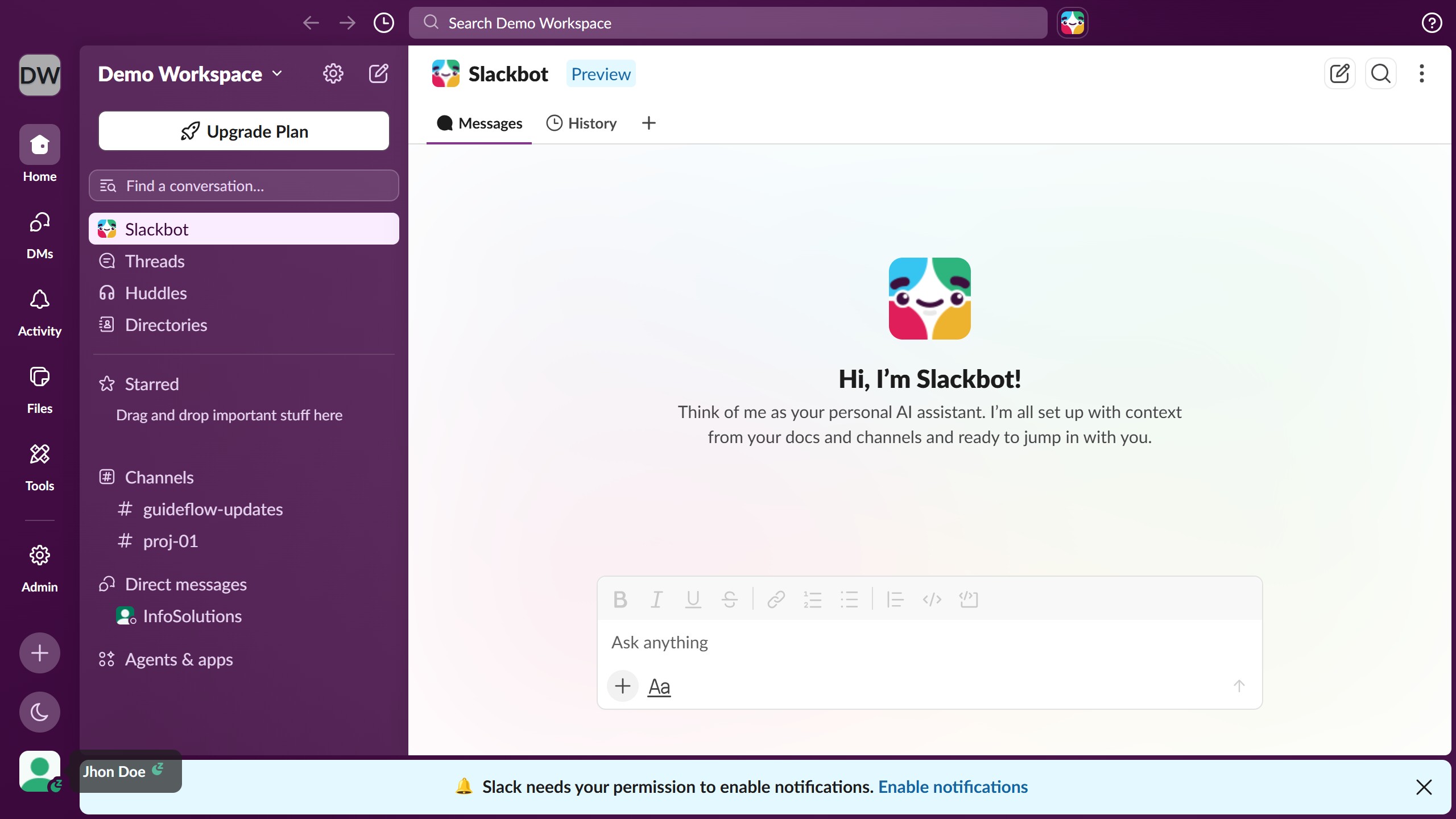
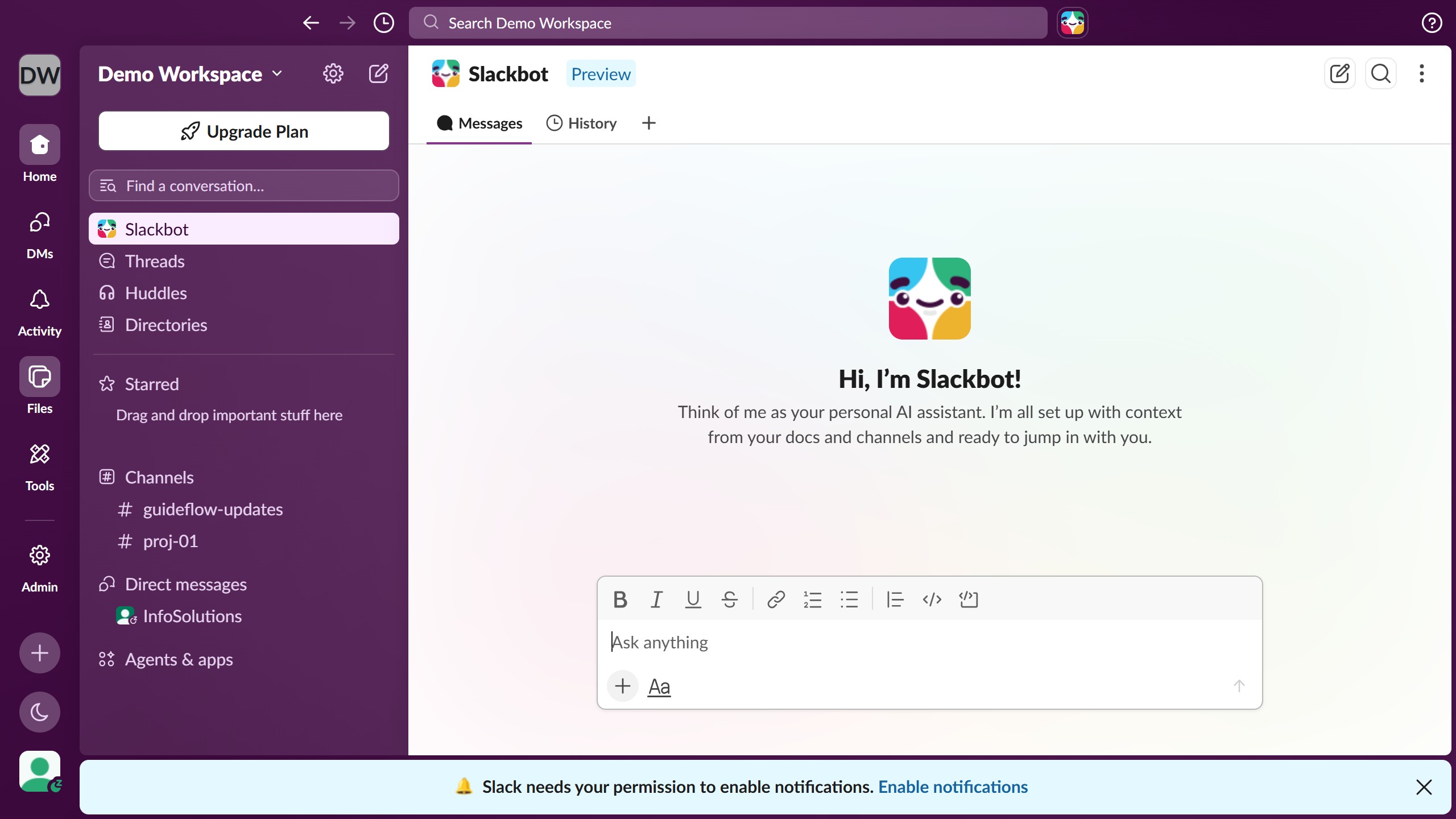
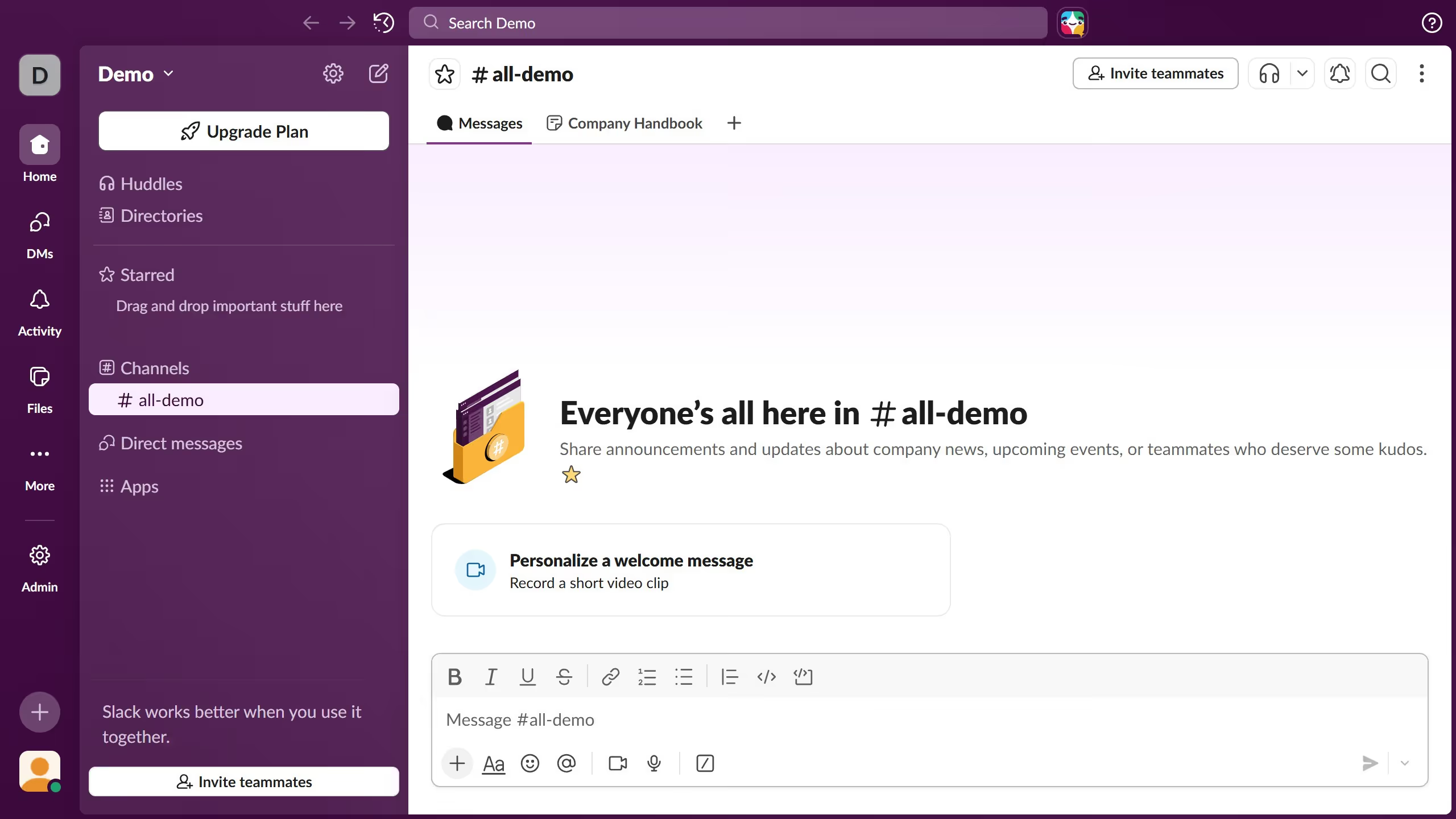
  1. First click on the user profile button in the bottom left corner of the sidebar
  2. Then click on the "Preferences" option in the profile dropdown menu
  3. Next select the "Home" option in the left navigation menu of the Preferences dialog
  4. Then scroll the page down to see more options
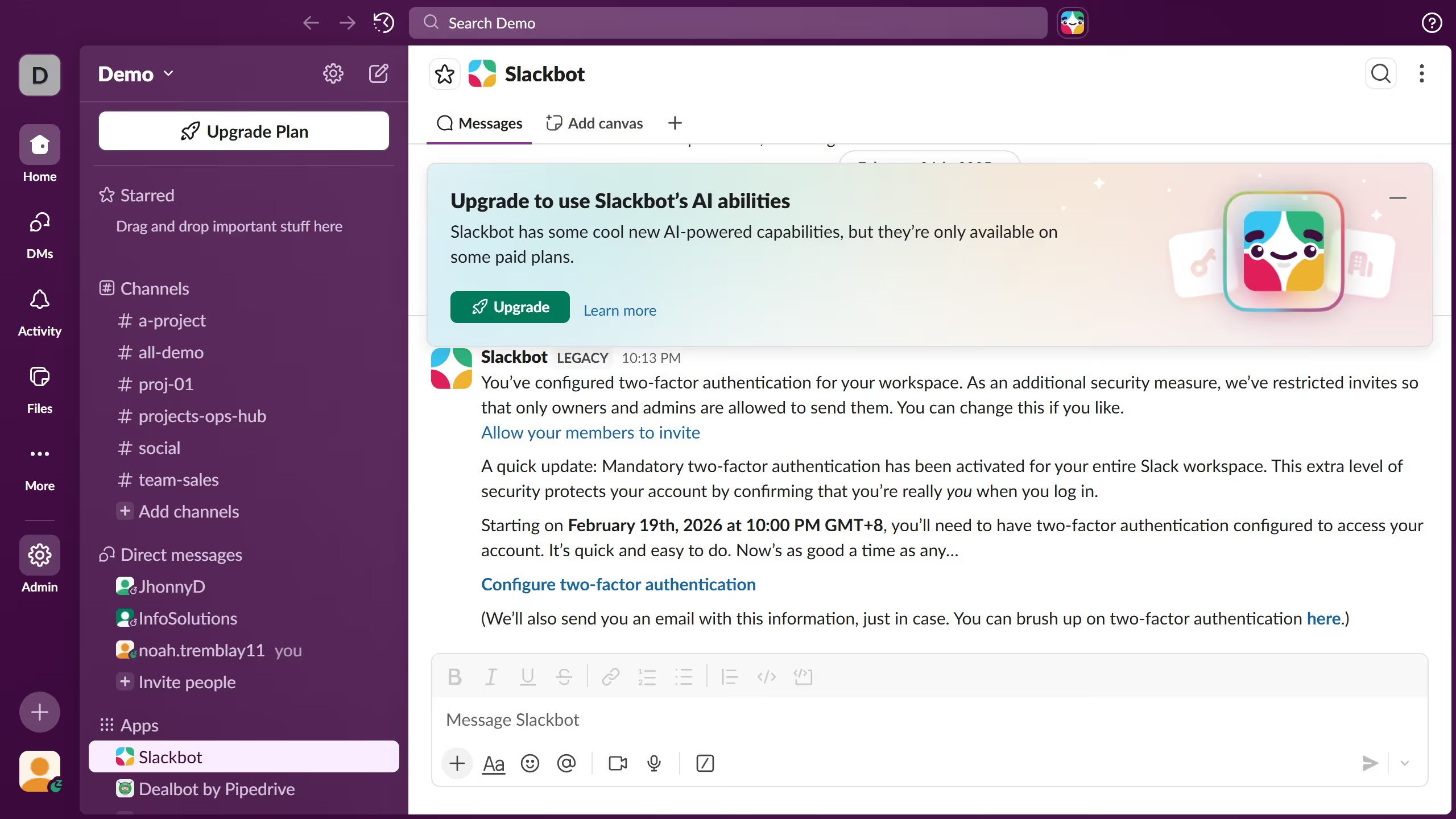
  5. Then select the "Channels alphabetically and DMs by recent activity" radio button in the Sort conversations by section
  6. Finally click the close button in the top right corner of the Preferences dialog

Create your own interactive guide with Guideflow

Why should you sort channels alphabetically in Slack

Slack is a leading team communication tool designed for seamless collaboration and productivity.

One standout feature in Slack is the ability to sort channels alphabetically.

Utilizing this feature streamlines navigation, making it simple to find specific channels quickly.

Alphabetical sorting ensures an organized workspace, saving time and enhancing efficiency as you effortlessly locate conversations.

Overall, this functionality contributes to a more structured and efficient communication experience in Slack.

Last update
March 16, 2026
Cursor MariaA cursor points to a button labeled "James."

Create your first demo in less than 30 seconds.