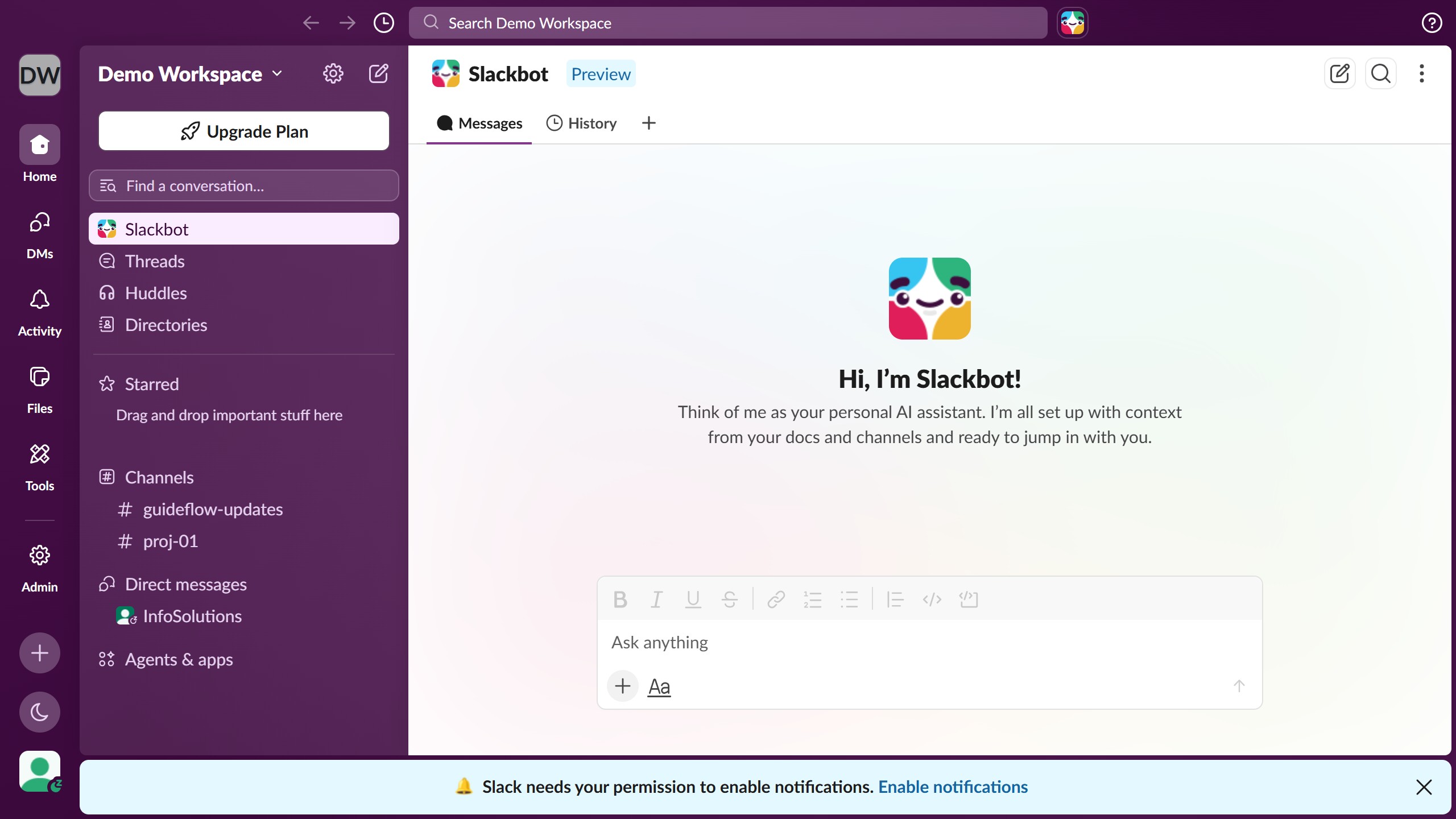
Here is how to view a contact's information in slack
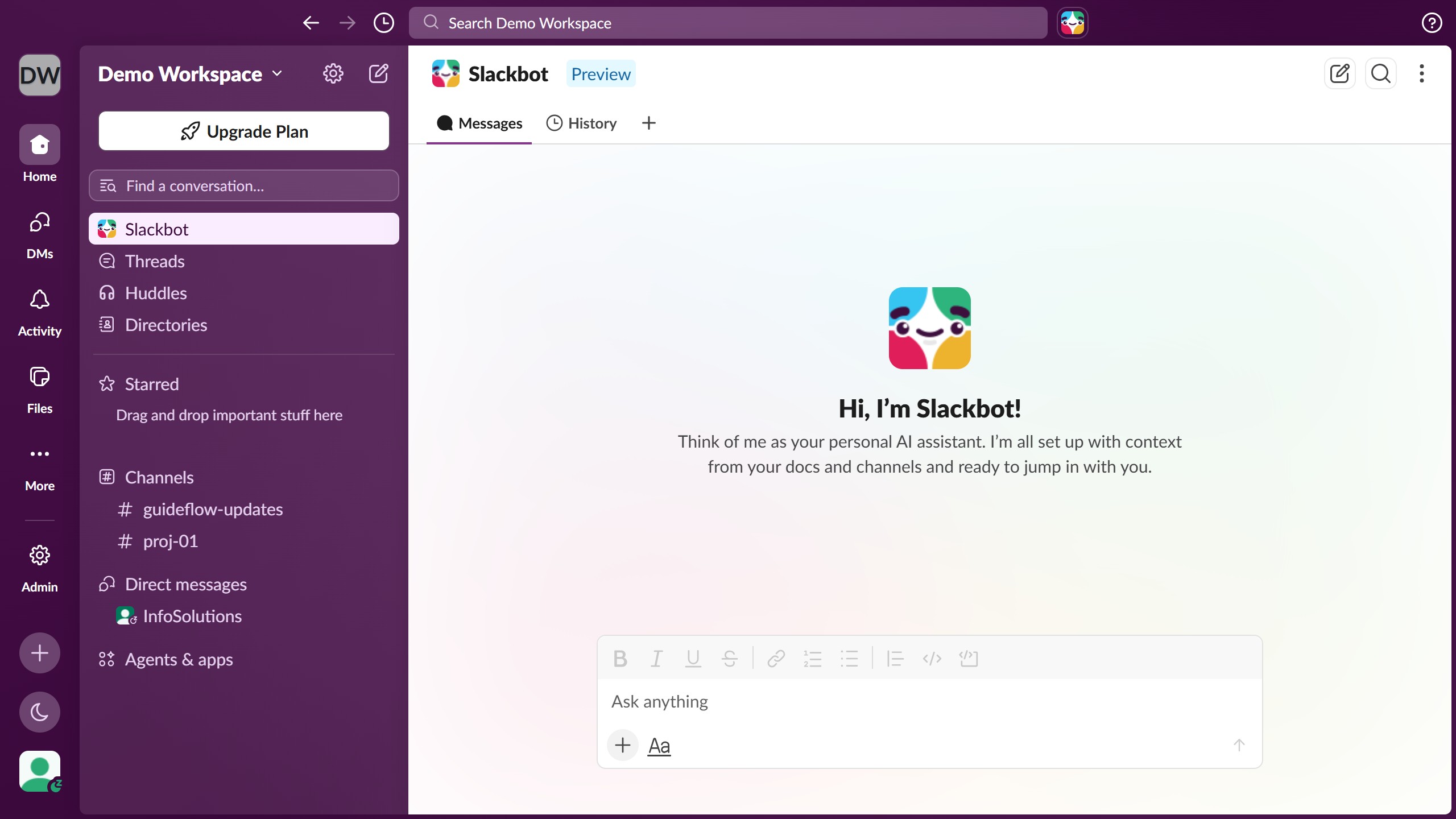
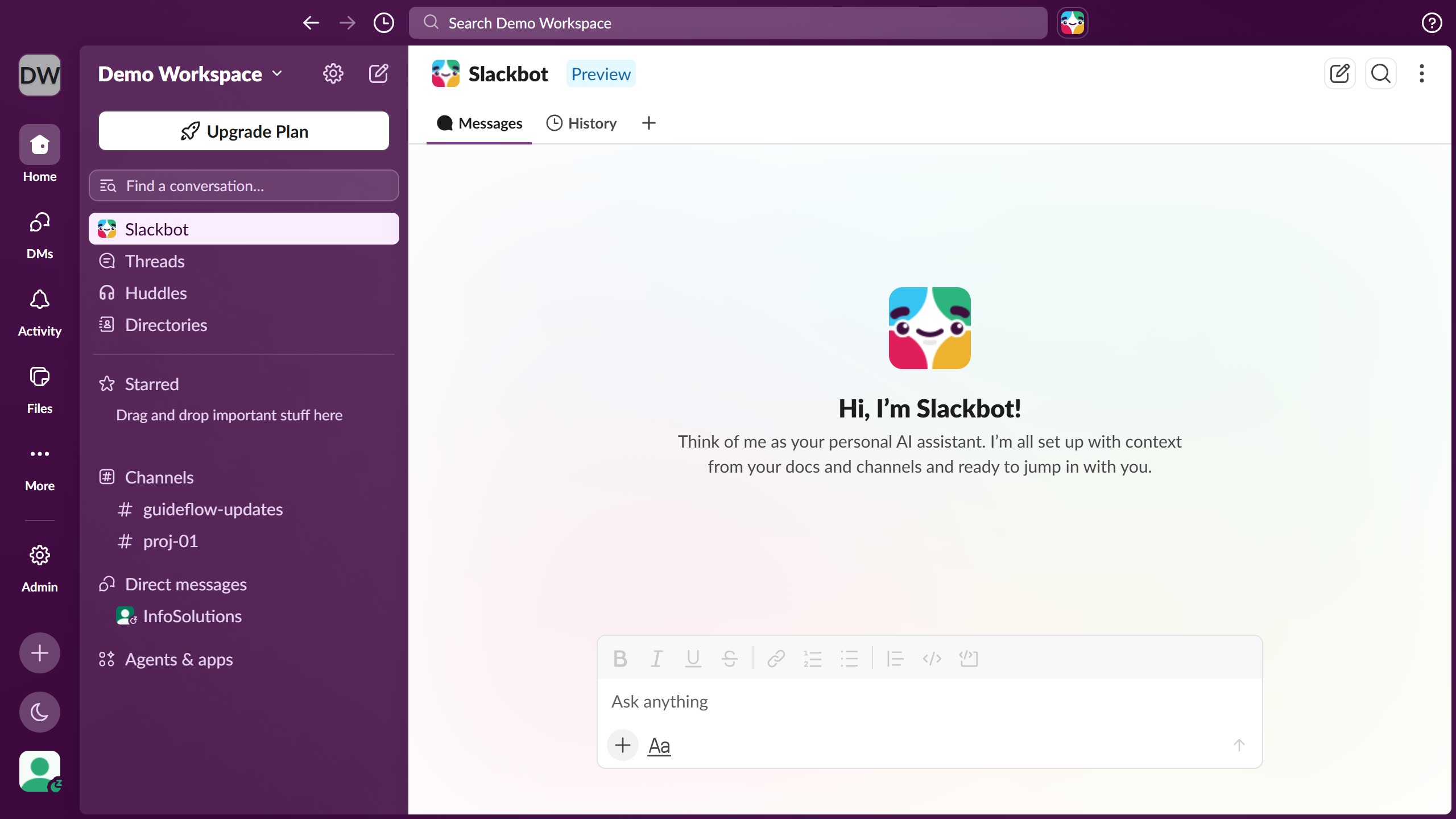
- First click on "Directories" in the sidebar
- Then click on the profile card in the main content area
- Finally view the expanded profile panel showing contact information and status details


Create your own interactive guide with Guideflow
Slack is a dynamic collaboration hub designed to streamline communication within teams.
Viewing a contact's information in Slack is a feature that enhances connectivity and interaction. By easily accessing contact details, team members can swiftly connect with one another, facilitating smoother collaboration and quicker decision-making.
The ability to see a contact's information aids in personalizing communication and understanding each team member’s roles and responsibilities, fostering a more cohesive and efficient work environment.
Why leading companies build with Guideflow