Slack
Slack is a business communication platform that organizes team conversations into channels and direct messages.
Website
Industry
Collaboration
Share this article:

How to add your start date in Slack

Here is how to add your start date in slack

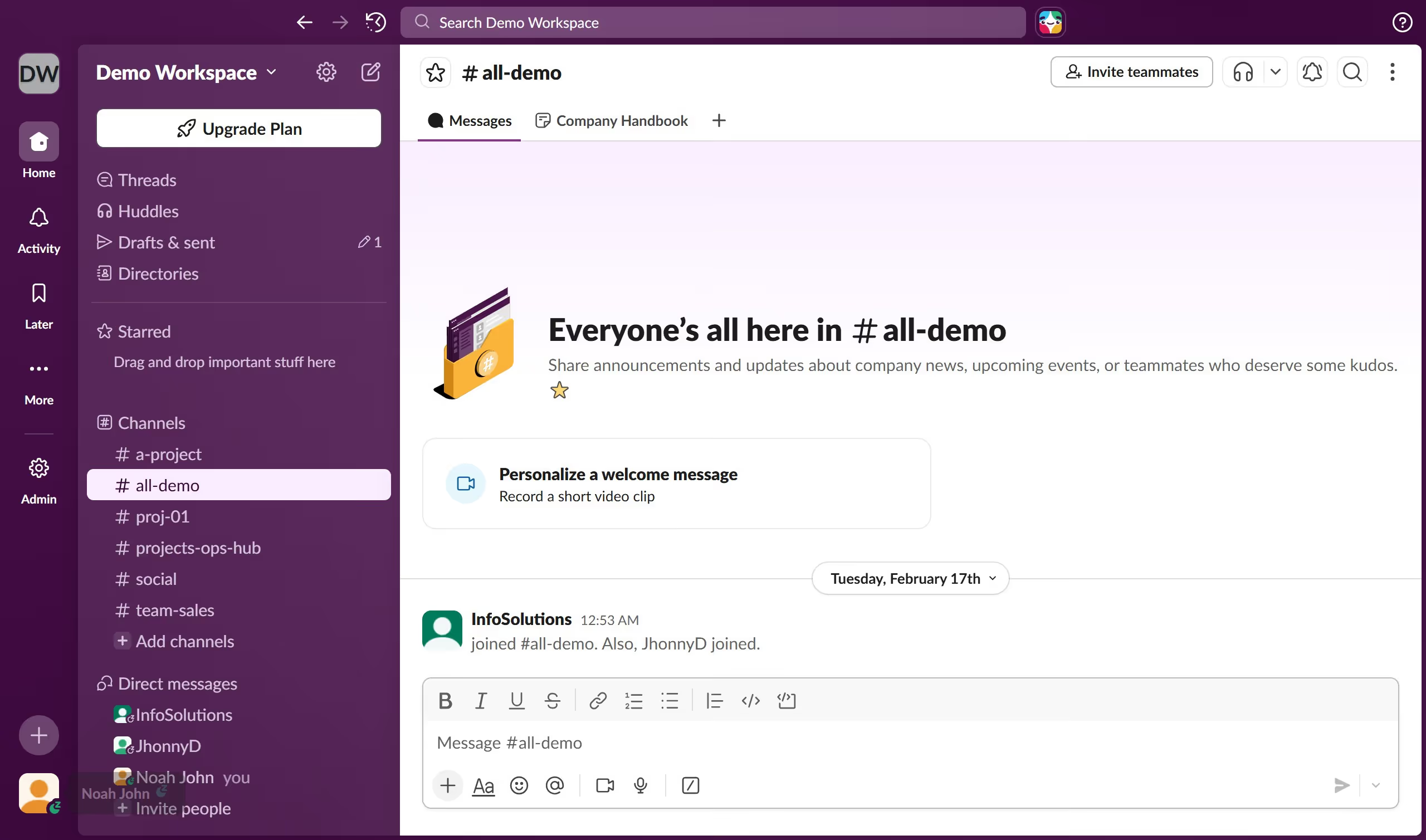
  1. First click on the user avatar in the bottom left corner of the sidebar
  2. Then click on "Profile" in the dropdown menu
  3. Next click on "Edit" link in the "About me" section of the profile panel
  4. Then click on "Select date" dropdown in the "Edit About me" dialog
  5. Then select a date from the date picker calendar
  6. Finally click on "Save Changes" button to confirm the date selection

Create your own interactive guide with Guideflow

Why should you add your start date in Slack

Slack is a dynamic platform that enhances team collaboration and communication.

One valuable feature is the ability to add your start date in Slack. This helps create a personal touch in your profile, signaling to teammates when you came aboard.

Displaying your start date fosters team connection, helping colleagues recognize your contributions timeline. It not only personalizes interactions but also aids managers in tracking team member anniversaries and milestones.

Utilizing this feature enriches workplace relations, nurturing a sense of community and recognition within the organization.

Last update
March 16, 2026
Cursor MariaA cursor points to a button labeled "James."

Create your first demo in less than 30 seconds.