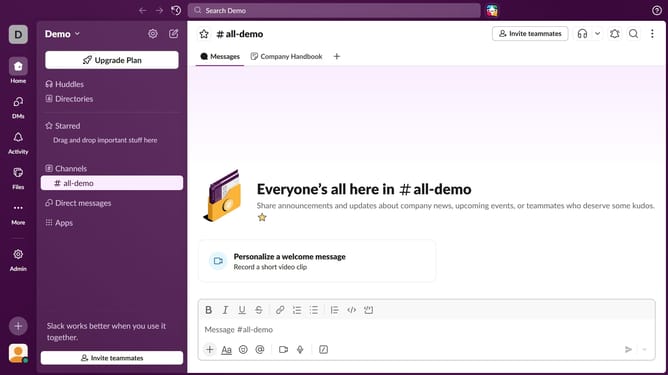
How to share files in a channel in Slack
Here is how to share files in a channel in slack
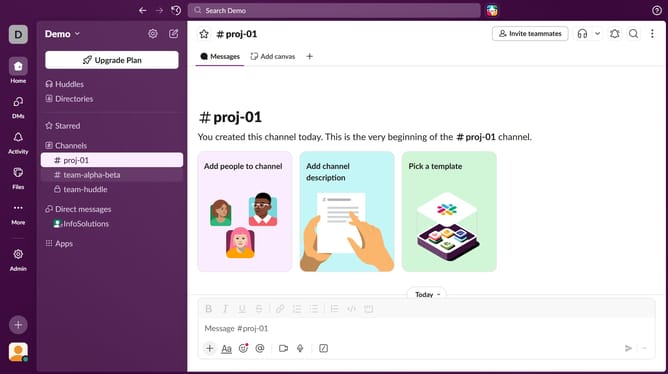
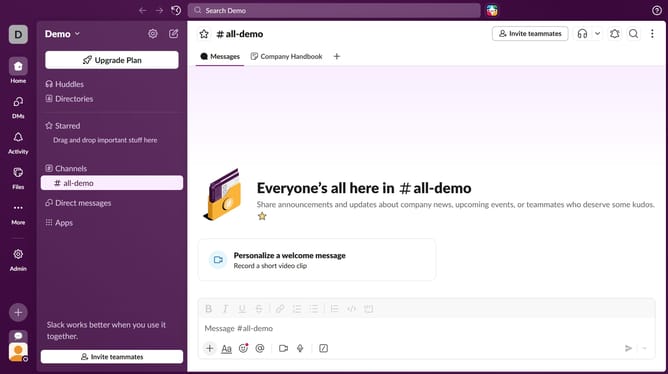
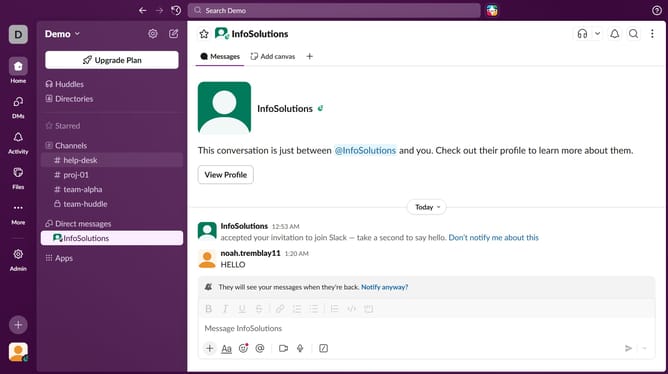
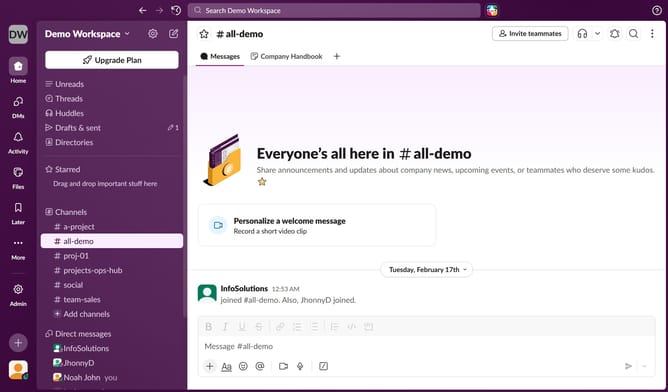
- First, click on a channel in the left sidebar
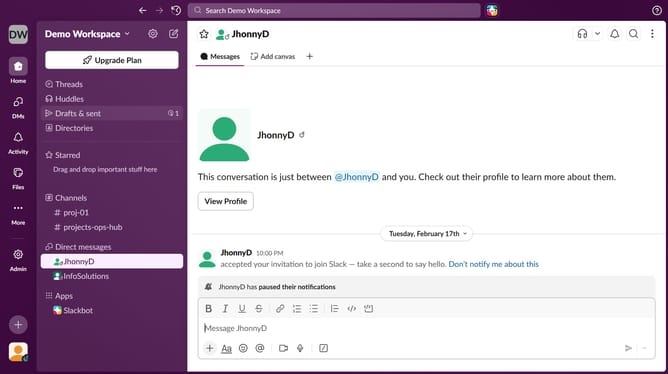
- Then, click on the "+" button below the message input field
- Next, select "Upload from your computer" from the dropdown menu
- Finally, click on the "Send now" button to upload your file
Why should you share files in a channel in Slack
Slack, the leading collaboration platform, is designed to streamline team communication and workflow.
Sharing files in a channel on Slack enhances team productivity by ensuring everyone has access to essential documents quickly. This feature allows for the seamless integration of files directly into conversations, making it easy to provide context and clarity.
With Slack's file-sharing capabilities, teams can effortlessly collaborate on projects, reduce miscommunication, and maintain a centralized hub of shared resources, simplifying project management and boosting overall efficiency.
Last update