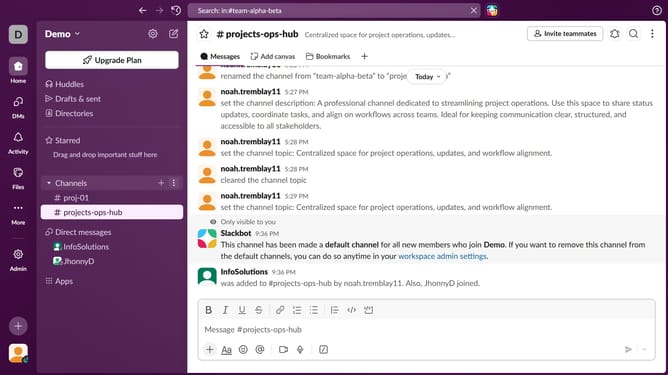
How to set a default time for reminder notifications in Slack
Here is how to set a default time for reminder notifications in slack
- First click on the user profile icon in the left sidebar
- Then click on the "Preferences" option in the sidebar menu
- Next click on the "Notifications" tab in the Preferences window
- Then click on the current reminder time dropdown
- Then select a new time from the dropdown list
- Then click on the close button in the top right corner of the Preferences window
Why should you set a default time for reminder notifications in Slack
Slack is a powerful communication platform designed to streamline collaboration and productivity.
Setting a default time for reminder notifications in Slack helps ensure you never miss important tasks or meetings. This feature enables users to customize when they receive alerts, aligning them with personal schedules and avoiding distractions at peak work times.
By having reminders arrive at a consistent, convenient time, you enhance focus and maintain a seamless workflow. Ultimately, it's about optimizing your day-to-day efficiency and staying ahead of your tasks with ease.
Last update