Slack
Slack is a business communication platform that organizes team conversations into channels and direct messages.
Website
Industry
Collaboration
Share this article:

How to unmute a channel in Slack

Here is how to unmute a channel in slack

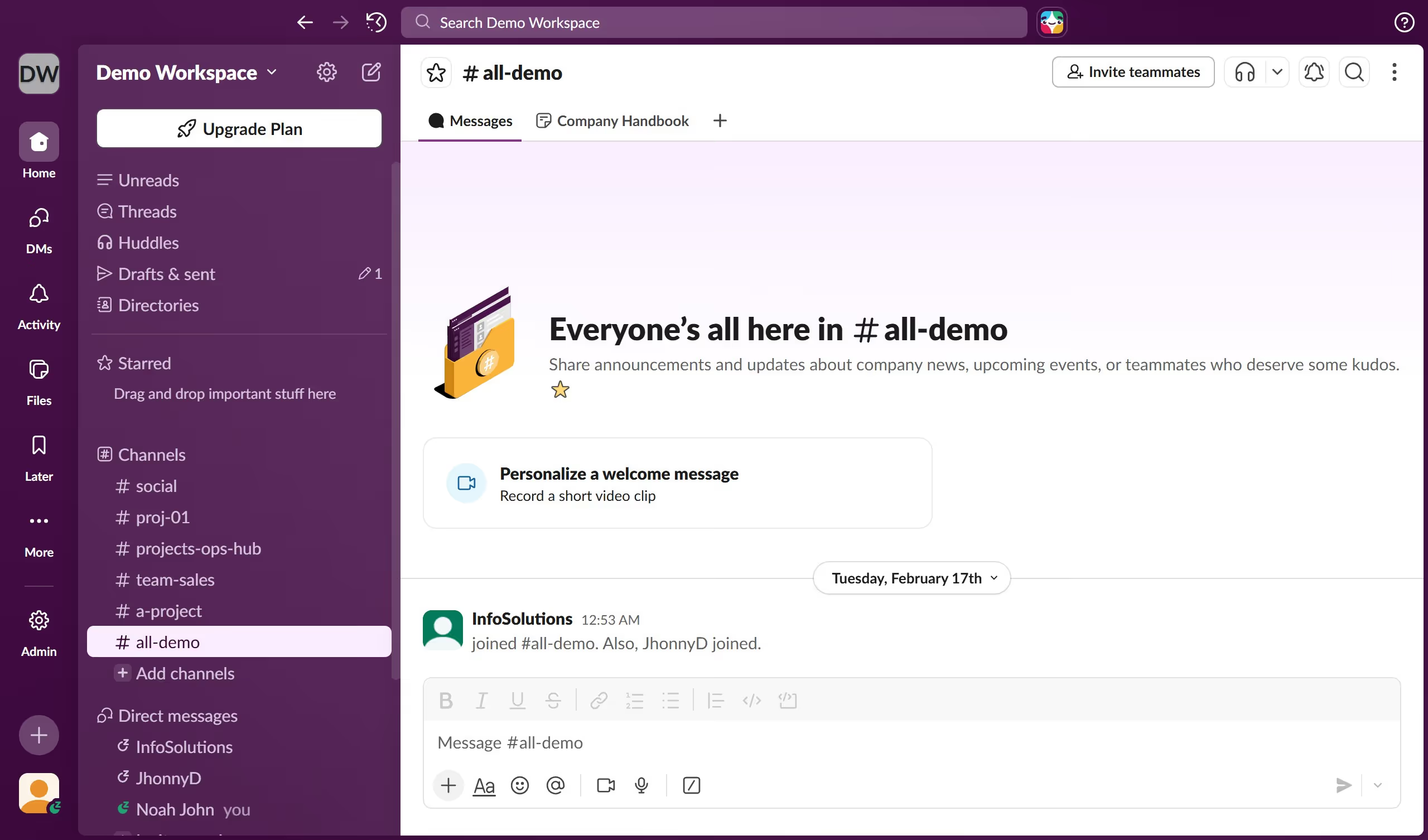
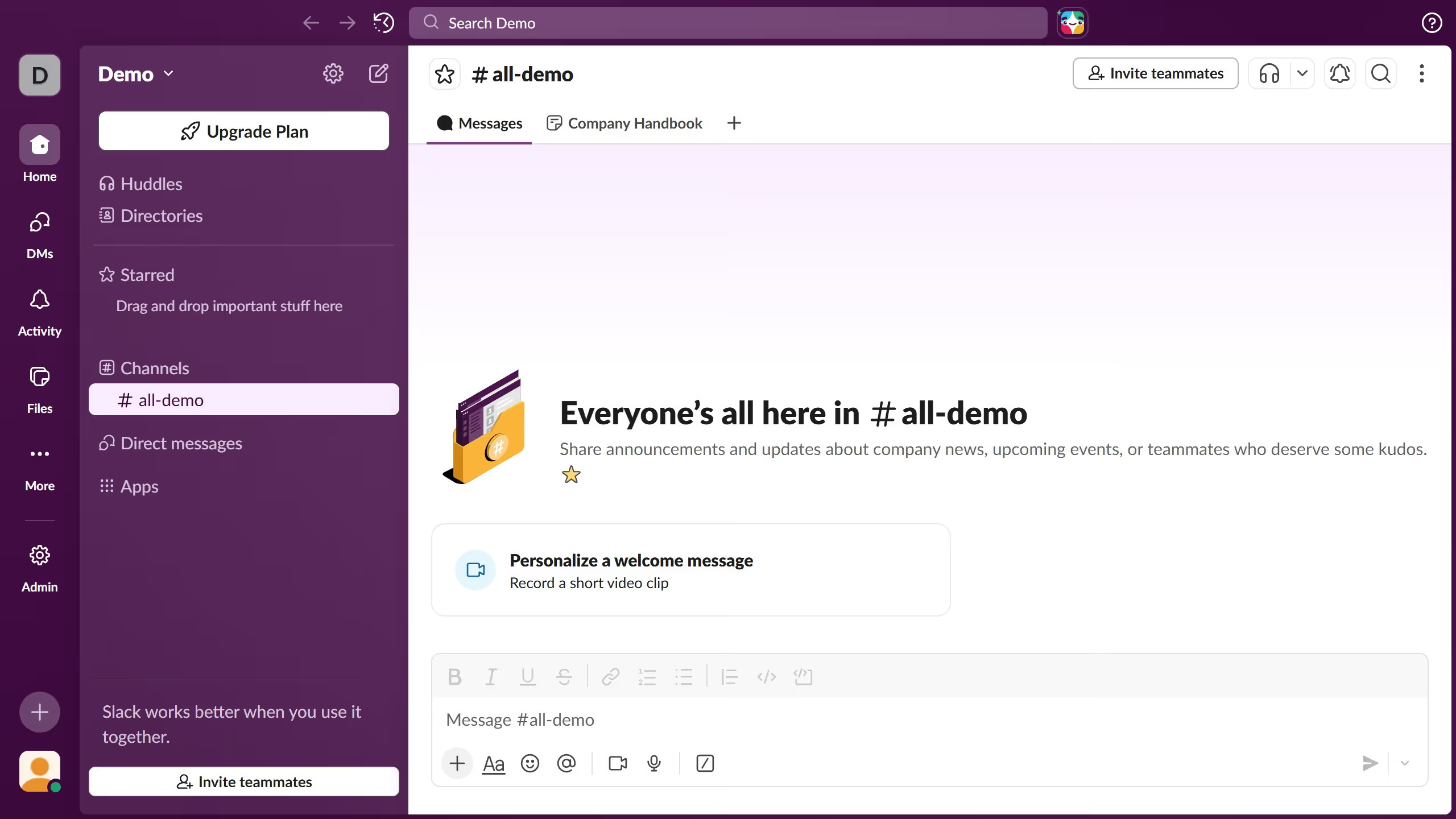
  1. First click on the "Channels" menu icon in the left sidebar to open the channels options menu
  2. Then select channel name from the dropdown menu that appears below the muted conversations section
  3. Next click on the notification preferences icon in the top right header area of the channel
  4. Finally select "All new posts" option from the notification preferences dropdown menu

Create your own interactive guide with Guideflow

Why should you unmute a channel in Slack

Slack is a powerful collaboration hub designed to streamline team communication and boost productivity.

Unmuting a channel in Slack allows you to re-enable notifications and actively engage with the ongoing discussions. This feature is particularly useful when you want to stay updated with crucial project updates or important team communications, ensuring you never miss out on essential information.

By unmuting a channel, you enhance team collaboration and foster a sense of inclusion, enabling you to contribute effectively to the collective goals.

Last update
March 16, 2026
Cursor MariaA cursor points to a button labeled "James."

Create your first demo in less than 30 seconds.