Slack
Slack is a business communication platform that organizes team conversations into channels and direct messages.
Website
Industry
Collaboration
Share this article:

How to add Zendesk app in a channel in Slack

Here is how to add zendesk app in a channel in slack

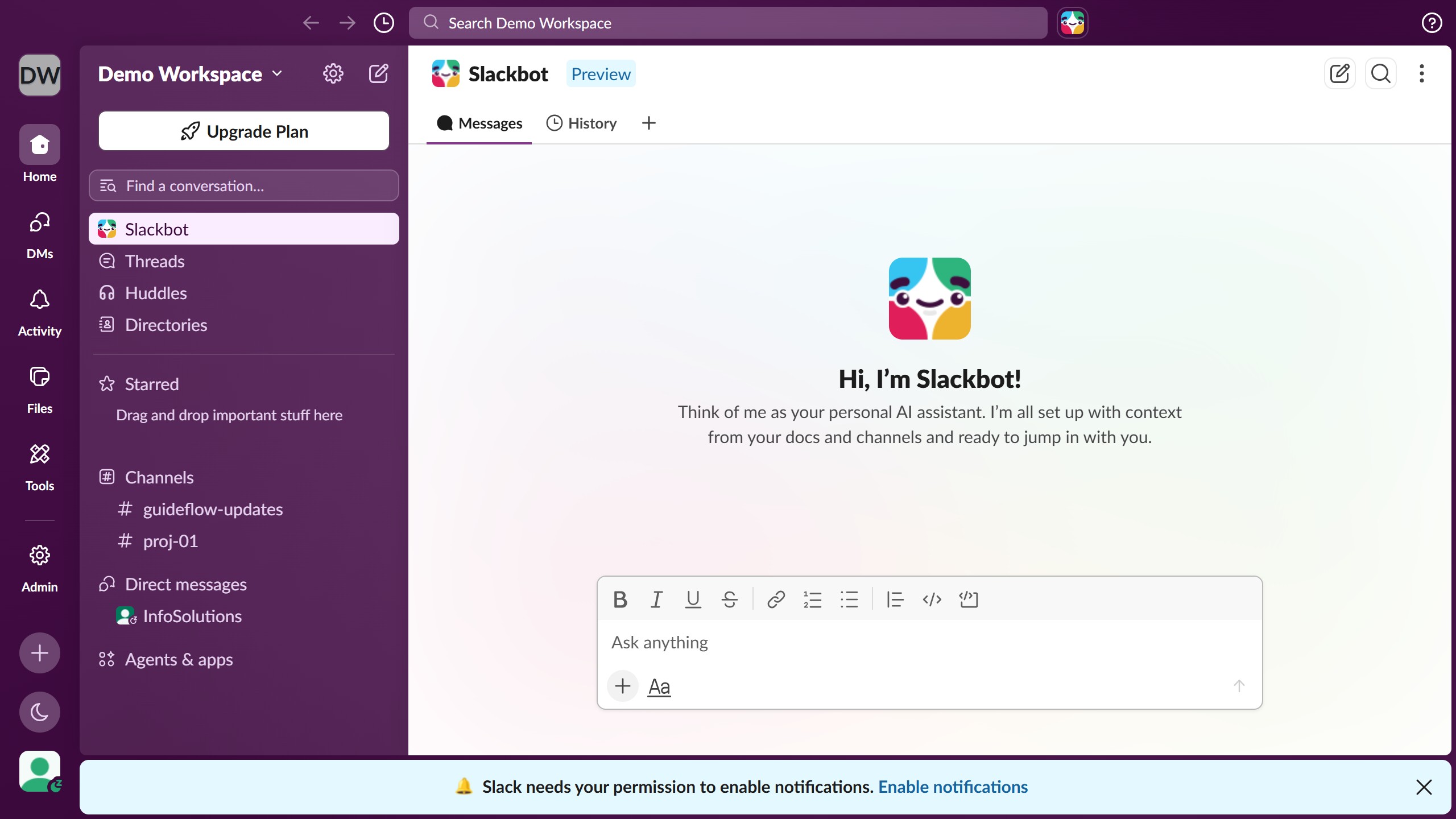
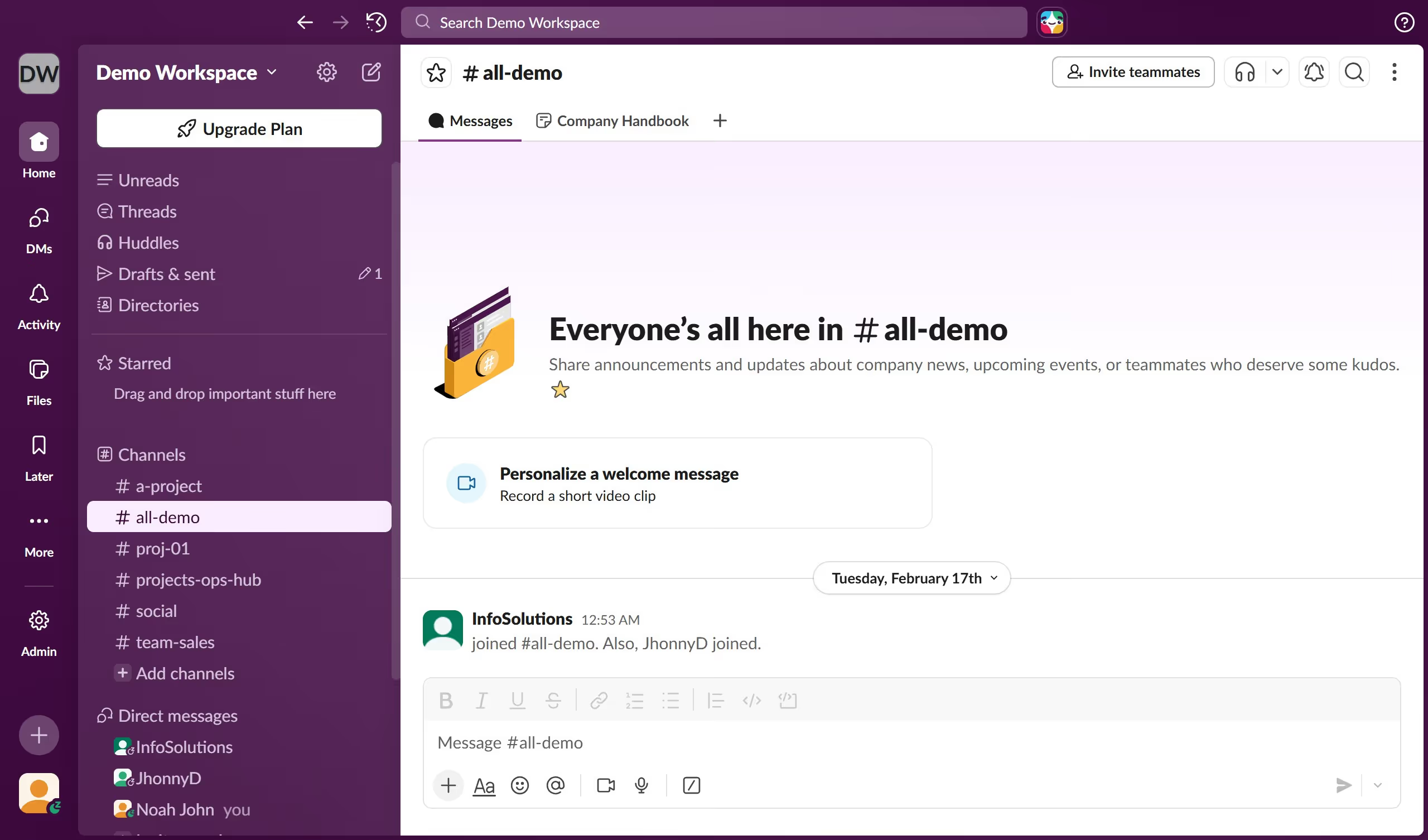
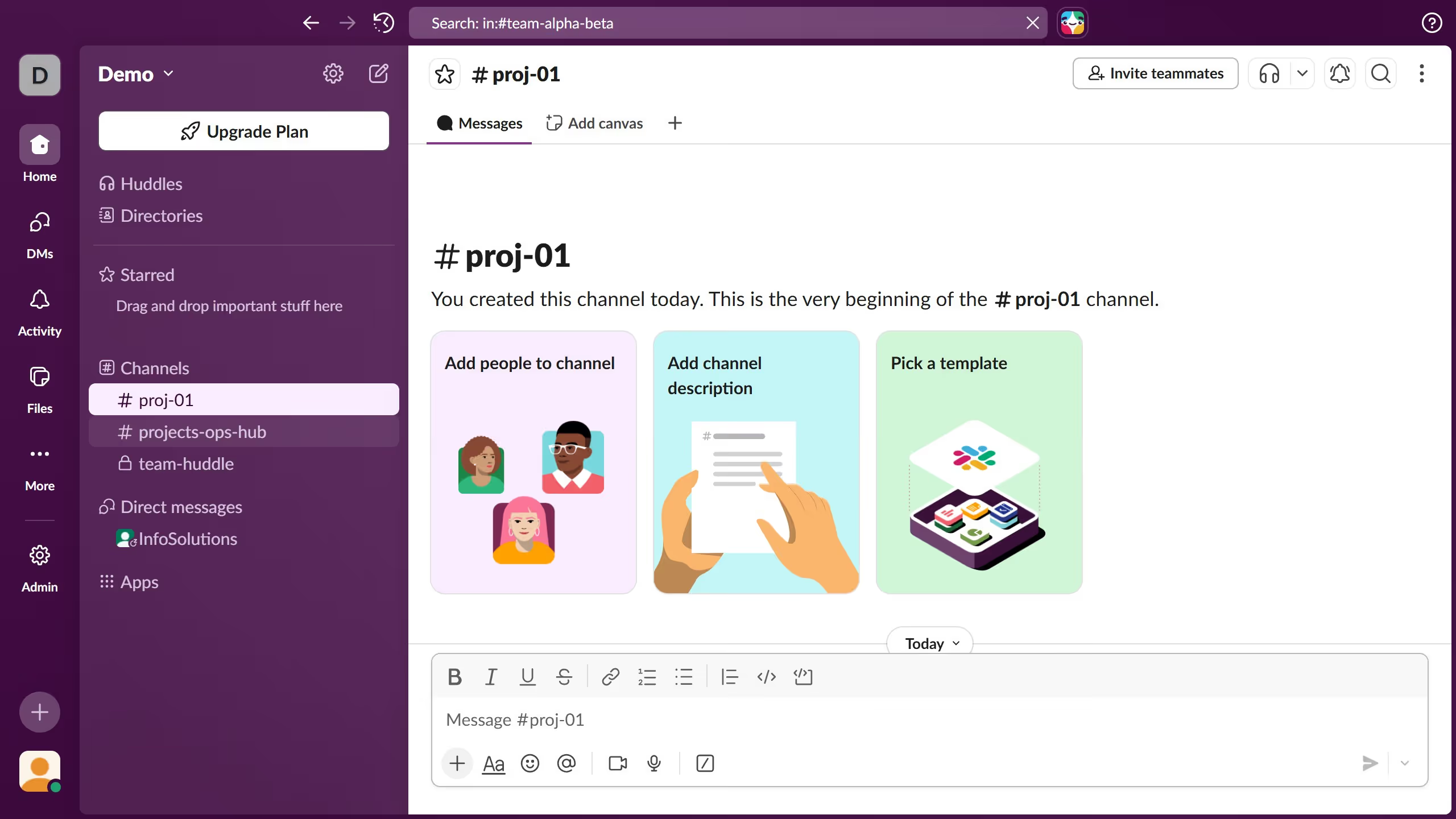
  1. First click on the channel name in the sidebar under the Channels section
  2. Then click on the "More actions" button in the top-right corner
  3. Next click on "Edit settings" option from the dropdown menu
  4. Then click on "Integrations" tab in the channel details modal
  5. Next click on "Add apps" button in the Integrations section
  6. Finally click on the "Zendesk" app from the available apps list

Create your own interactive guide with Guideflow

Why should you add Zendesk app in a channel in Slack

Slack is a collaborative platform designed to streamline communication within teams.

Integrating the Zendesk app into a Slack channel enhances your ability to manage customer service interactions directly from your team’s workspace. It allows for seamless ticket tracking, instant notifications, and quick status updates, all within the familiar Slack environment.

This integration reduces response times and boosts team productivity by bringing critical customer communication front and center, ensuring a more effective and coordinated support effort.

Last update
March 16, 2026
Cursor MariaA cursor points to a button labeled "James."

Create your first demo in less than 30 seconds.