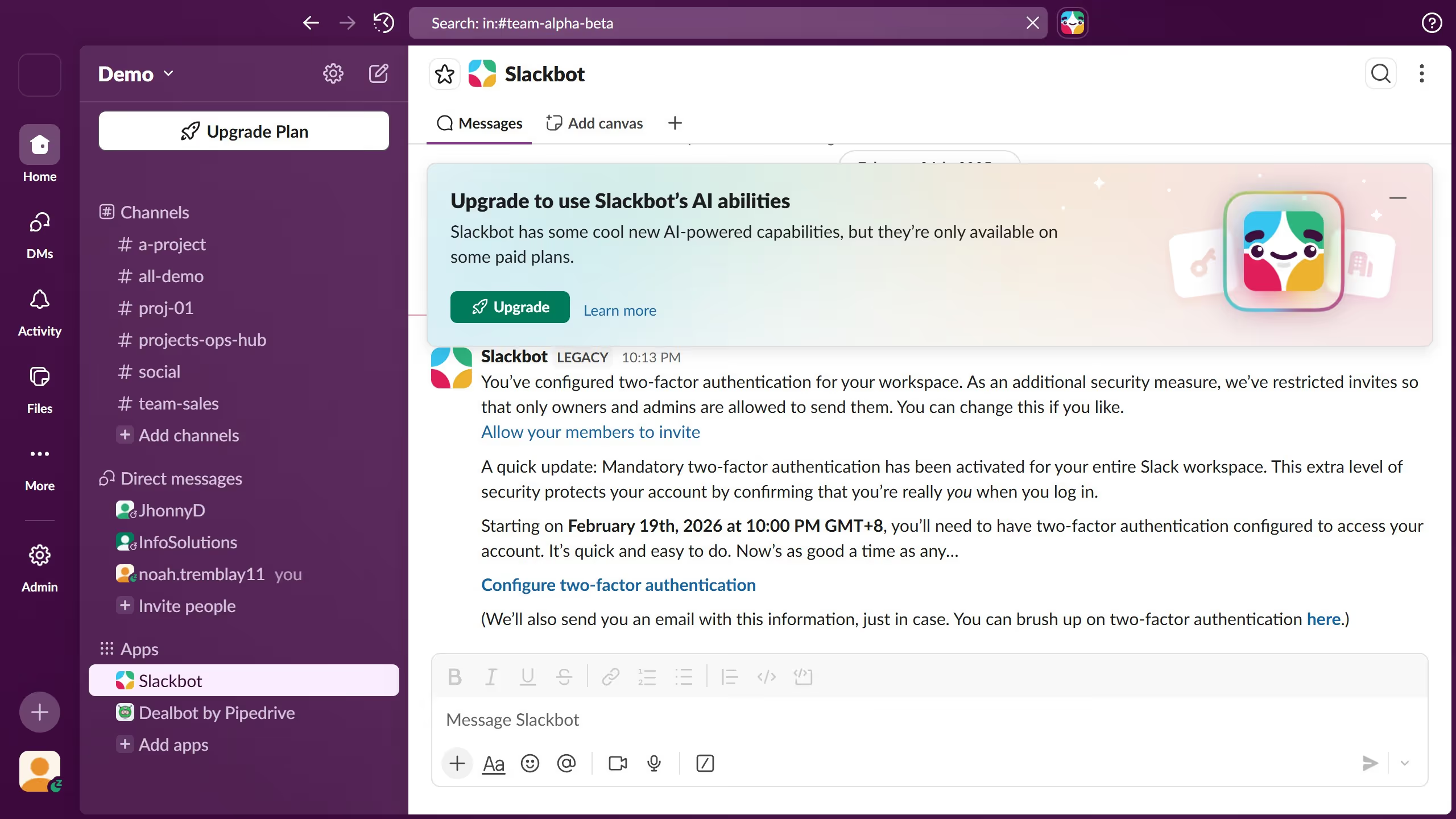
Here is how to edit notifications settings of a channel in slack
- First click on the channel name in the sidebar
- Then click on the notifications bell icon in the top toolbar
- Finally select an option in the notifications dropdown menu


Create your own interactive guide with Guideflow
Slack is a powerful communication platform designed to streamline team collaboration and enhance workplace productivity.
One of the standout features of Slack is the ability to customize notification settings for each channel. Tailoring these settings allows you to focus only on what's truly important, minimizing distractions and boosting efficiency.
By editing notification preferences, users can ensure they're alerted about crucial updates, while also maintaining the flexibility of muting less critical conversations. This feature empowers teams to manage their communication flow effectively and maintain a balanced workflow.
Why leading companies build with Guideflow