Slack
Slack is a business communication platform that organizes team conversations into channels and direct messages.
Website
Industry
Collaboration
Share this article:

How to change name display setting in Slack

Here is how to change name display setting in slack

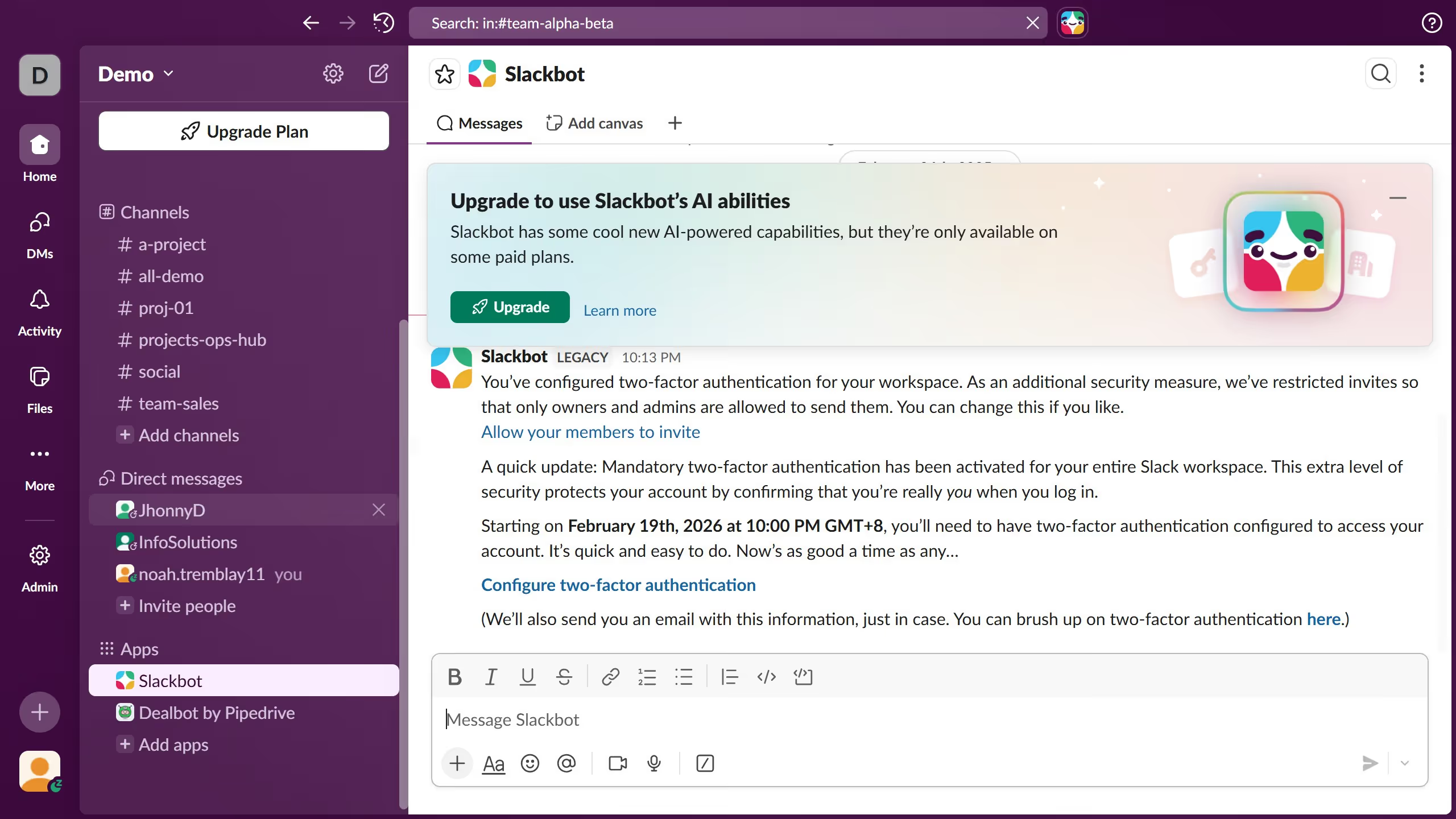
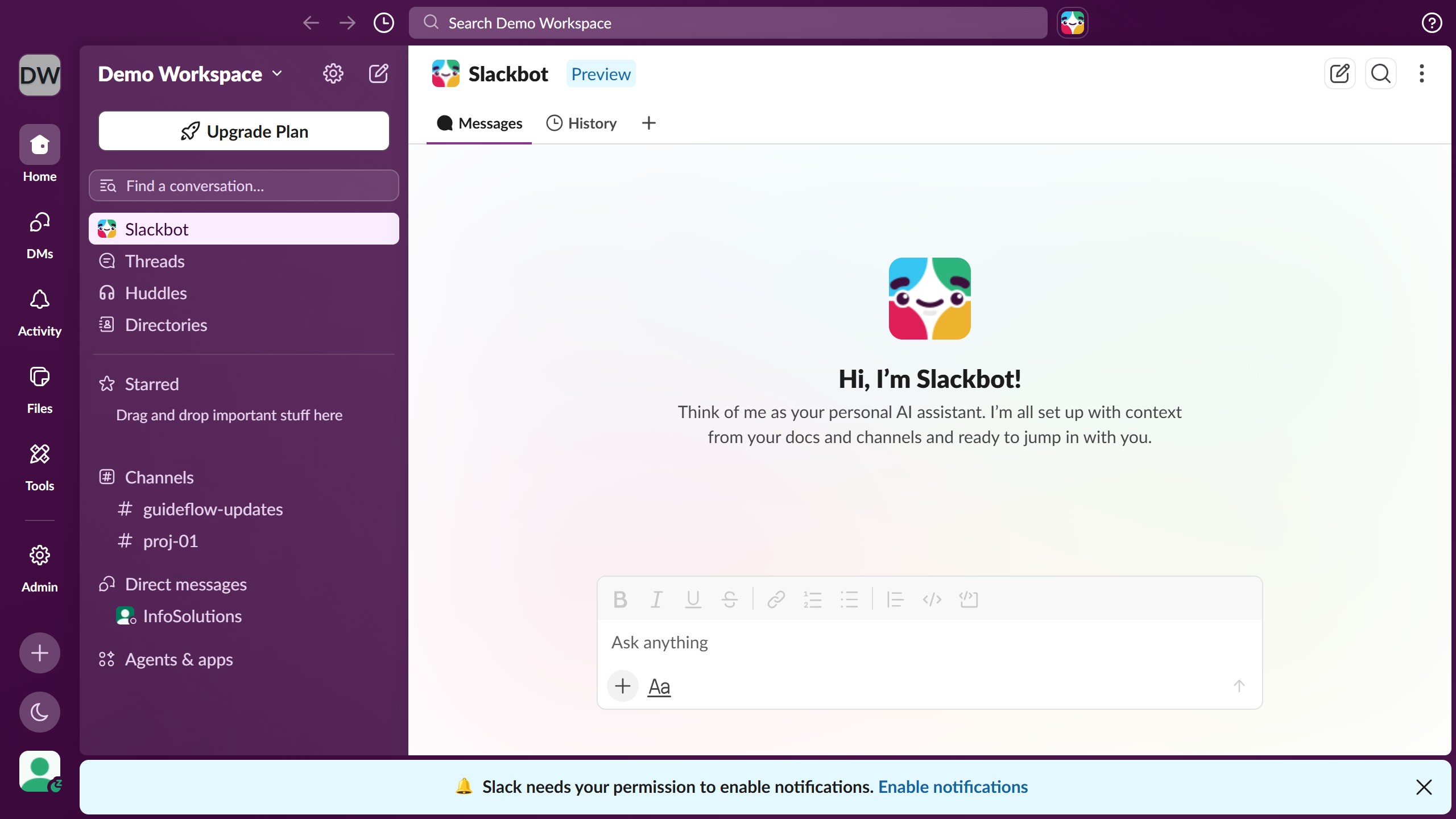
  1. First click on the profile icon in the bottom left corner of the sidebar
  2. Then click on "Preferences" from the user menu
  3. Next select "Messages & media" from the preferences sidebar menu
  4. Then select "Just display names" radio button in the Names section
  5. Finally click the close button to close the Preferences dialog

Create your own interactive guide with Guideflow

Why should you change name display setting in Slack

Slack is a dynamic collaboration hub designed to streamline team communication and enhance productivity.

Changing your name display setting in Slack is a simple yet powerful feature. It allows you to personalize your profile, ensuring that colleagues can easily identify and interact with you.

This adaptability is invaluable for teams working across varying departments and time zones, as it helps maintain clarity and cohesion in conversations.

Leveraging this feature fosters a more connected work environment, enhancing collaboration and fostering team spirit.

Last update
March 16, 2026
Cursor MariaA cursor points to a button labeled "James."

Create your first demo in less than 30 seconds.