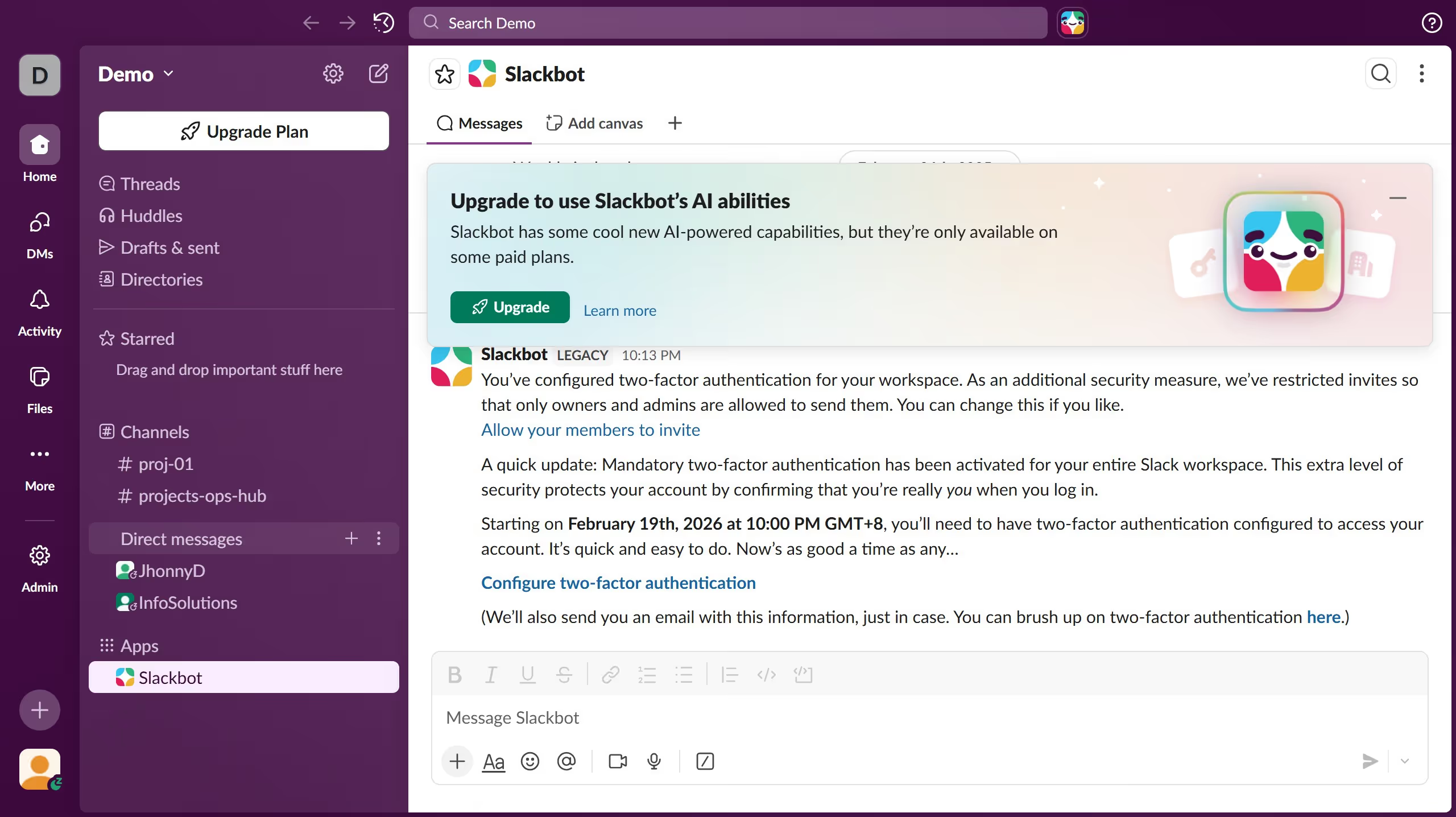
Here is how to manage permissions in a channel in slack
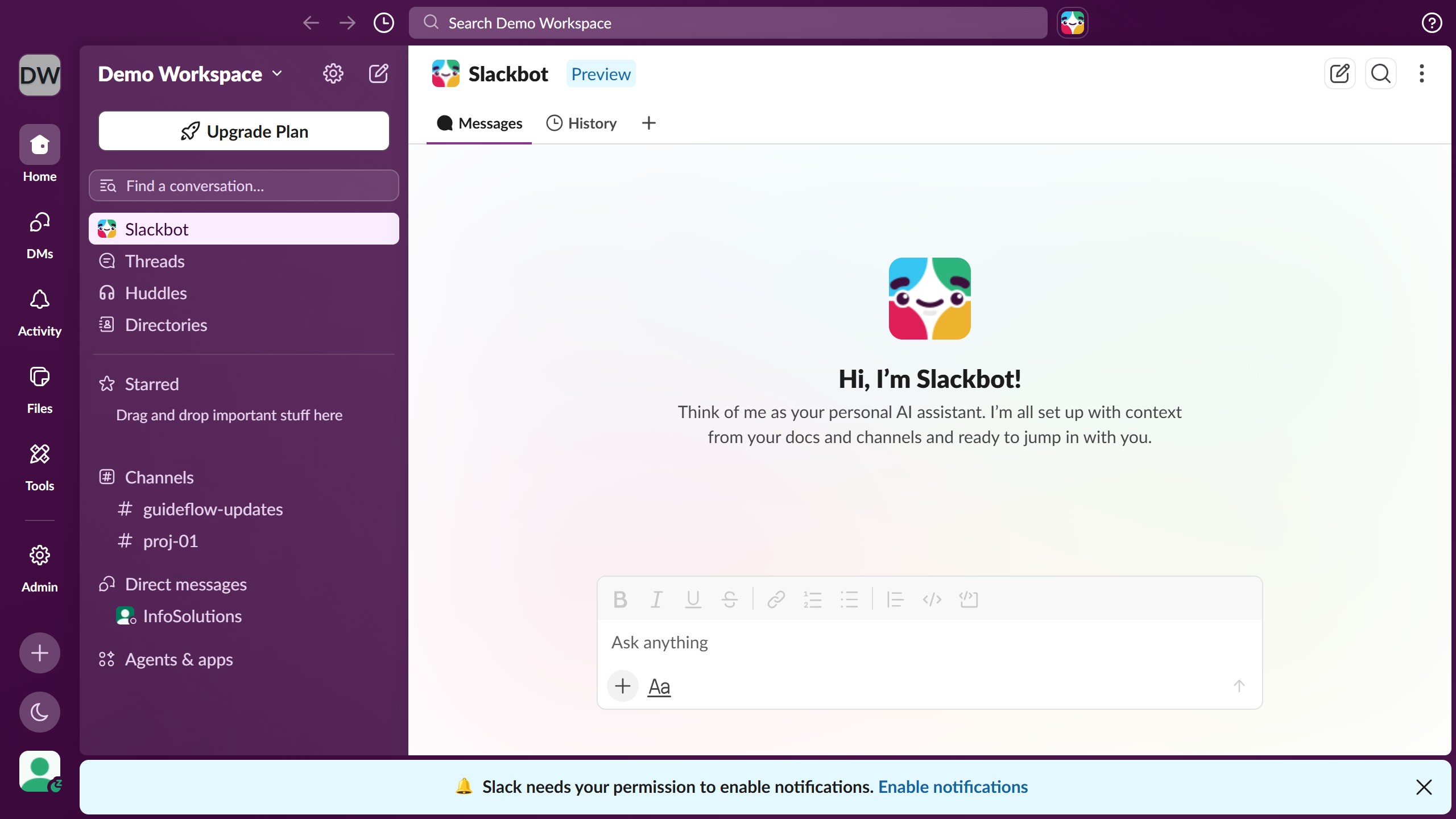
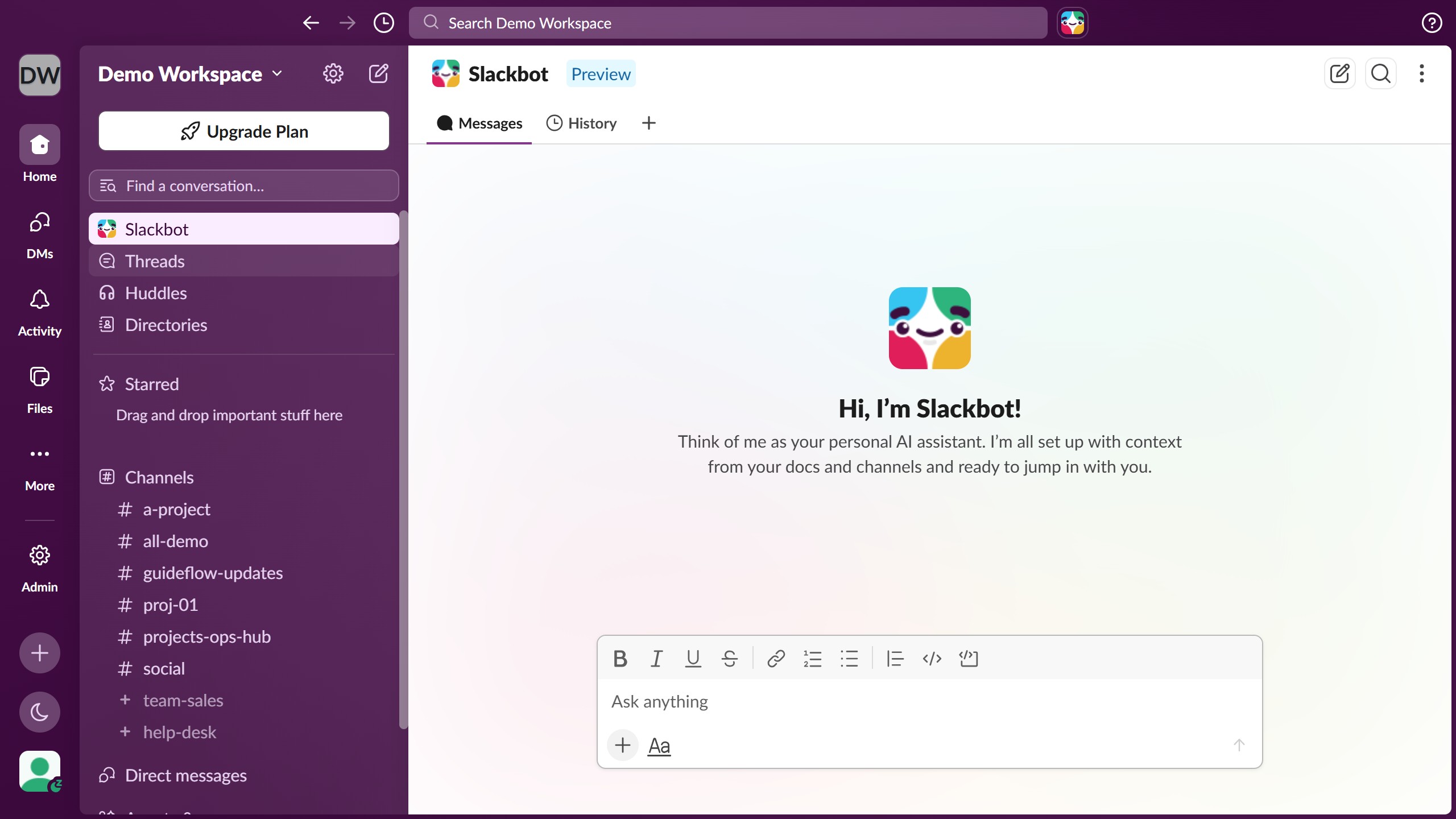
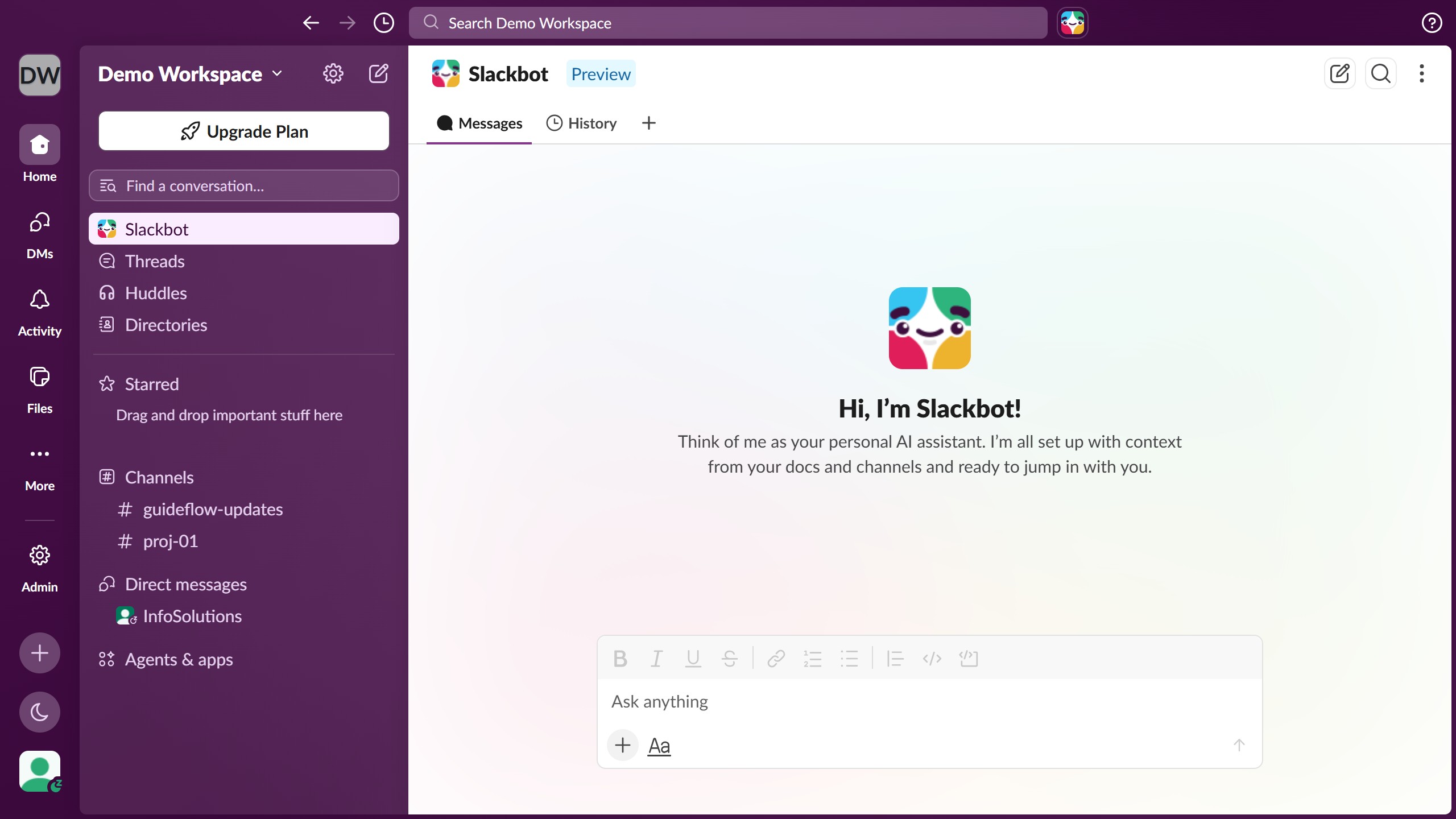
- First click on the channel name in the sidebar under the Channels section
- Then click on the more options button or three dots menu in the top right header
- Next click on "Edit settings" option from the dropdown menu
- Then click on "Settings" tab in the channel settings dialog
- Next click on "Choose who can add, remove, and reorder tabs" dropdown menu
- Finally click on the close button to close the settings dialog