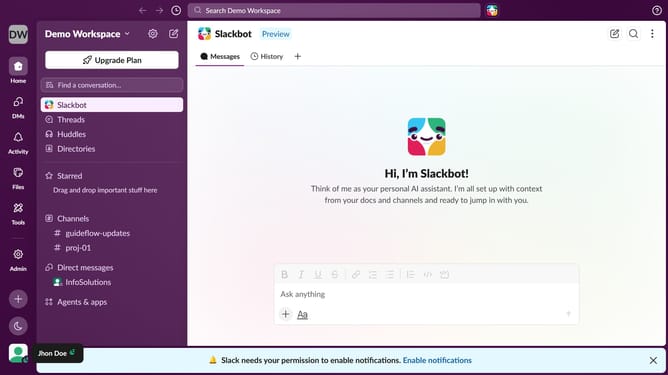
How to set notifications to mobile devices when not active in desktop in Slack
Here is how to set notifications to mobile devices when not active in desktop in slack
- First click on the user profile icon in the bottom left corner of the sidebar
- Then click on "Profile" in the dropdown menu
- Next click on "Notifications" in the Preferences menu
- Then select "Send notifications to my mobile device" dropdown
- After that, select from the list of options
- Finally click on the close button to close the Preferences window
Why should you set notifications to mobile devices when not active in desktop in Slack
Slack is a dynamic collaboration hub designed to streamline team communication in real-time.
The ability to set notifications to mobile devices when inactive on the desktop ensures you never miss crucial updates. This feature enhances flexibility, allowing you to stay informed and responsive while on the go.
By seamlessly transitioning notifications from desktop to mobile, you maintain a steady flow of communication. Stay connected with your team, ensuring that productivity and engagement are sustained, even when you're away from your desk.
Last update