Slack
Slack is a business communication platform that organizes team conversations into channels and direct messages.
Website
Industry
Collaboration
Share this article:

How to manage mobile usage settings in Slack

Here is how to manage mobile usage settings in slack

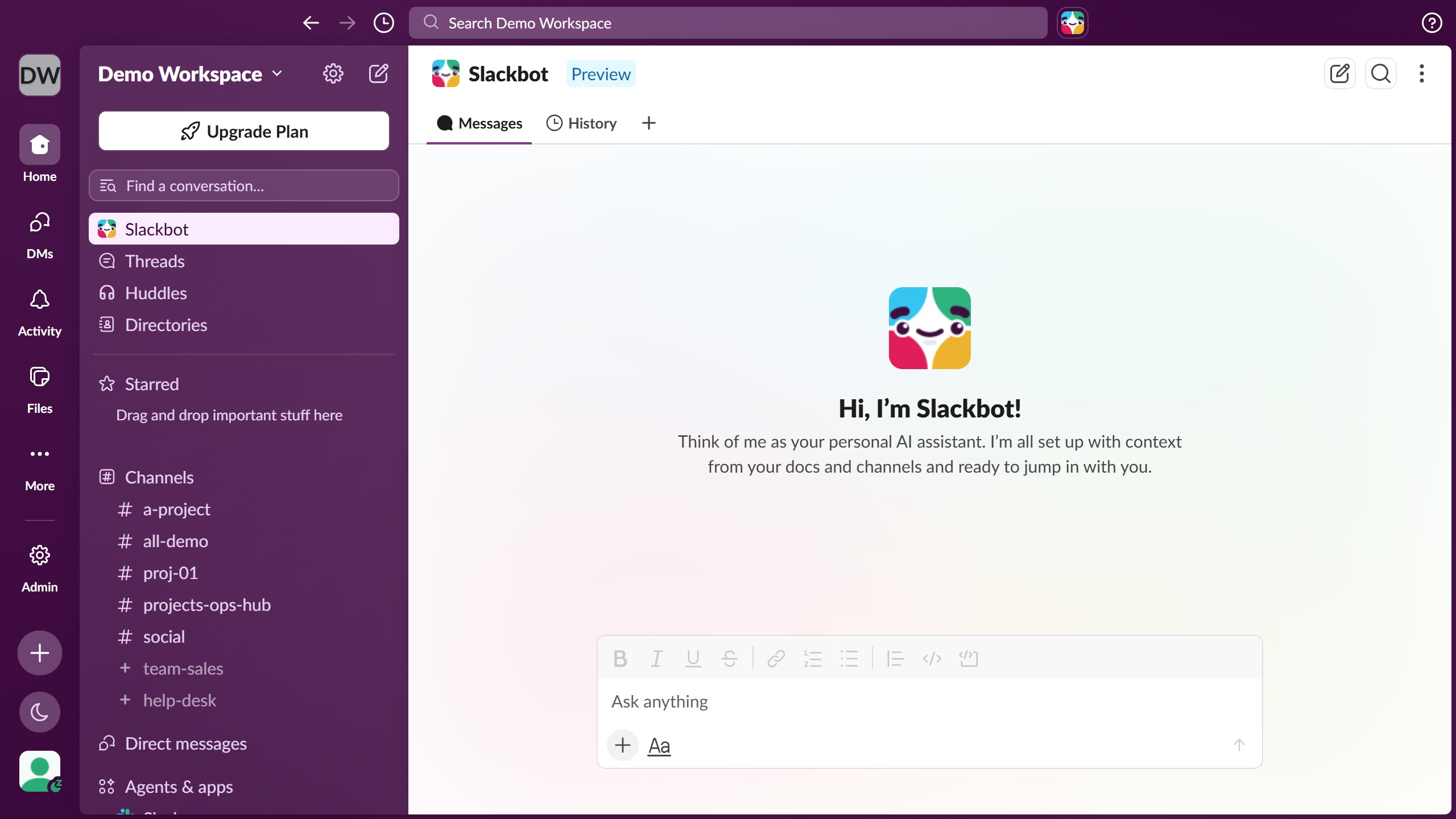
  1. First click on the "Admin" button in the left sidebar to access admin settings
  2. Then click on "Workspace settings" option in the Admin Tools menu
  3. Next click on the "Expand" button next to the Mobile Usage section
  4. Then click on the checkbox for "Prompt members to get the Slack mobile app" option
  5. Finally click on the "Save" button to apply the changes

Create your own interactive guide with Guideflow

Why should you manage mobile usage settings in Slack

Slack is a dynamic platform that enhances communication and collaboration in professional environments.

The mobile usage settings in Slack allow users to tailor their notifications and data consumption effectively. By managing these settings, users can enjoy a seamless and efficient experience, whether on Wi-Fi or mobile data.

This flexibility ensures users stay updated without overwhelming their devices, making work more manageable and reducing unnecessary distractions.

Customizing mobile settings improves productivity and supports efficient communication in today's fast-paced digital world.

Last update
March 16, 2026
Cursor MariaA cursor points to a button labeled "James."

Create your first demo in less than 30 seconds.