Slack
Slack is a business communication platform that organizes team conversations into channels and direct messages.
Website
Industry
Collaboration
Share this article:

How to share a message to another channel in Slack

Here is how to share a message to another channel in slack

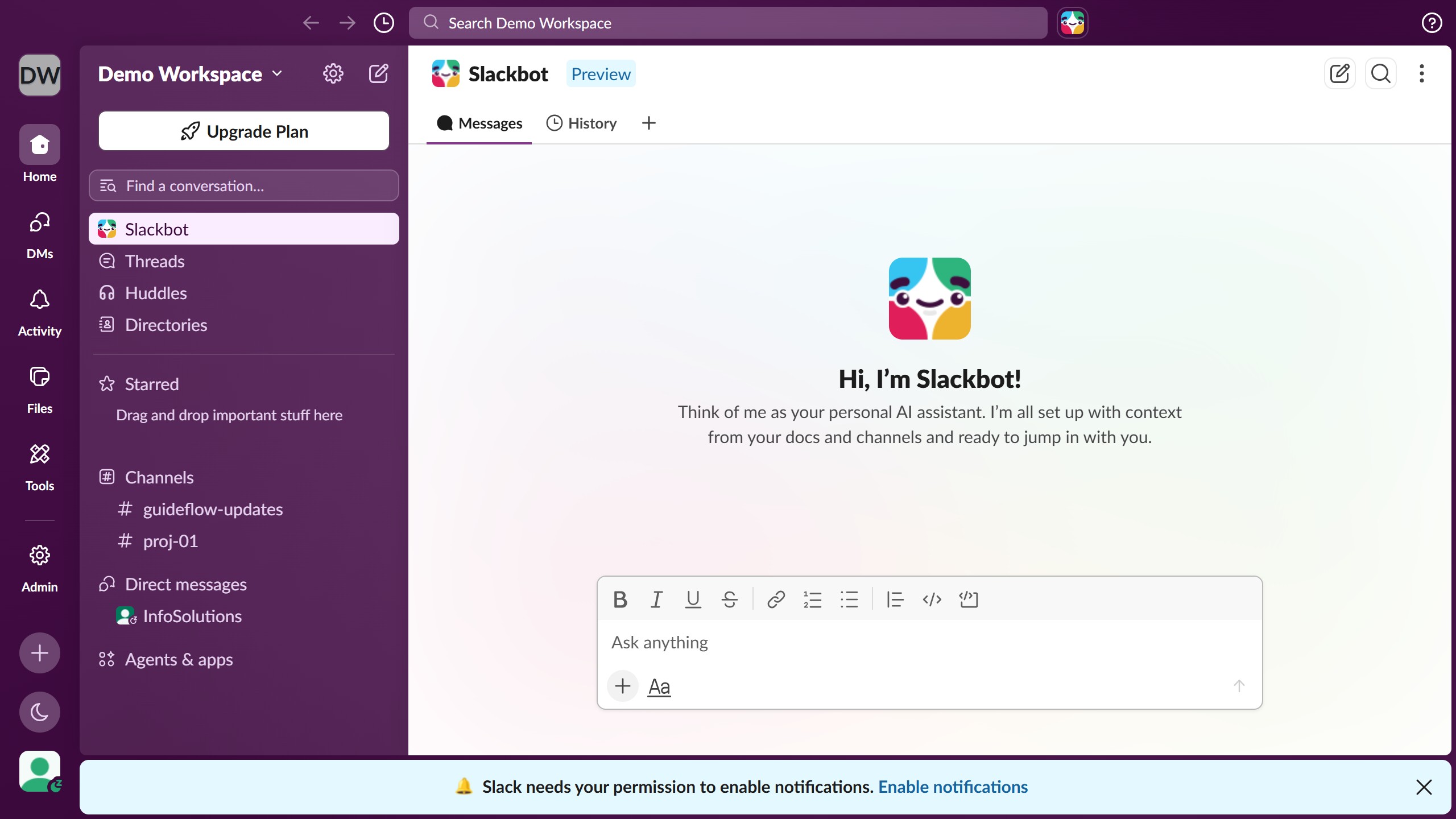
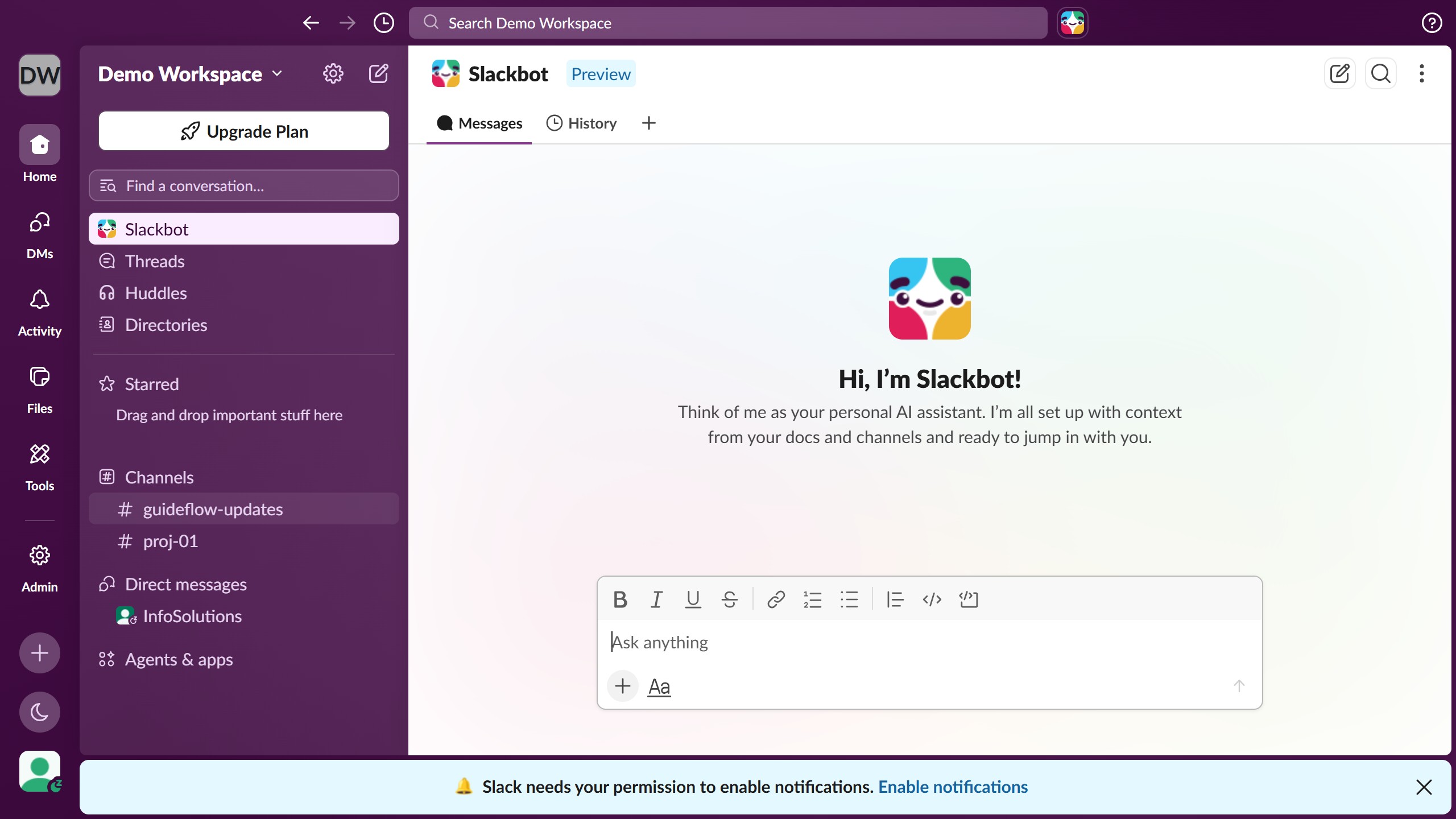
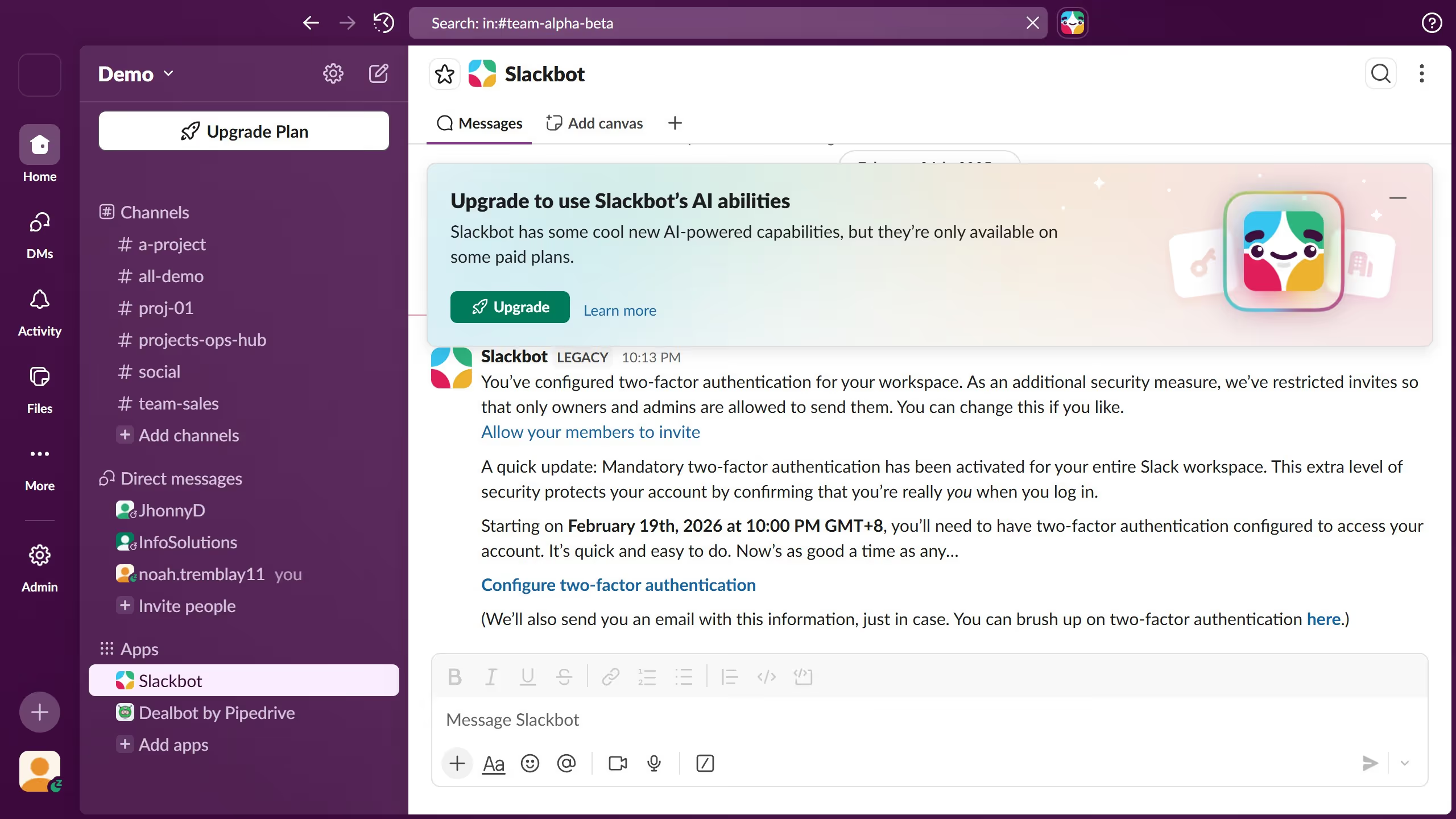
  1. First click on the channel name in the sidebar under the Channels section
  2. Then click on the message that you want to forward
  3. Next click on the "Forward message" button in the message actions toolbar
  4. Then select the channel from the dropdown list in the Forward this message dialog
  5. Finally click on the "Forward" button to send the message to the selected channel

Create your own interactive guide with Guideflow

Why should you share a message to another channel in Slack

Slack is a robust communication platform designed to streamline collaboration within teams.

The feature of sharing a message to another channel in Slack is a game-changer for enhancing communication flow. It allows users to effortlessly distribute valuable information across various team segments without duplicating efforts.

This feature not only saves time but also ensures that everyone is kept in the loop, promoting transparency and consistency. Efficiently distributing messages helps to maintain clarity and enhances team productivity.

Last update
March 16, 2026
Cursor MariaA cursor points to a button labeled "James."

Create your first demo in less than 30 seconds.