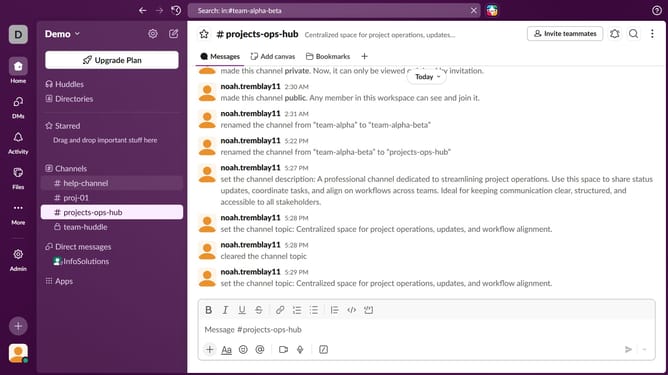
How to enable thread reply notifications in Slack
Here is how to enable thread reply notifications in slack
- First click on the user icon in the sidebar
- Then click on the "Preferences" option in the user menu
- Next, click on the "Notifications" tab in the Preferences window
- Then, check the "Thread replies" checkbox
- Finally, click on the close button in the Preferences window
Why should you enable thread reply notifications in Slack
Slack is a dynamic tool designed to streamline team communication and collaboration in the workplace.
By enabling thread reply notifications, users can ensure they never miss crucial follow-up conversations that occur within thread discussions.
This feature provides the advantage of keeping users informed and integrated with ongoing discussions, enhancing their ability to respond promptly and effectively. Consequently, it fosters a more organized and efficient flow of communication within teams, ultimately boosting workplace productivity.
Last update