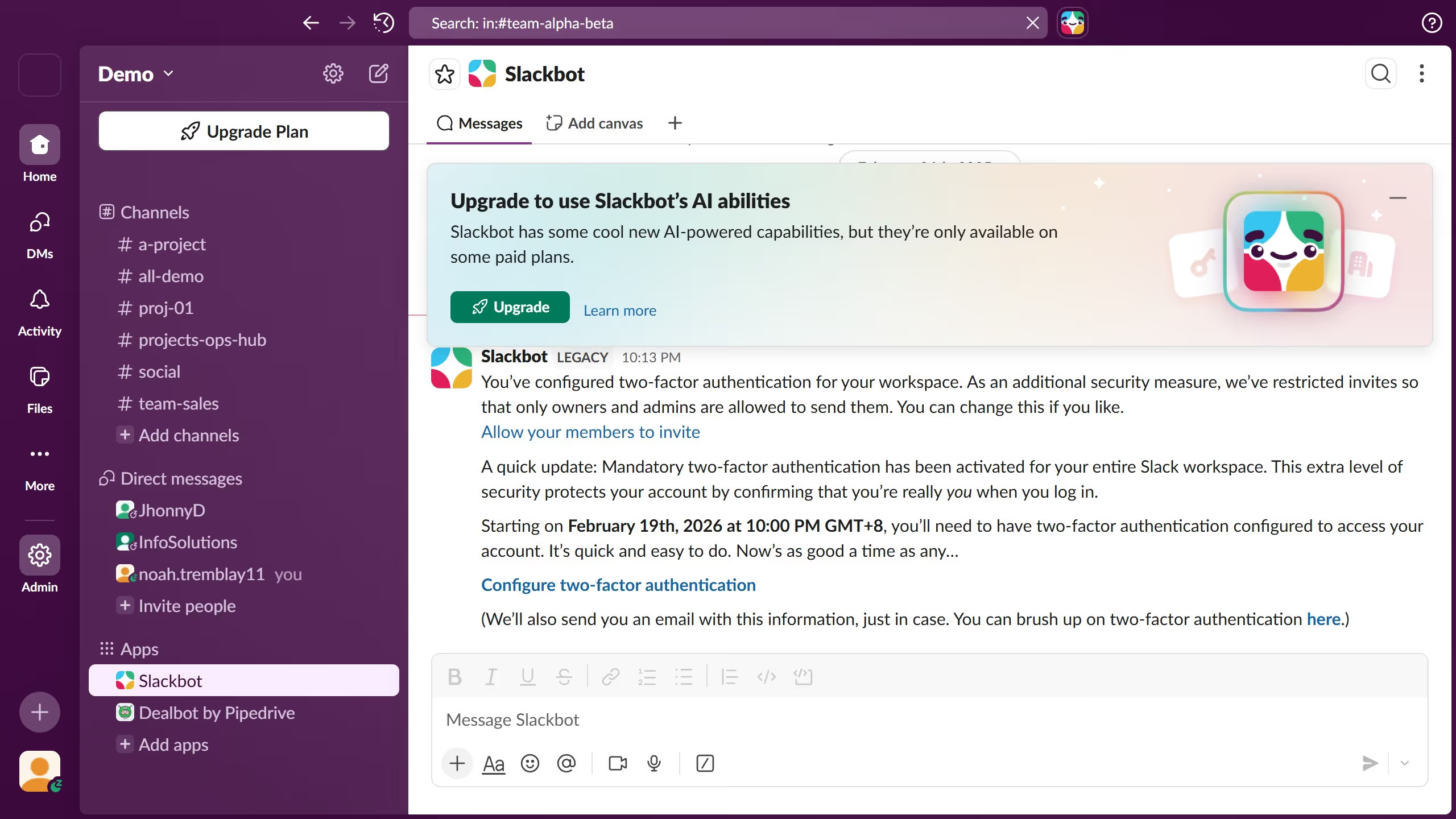
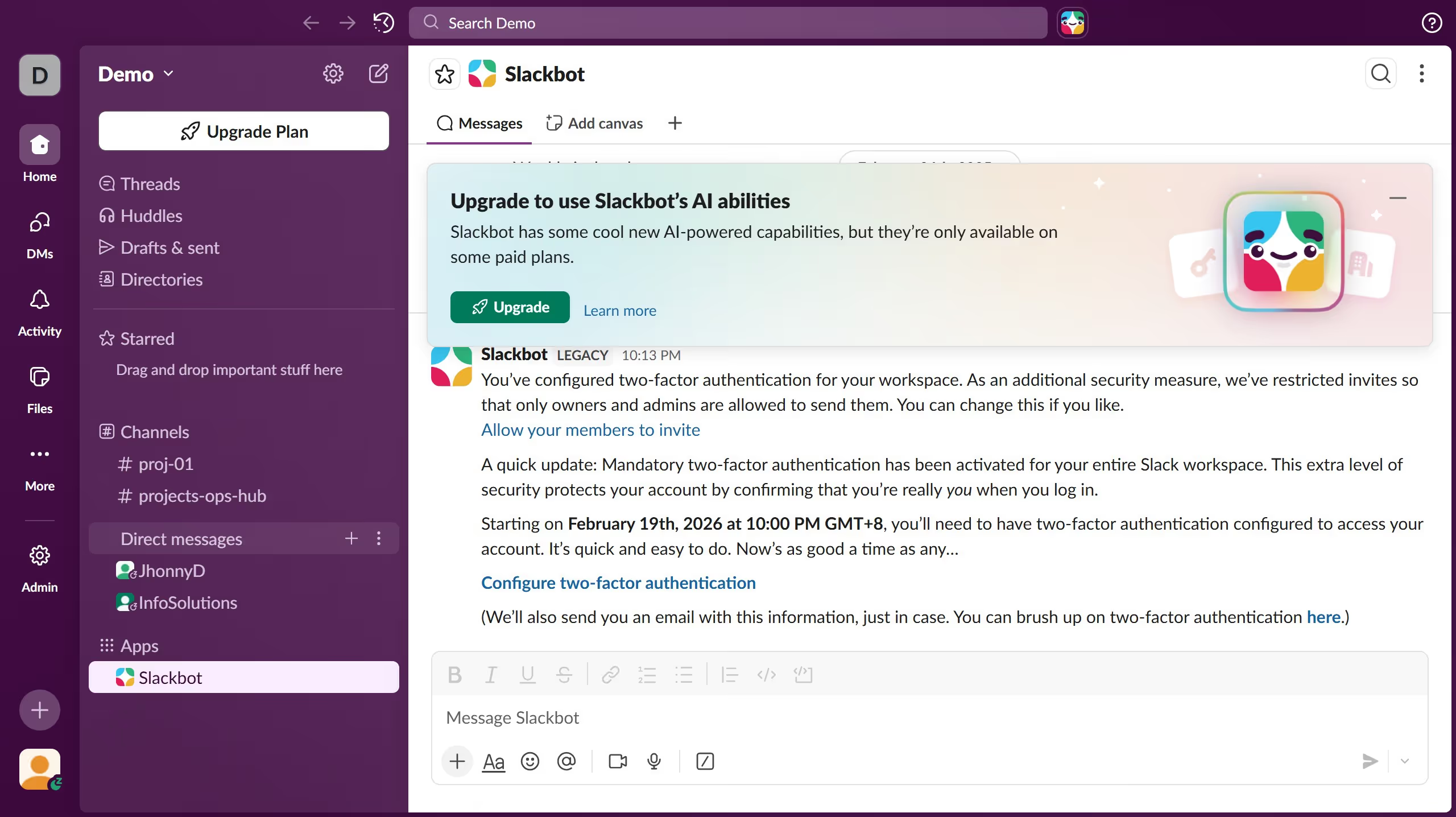
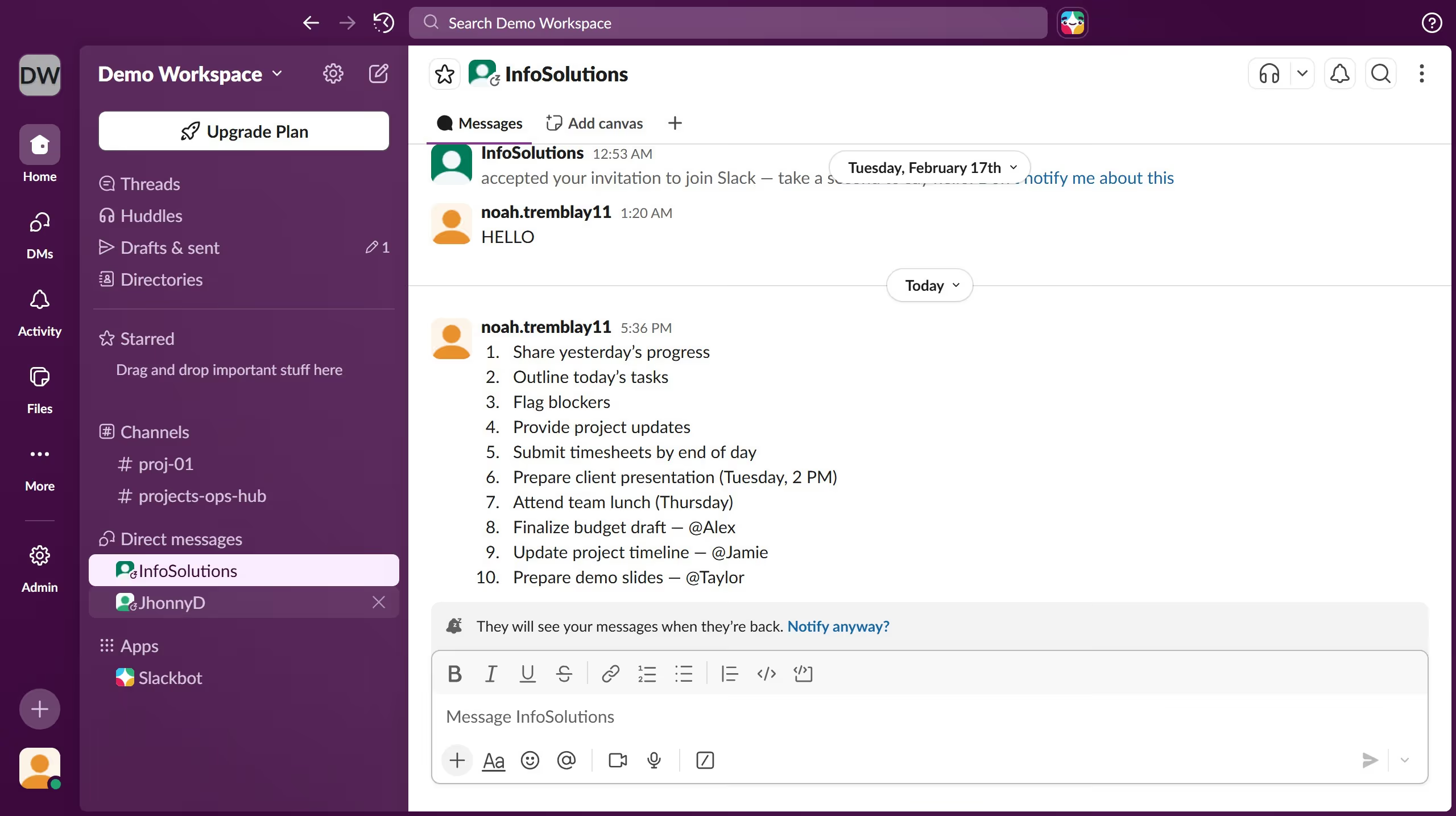
Here is how to change your display name in slack
- First click on the profile avatar in the bottom-left corner of the sidebar
- Then click on "Profile" option from the menu
- Next click on the "Edit" button in the profile panel
- Then click on the "Display name" field and enter the new name
- Finally click on the "Save Changes" button to save the profile updates