Slack
Slack is a business communication platform that organizes team conversations into channels and direct messages.
Website
Industry
Collaboration
Share this article:

How to remove profile photo in Slack

Here is how to remove profile photo in slack

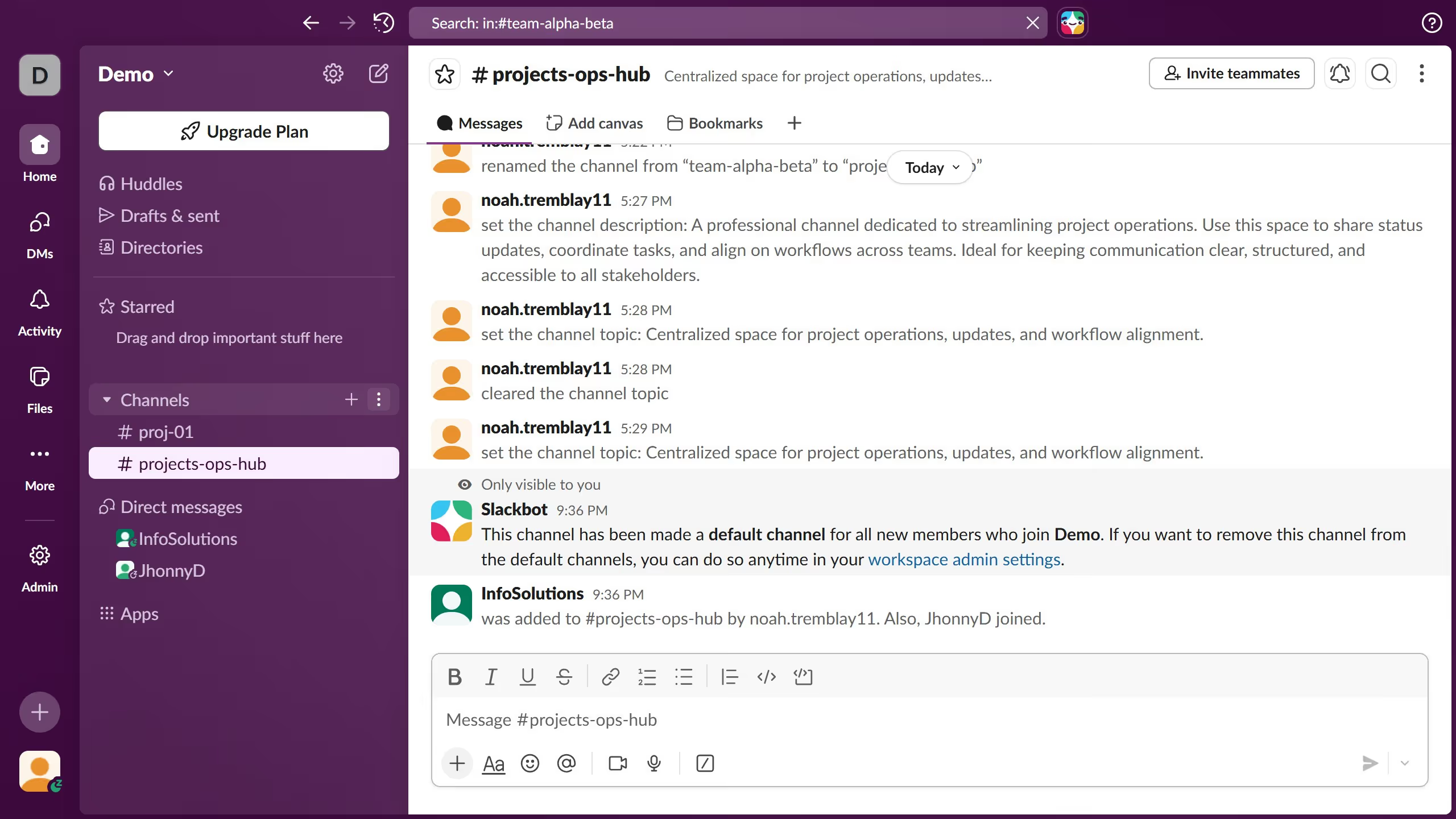
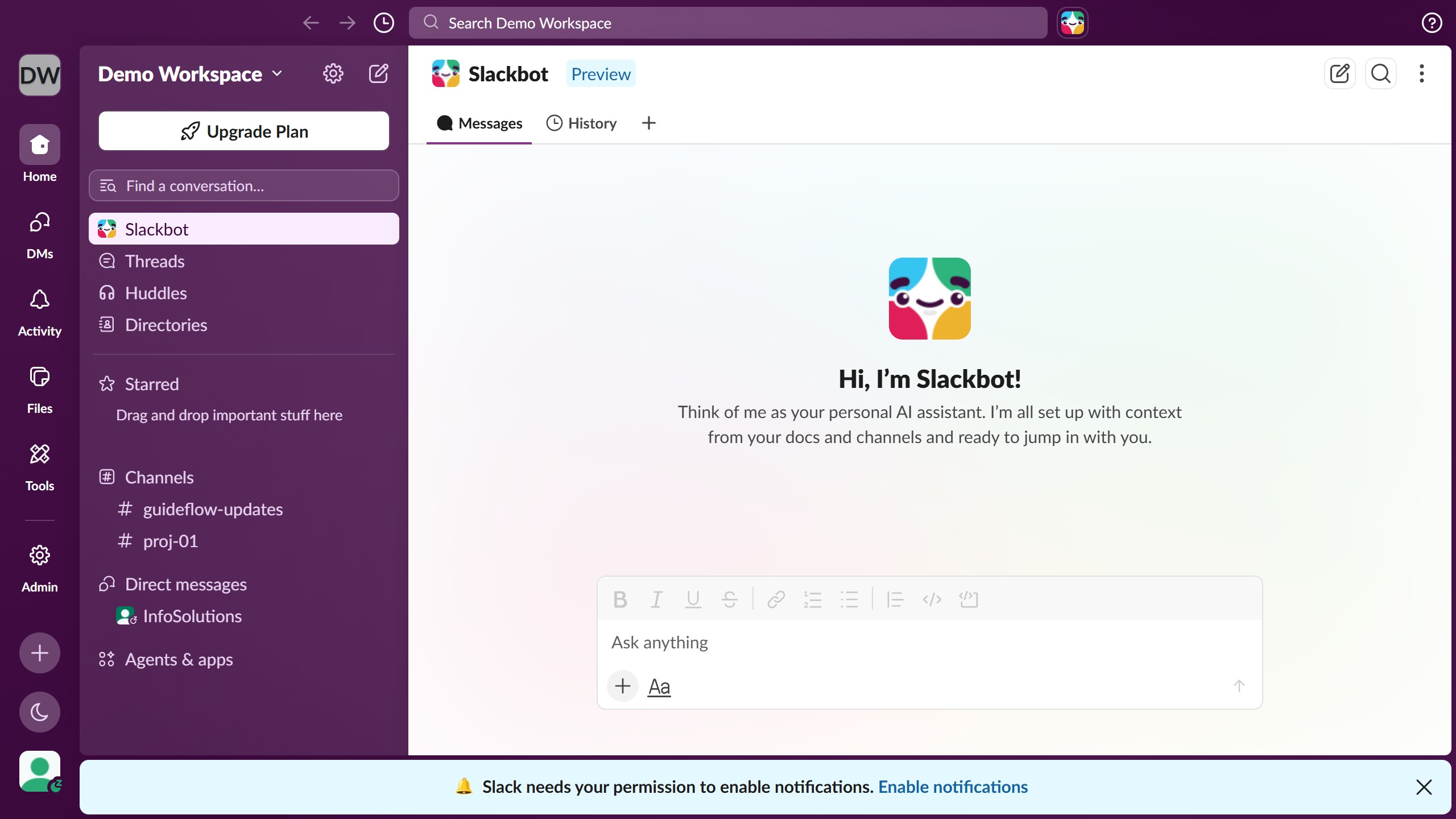
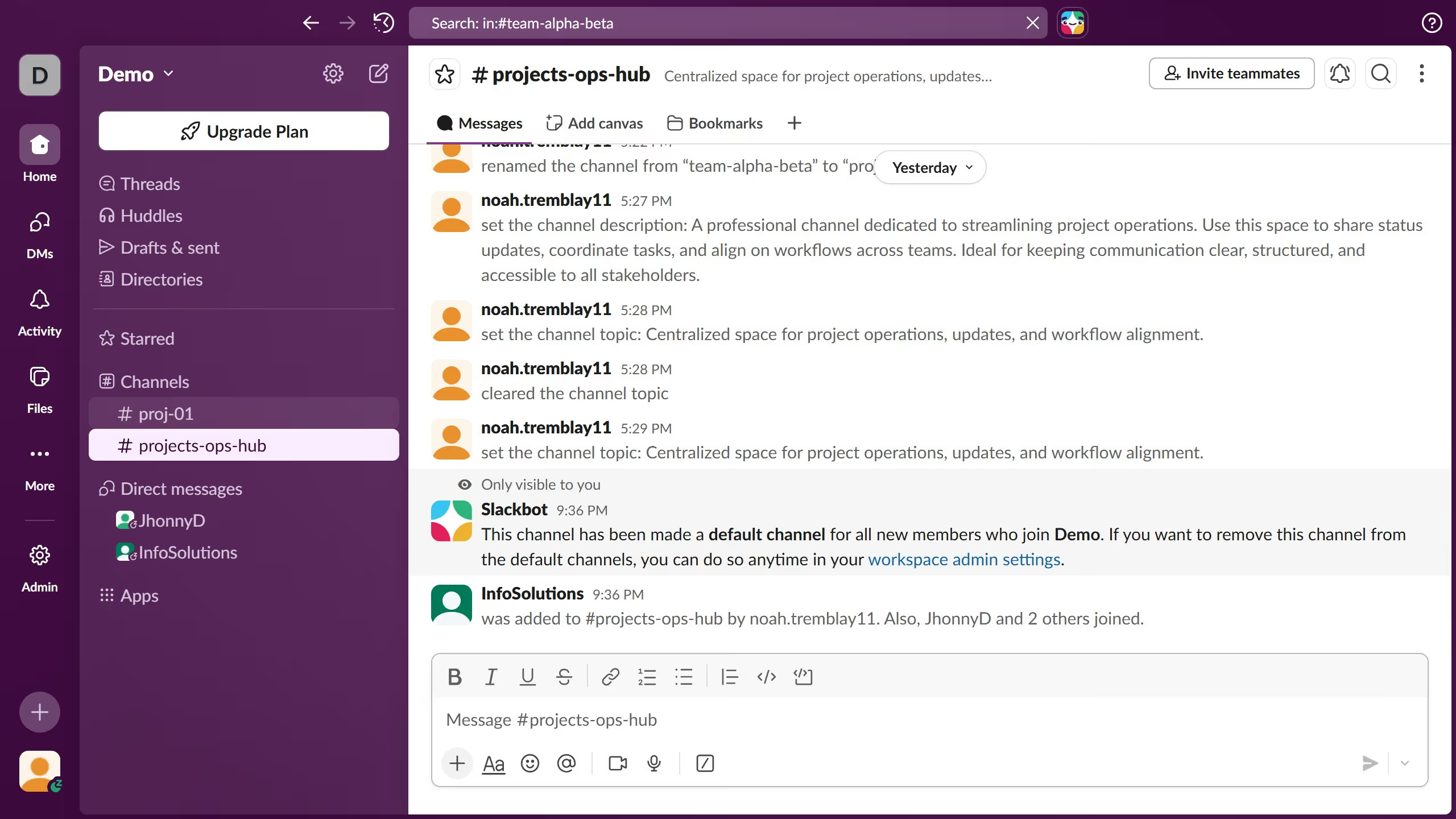
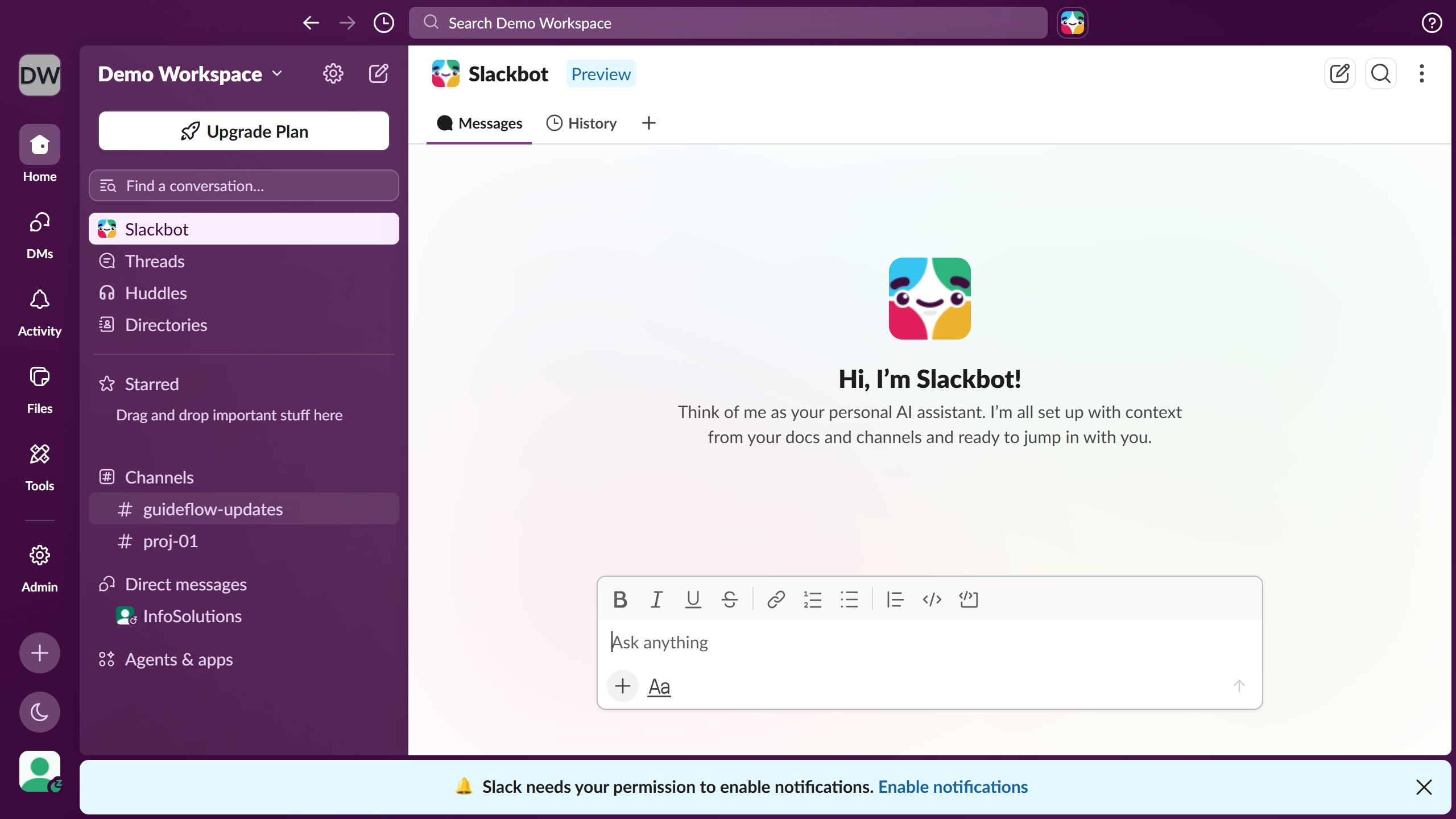
  1. First click on the profile avatar button in the bottom left sidebar
  2. Then click on "Profile" option in the dropdown menu
  3. Next click on the "Edit" button in the profile panel
  4. Then click on "Remove Photo" link in the edit profile dialog
  5. Then click on "Yes, Remove Photo" button in the confirmation dialog
  6. Finally click on "Save Changes" button to save the profile changes

Create your own interactive guide with Guideflow

Why should you remove profile photo in Slack

Slack is a dynamic collaboration hub designed to streamline communication within teams, making interaction efficient and effective.

One of the personalization features Slack offers is the ability to manage your profile photo, including its removal when desired.

Removing your profile photo can be beneficial for maintaining a neutral online presence, reflecting personal preference, or ensuring privacy.

This simple yet efficient feature is vital when updating your professional image or simplifying profile information, contributing to a more focused and tailored digital professional identity.

Last update
March 16, 2026
Cursor MariaA cursor points to a button labeled "James."

Create your first demo in less than 30 seconds.