Slack
Slack is a business communication platform that organizes team conversations into channels and direct messages.
Website
Industry
Collaboration
Share this article:

How to allow members to request apps for approval in Slack

Here is how to allow members to request apps for approval in slack

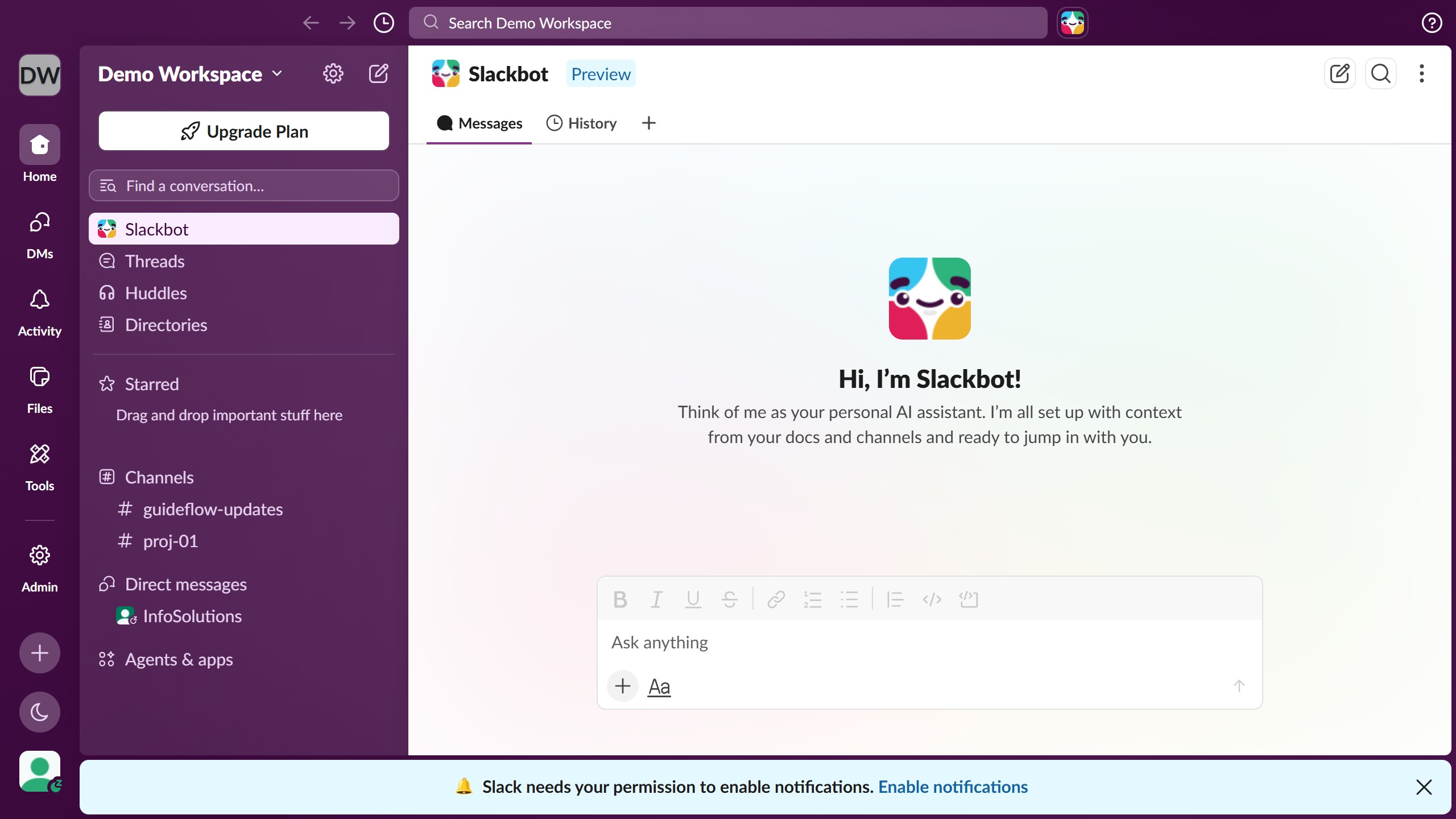
  1. First click on "Admin" button in the left sidebar
  2. Then select the "Apps & workflows" option from the admin menu
  3. Then click on "App Management Settings" option in the left sidebar menu
  4. Next click on "Edit" button next to the "Require approved apps" setting
  5. Then click on "Allow members to request apps for approval" checkbox in the dialog
  6. Next click on "Require a comment with each request" checkbox under the Request new apps section
  7. Finally click on "Save" button to confirm the settings

Create your own interactive guide with Guideflow

Why should you allow members to request apps for approval in Slack

Slack is your digital headquarters for connecting and collaborating effortlessly.

Allowing members to request apps for approval in Slack streamlines team communication by ensuring everyone has the right tools. It simplifies the process by centralizing app requests, enabling quicker response times and organizational efficiency.

This feature maintains a high level of security and compliance, ensuring apps align with company policies. Ultimately, it empowers teams to work smarter while staying secure.

Last update
March 16, 2026
Cursor MariaA cursor points to a button labeled "James."

Create your first demo in less than 30 seconds.