Slack
Slack is a business communication platform that organizes team conversations into channels and direct messages.
Website
Industry
Collaboration
Share this article:

How to send weekly icebreakers in a channel in Slack

Here is how to send weekly icebreakers in a channel in slack

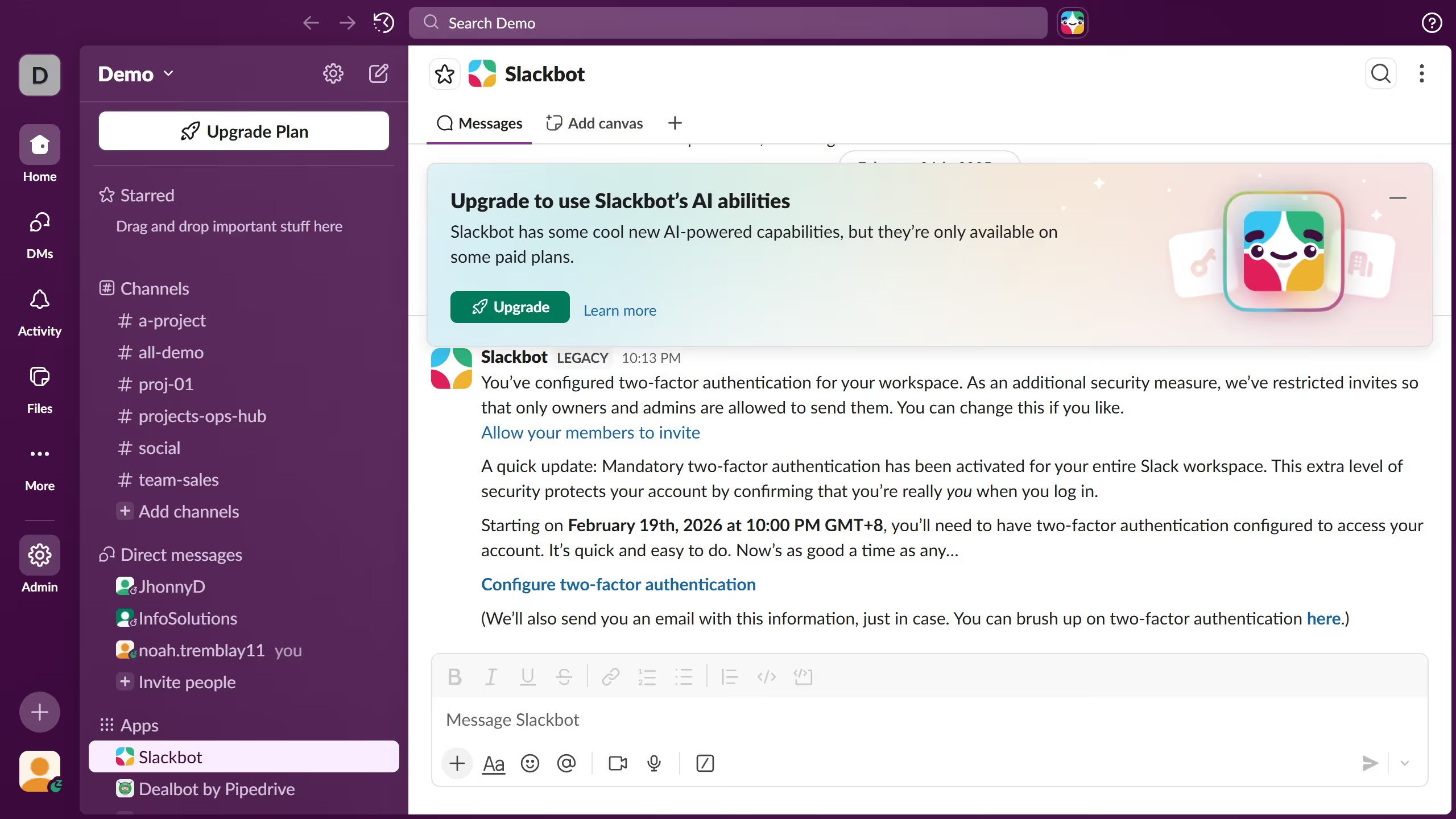
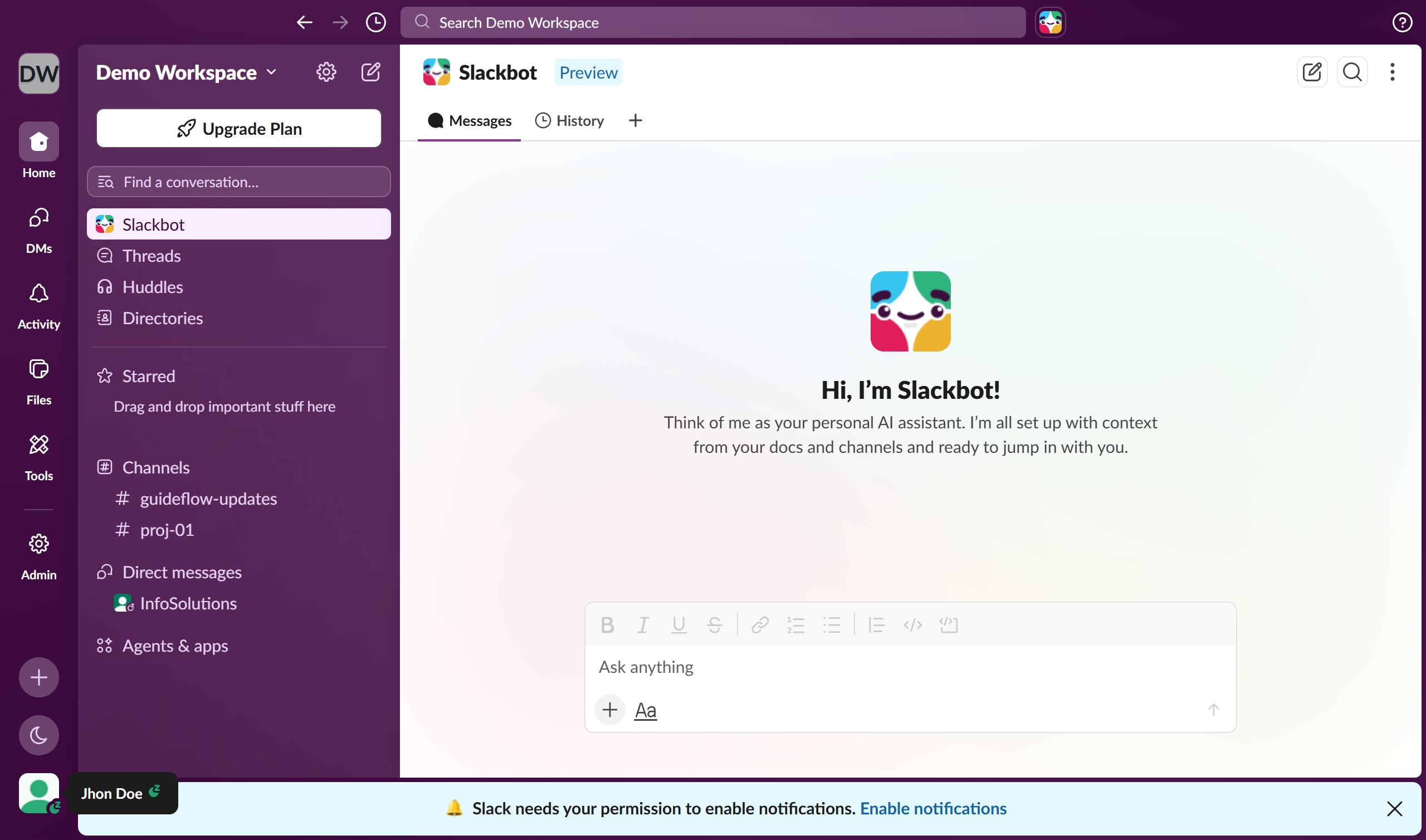
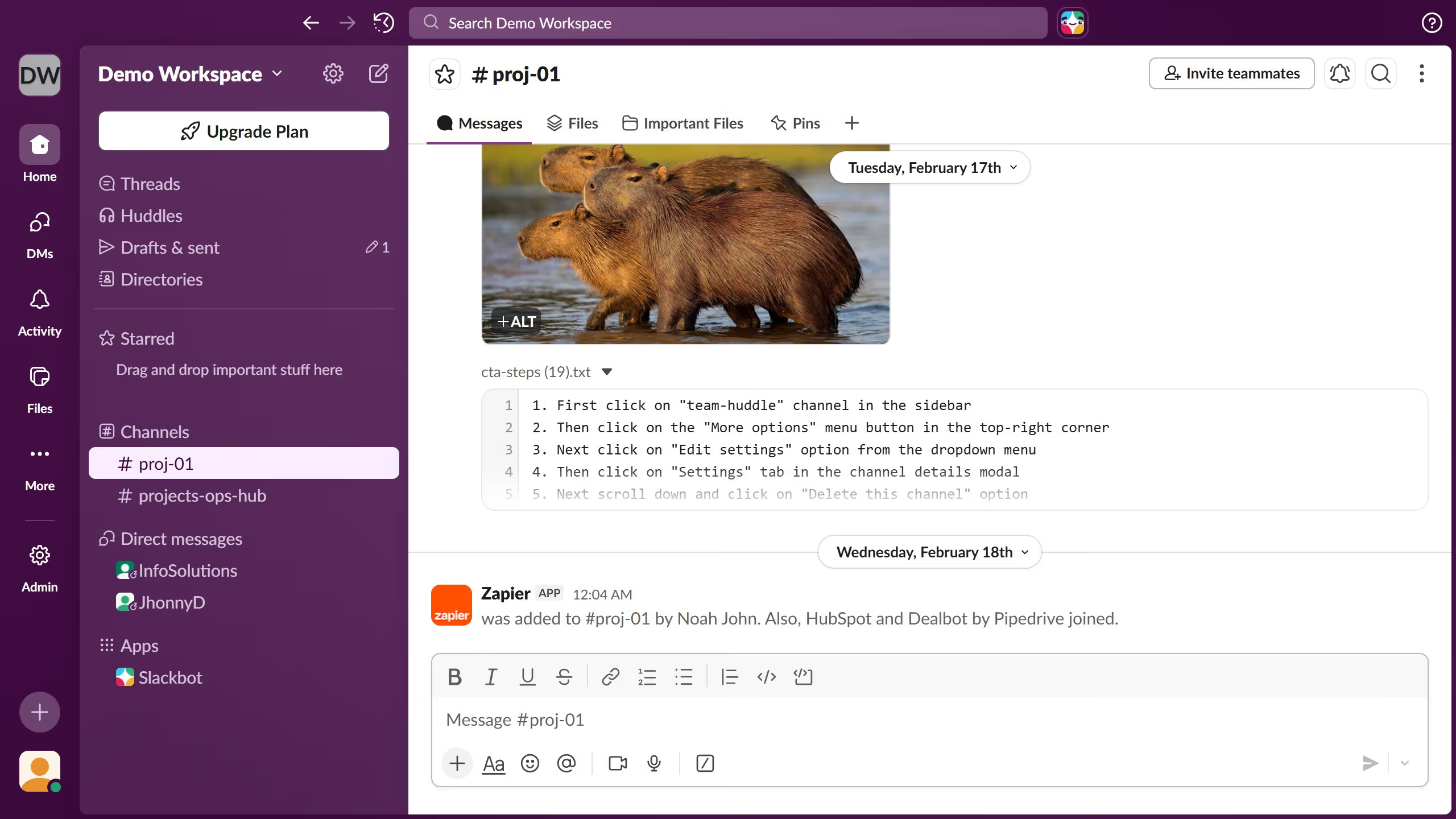
  1. First click on the channel name in the sidebar
  2. Then click on the three-dot menu button in the top-right header area
  3. Next click on "Edit settings" from the dropdown menu
  4. Then click on "Weekly icebreakers" workflow option in the Add workflow dialog
  5. Finally click on the "Add" button to confirm adding the workflow

Create your own interactive guide with Guideflow

Why should you send weekly icebreakers in a channel in Slack

Slack is a dynamic platform designed to streamline team communication and collaboration.

Sending weekly icebreakers in a Slack channel is an ingenious way to foster team spirit and enhance interpersonal connections.

This feature sparks engaging conversations, encouraging team members to share more about themselves, thereby nurturing a more cohesive workplace environment.

Regular icebreakers not only break monotony but also improve morale and motivate team members, leading to enhanced productivity and a happier work culture.

Last update
March 16, 2026
Cursor MariaA cursor points to a button labeled "James."

Create your first demo in less than 30 seconds.