How to sort files created by you in Slack
Here is how to sort files created by you in slack
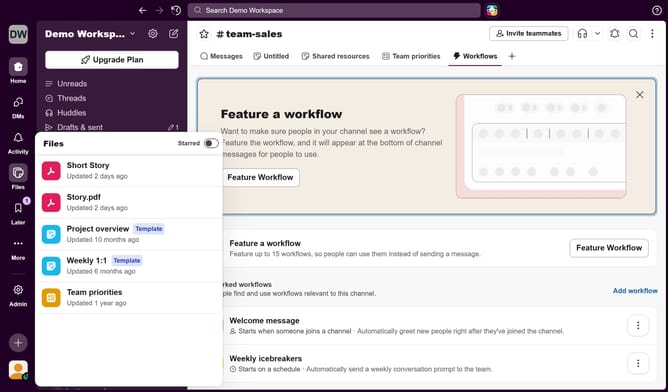
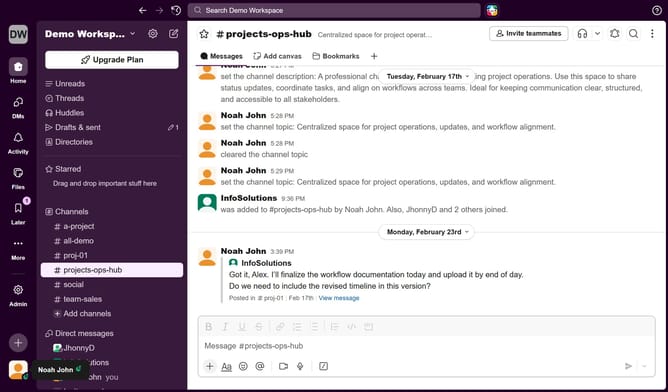
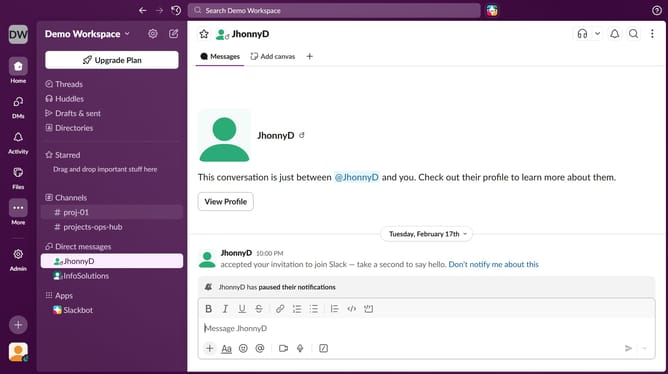
- First click on "Files" button in the left sidebar
- Then click on "Created by you" tab in the content filter area
- Finally view files created by you in the file listings
Why should you sort files created by you in Slack
Slack is a collaboration hub that connects people to the information they need in order to get work done effectively.
One of its efficient features is the ability to sort files created by you, streamlining your workspace with ease.
Utilizing this feature helps in managing your documents effortlessly, allowing you to access your work quickly and efficiently.
This organized approach not only saves time but also enhances productivity by keeping your focus on more pressing tasks.
Last update