Slack
Slack is a business communication platform that organizes team conversations into channels and direct messages.
Website
Industry
Collaboration
Share this article:

How to disable spellcheck as an admin in Slack

Here is how to disable spellcheck as an admin in slack

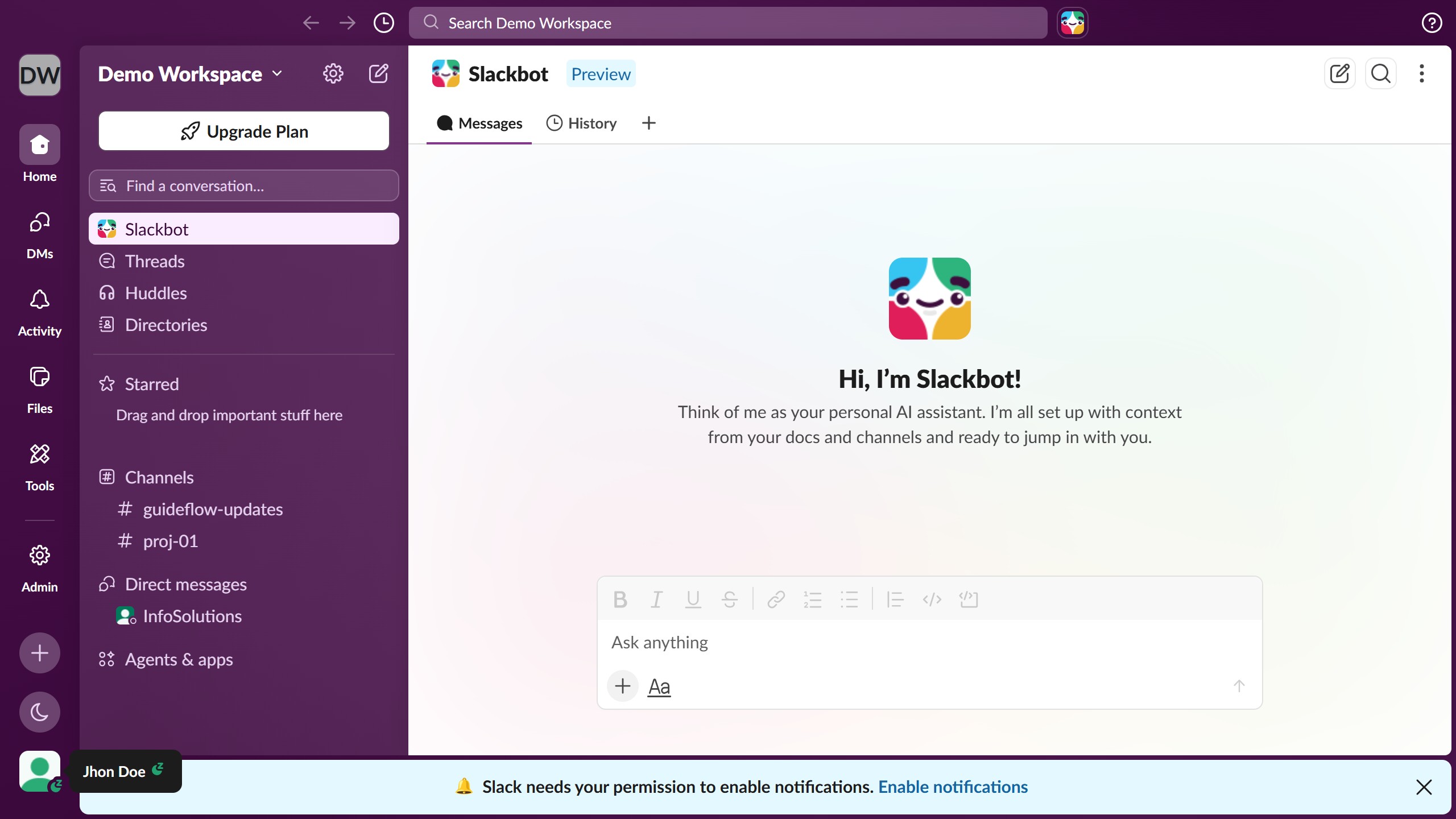
  1. First click on the profile button in the bottom-left sidebar
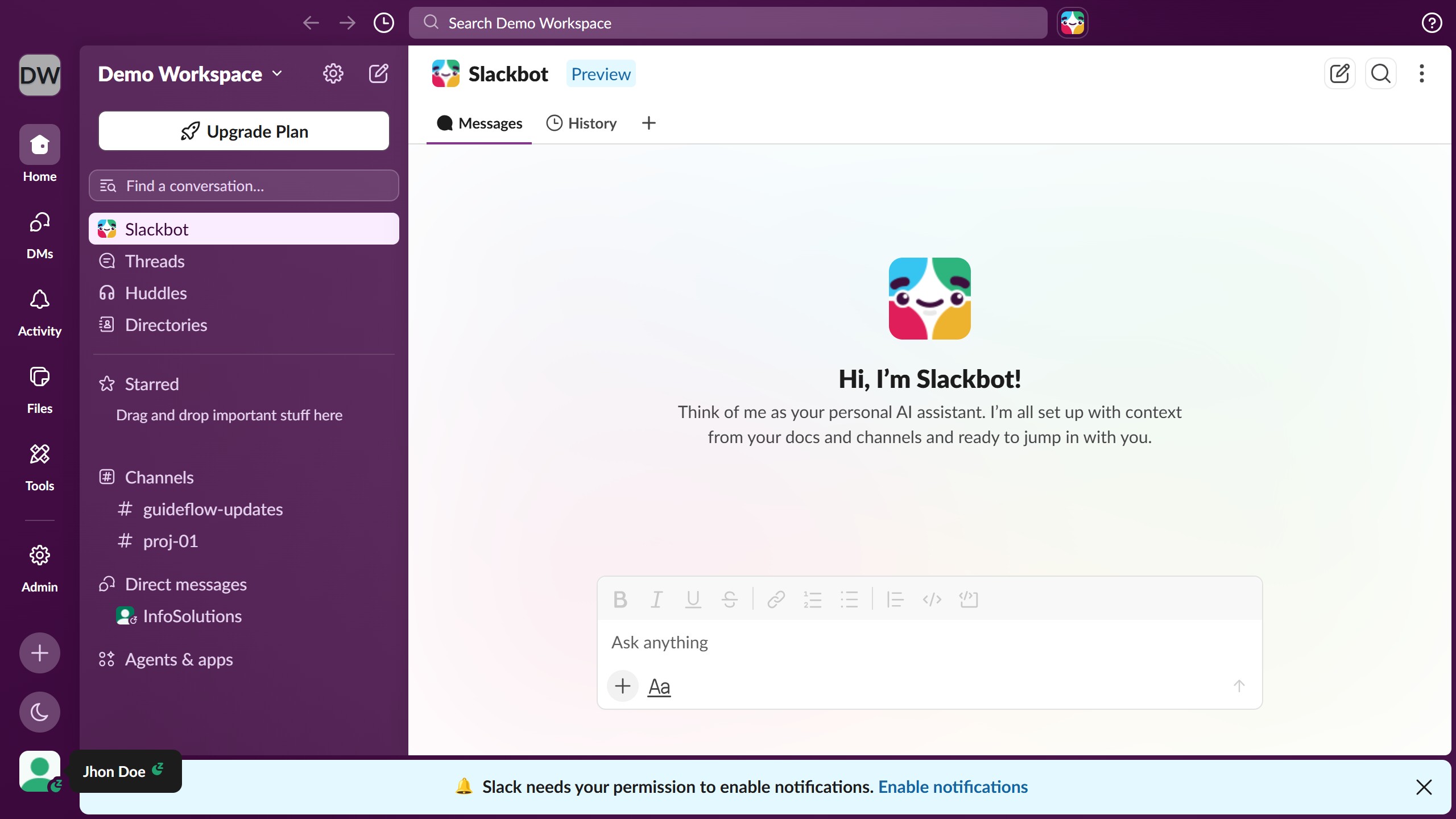
  2. Then click on "Preferences" option in the user menu
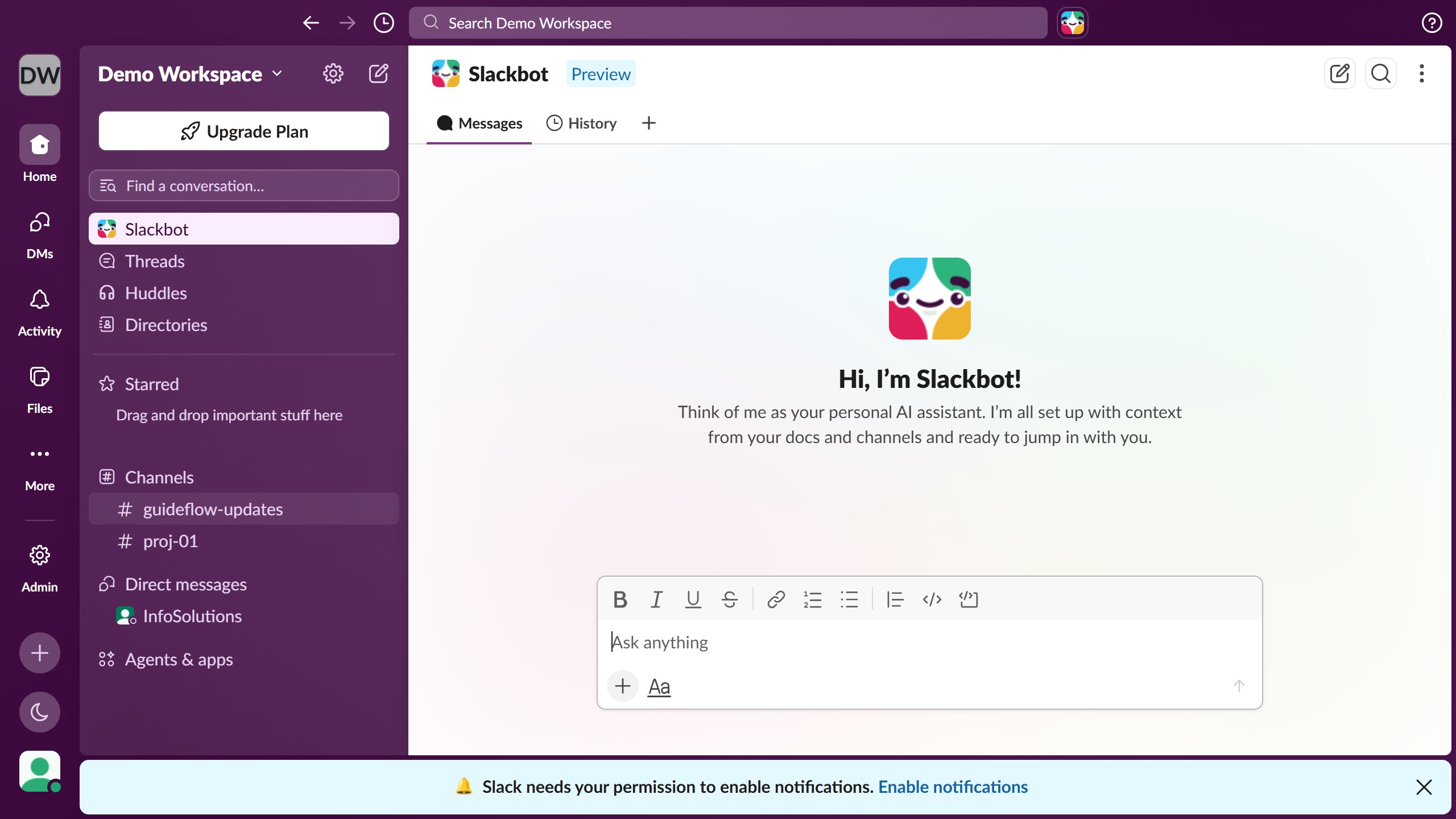
  3. Next click on "Language & region" option in the preferences sidebar
  4. Then uncheck the "Enable spellcheck on your messages and canvases" checkbox to toggle spellcheck
  5. Finally click on the close button to close the Preferences modal

Create your own interactive guide with Guideflow

Why should you disable spellcheck as an admin in Slack

Slack is a dynamic platform that streamlines communication and collaboration in the workplace.

As an admin, having the ability to disable spellcheck can offer greater flexibility when managing a diverse team with varying needs. Some users may prefer to have full control over their typing without automated suggestions popping up.

Disabling spellcheck can also be particularly beneficial for teams working in multiple languages or those using complex technical jargon. This feature provides a seamless messaging experience by reducing interruptions and allowing for smoother, more natural communication.

Last update
March 16, 2026
Cursor MariaA cursor points to a button labeled "James."

Create your first demo in less than 30 seconds.