Slack
Slack is a business communication platform that organizes team conversations into channels and direct messages.
Website
Industry
Collaboration
Share this article:

How to edit a file title in a channel in Slack

Here is how to edit a file title in a channel in slack

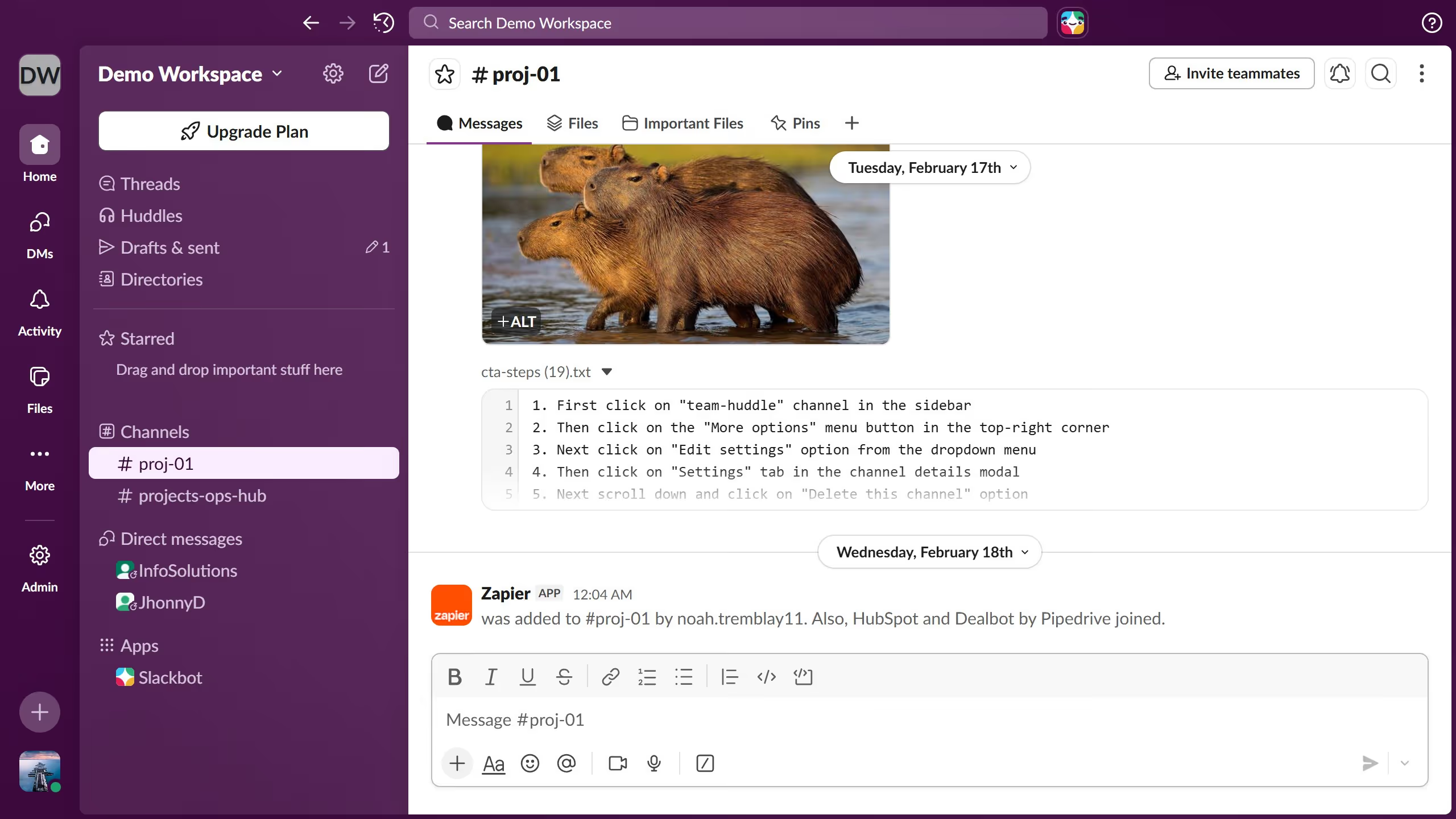
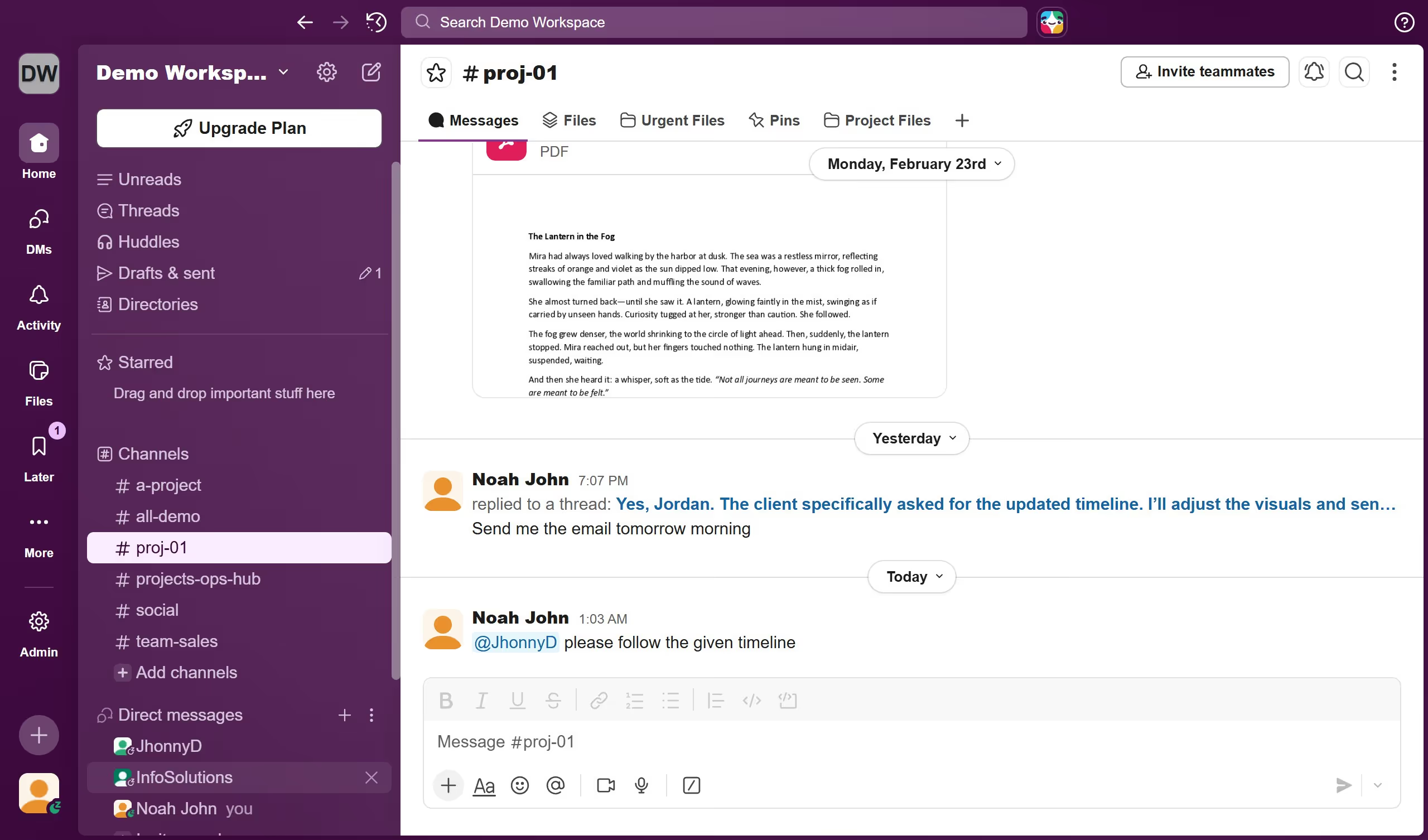
  1. First click on the channel name in the sidebar under the Channels section
  2. Then click on the file that you want to manage
  3. Next click on the three dots menu button on the message actions toolbar
  4. Then click on "Edit file details" option from the dropdown menu
  5. Then click the "File name" field and enter a new name in the edit file details dialog
  6. Finally click on "Done" button to save the changes

Create your own interactive guide with Guideflow

Why should you edit a file title in a channel in Slack

Slack is a dynamic communication platform designed to streamline teamwork and collaboration in real-time.

One practical feature in Slack is the ability to edit a file title directly within a channel. This flexibility helps maintain organization and clarity when multiple team members access shared files.

Updating a file title ensures that the file names are both descriptive and up-to-date, reducing confusion and improving the overall efficiency of document handling. Users can easily locate and reference files, supporting seamless collaboration and keeping everyone on the same page.

Last update
March 16, 2026
Cursor MariaA cursor points to a button labeled "James."

Create your first demo in less than 30 seconds.