Here is how to unhide a tab in a channel in slack
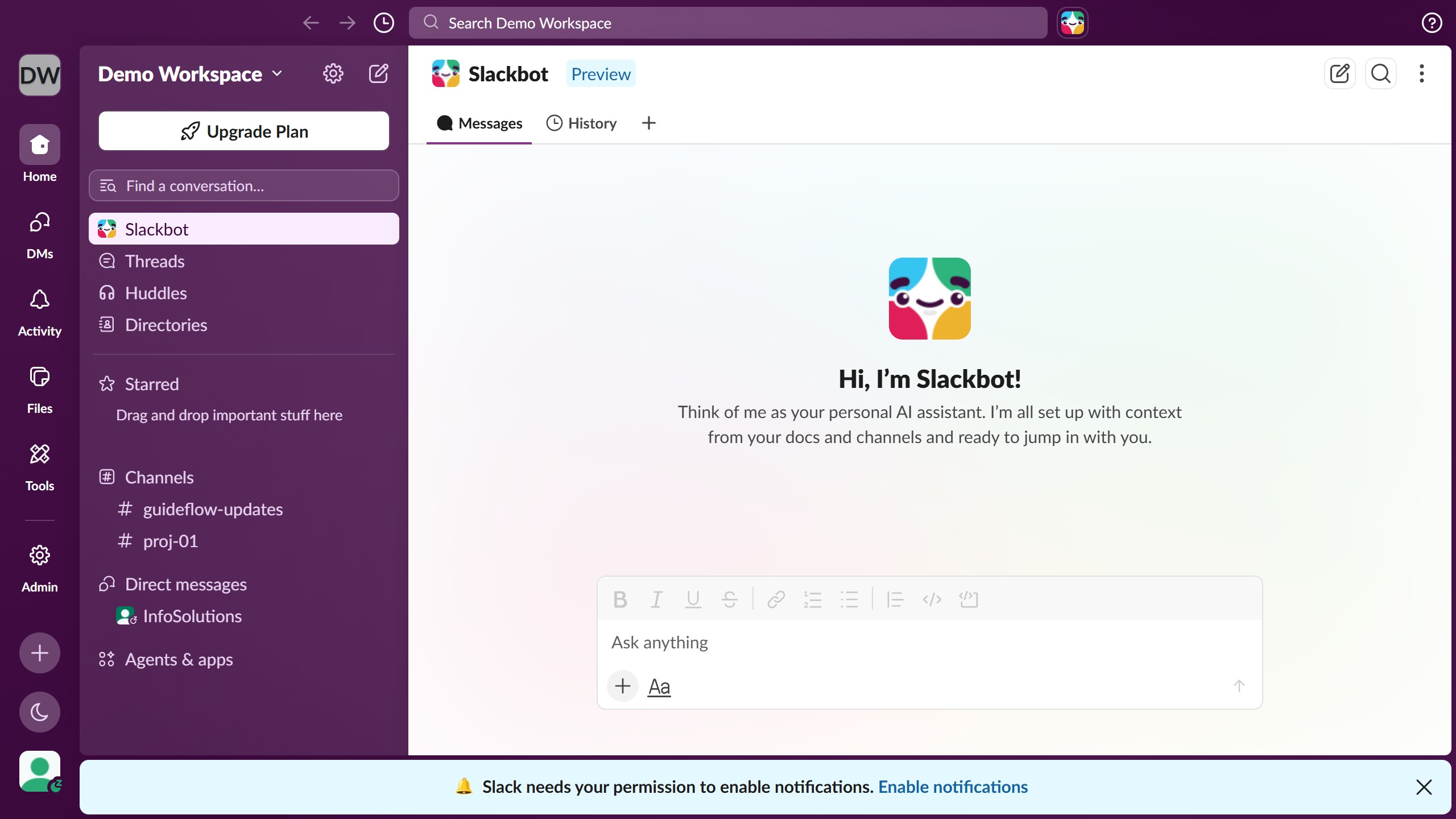
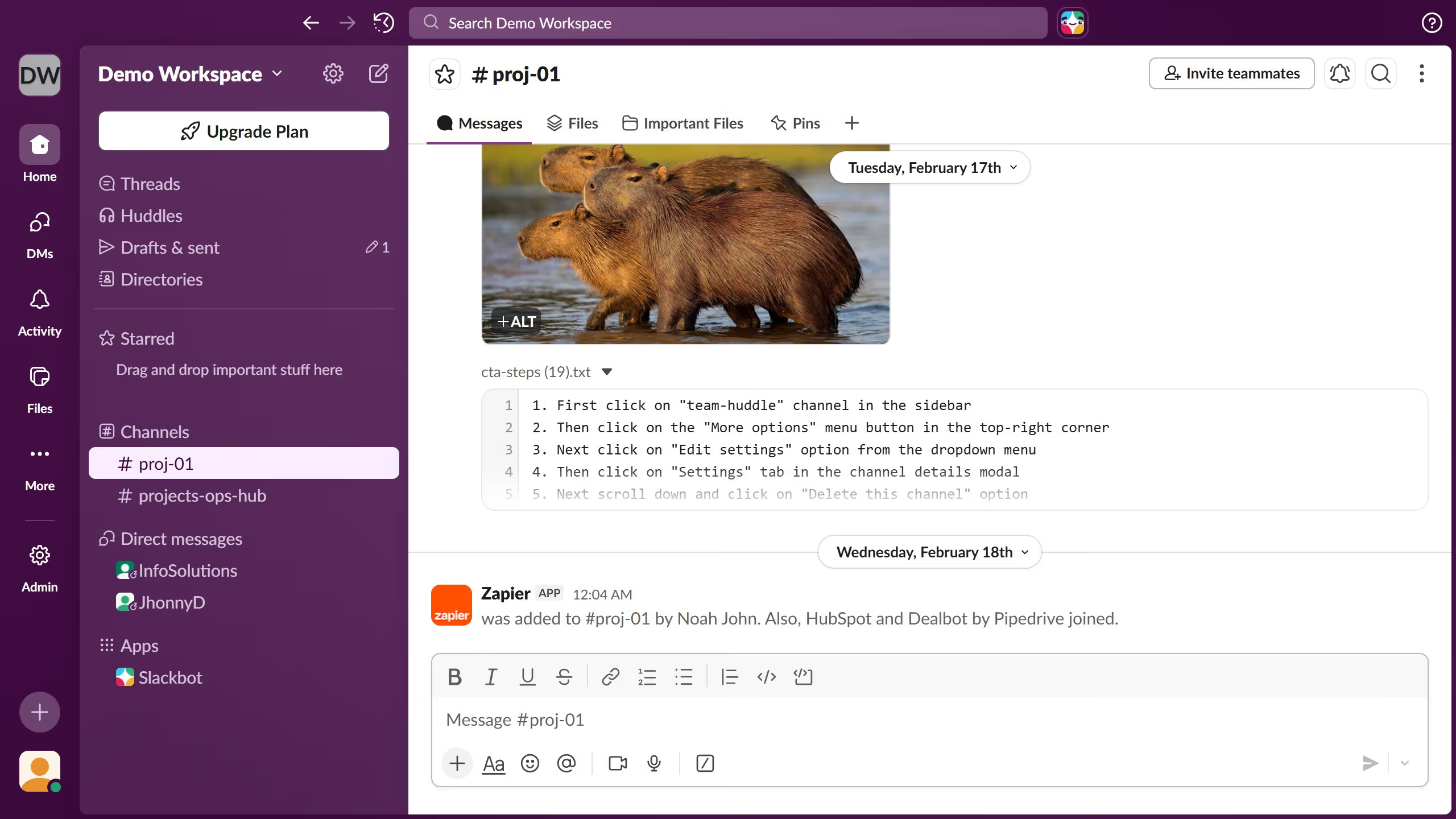
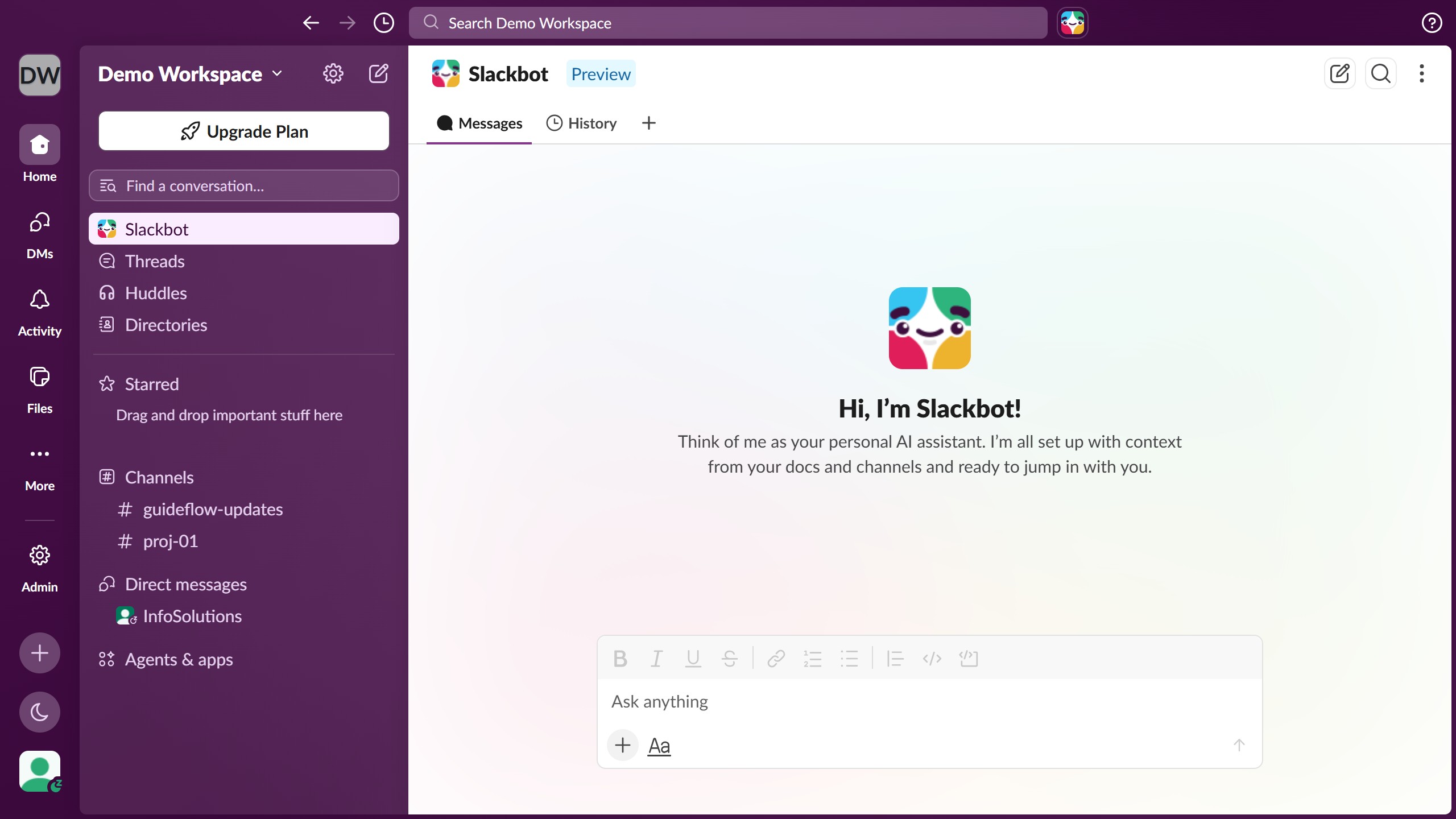
- First click on the channel name in the sidebar under the Channels section
- Then click on the "More options" button in the top-right corner
- Next click on "Edit settings" option from the dropdown menu
- Then click on "Tabs" tab in the channel details modal
- Next scroll down and click on tab you want to unhide
- Then click on "Show tab" button next to the tab
- Finally click on "Close" button in the top-right corner of the modal