Here is how to copy message text as an admin in slack
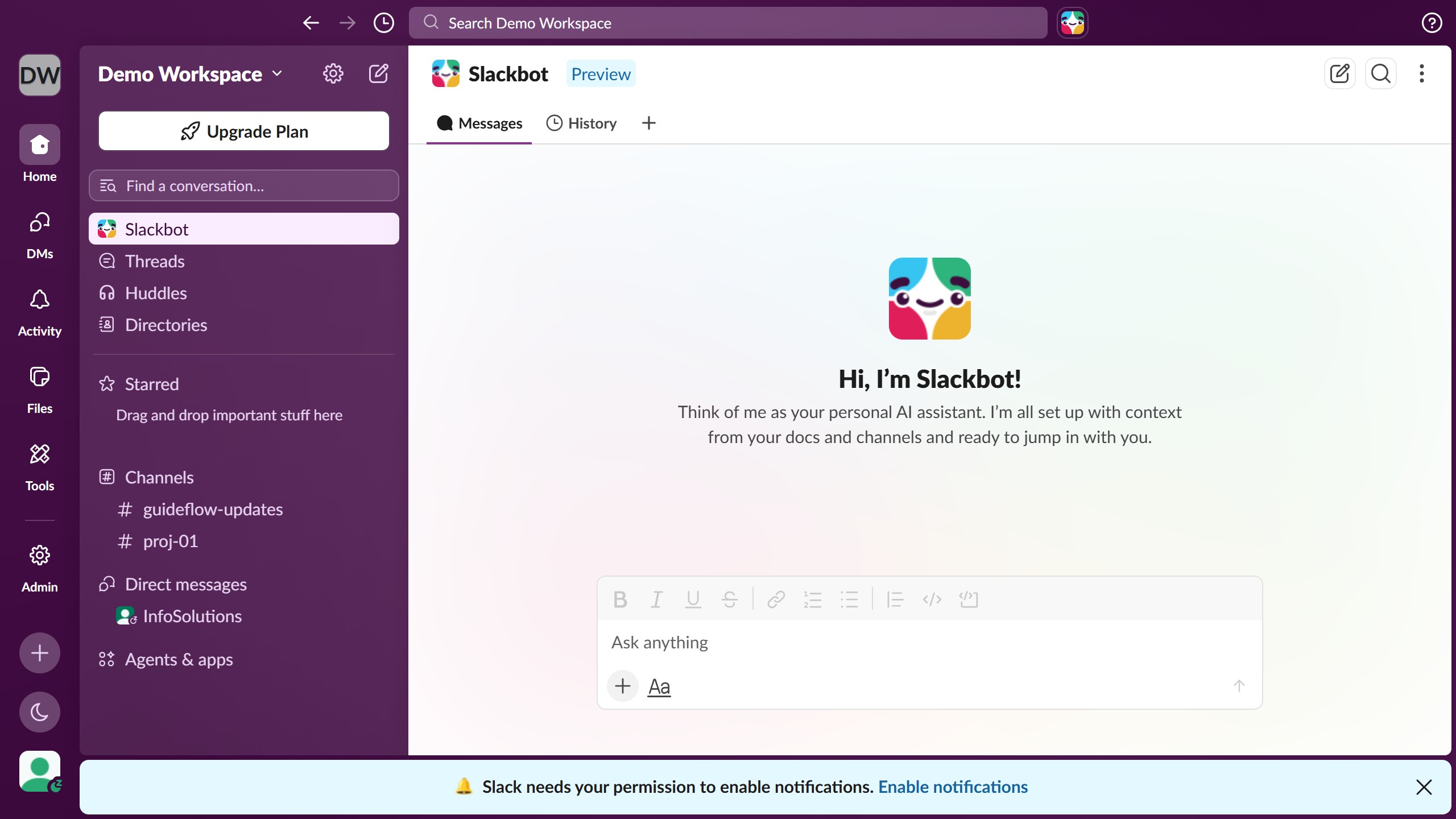
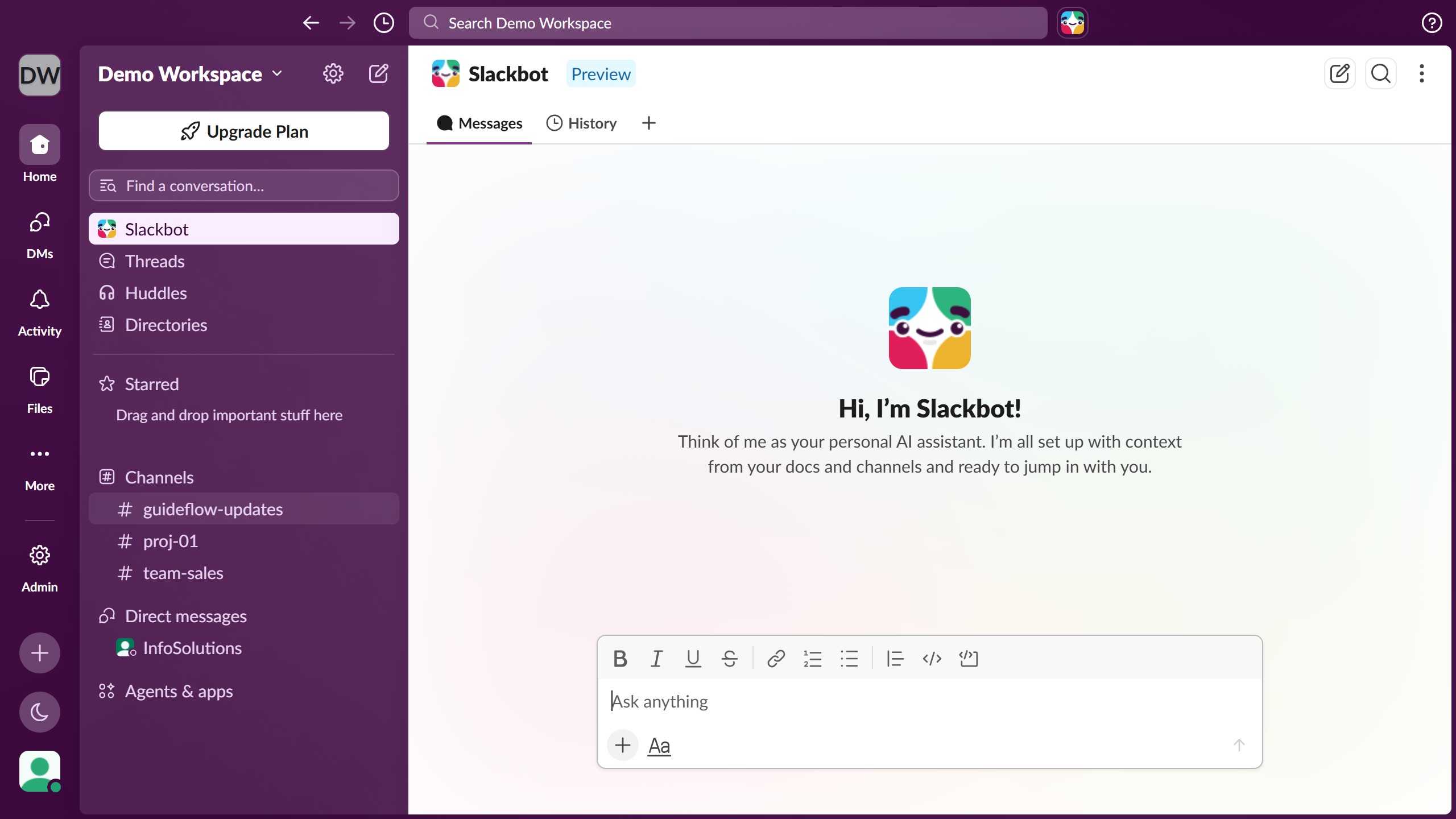
- First click on the channel name in the sidebar under the Channels section
- Then click on the message that you want to copy in the conversation area
- Next right-click on the message to open the context menu
- Finally select “Copy message”