Slack
Slack is a business communication platform that organizes team conversations into channels and direct messages.
Website
Industry
Collaboration
Share this article:

How to pause notifications with a status in Slack

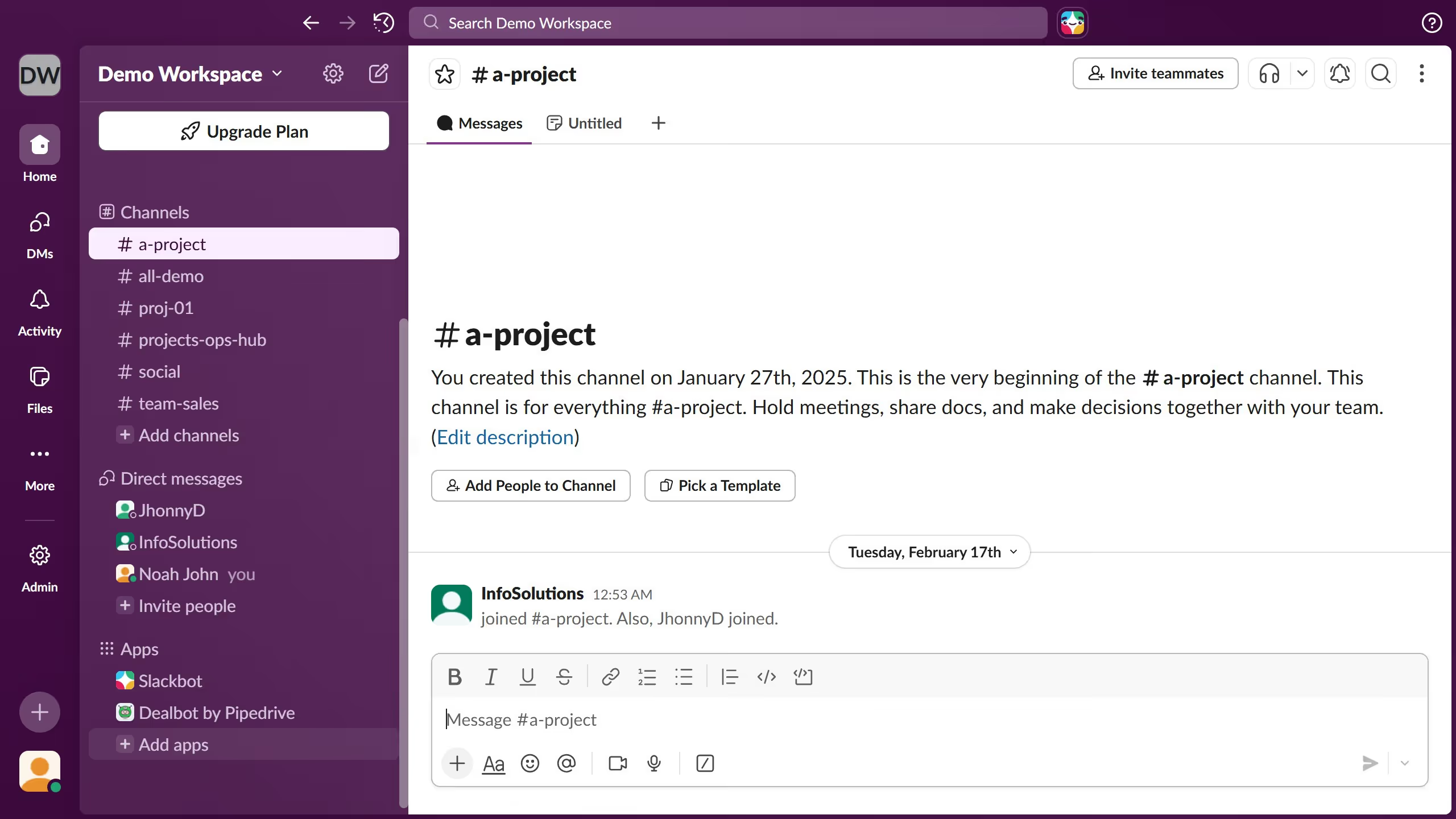
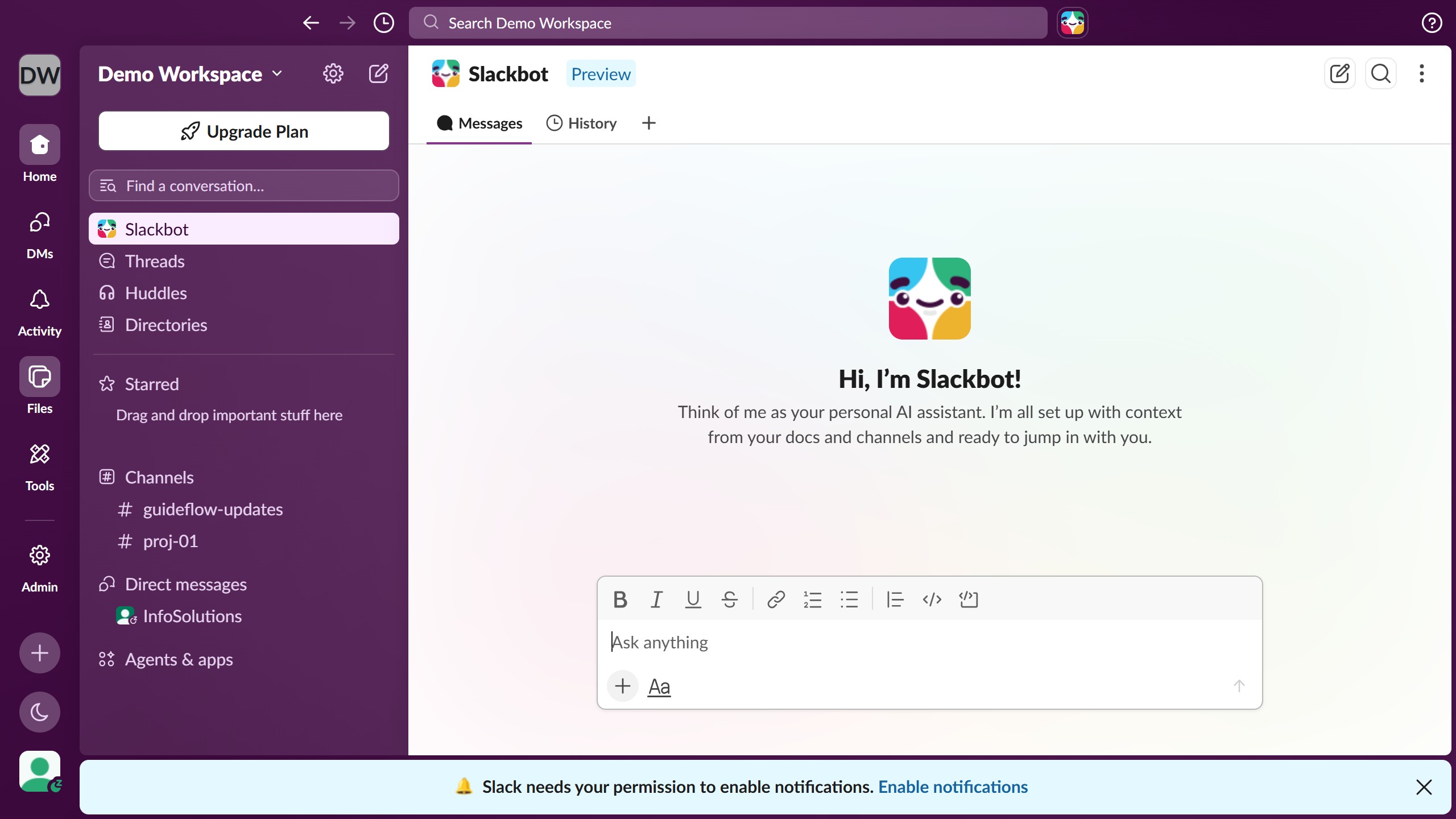
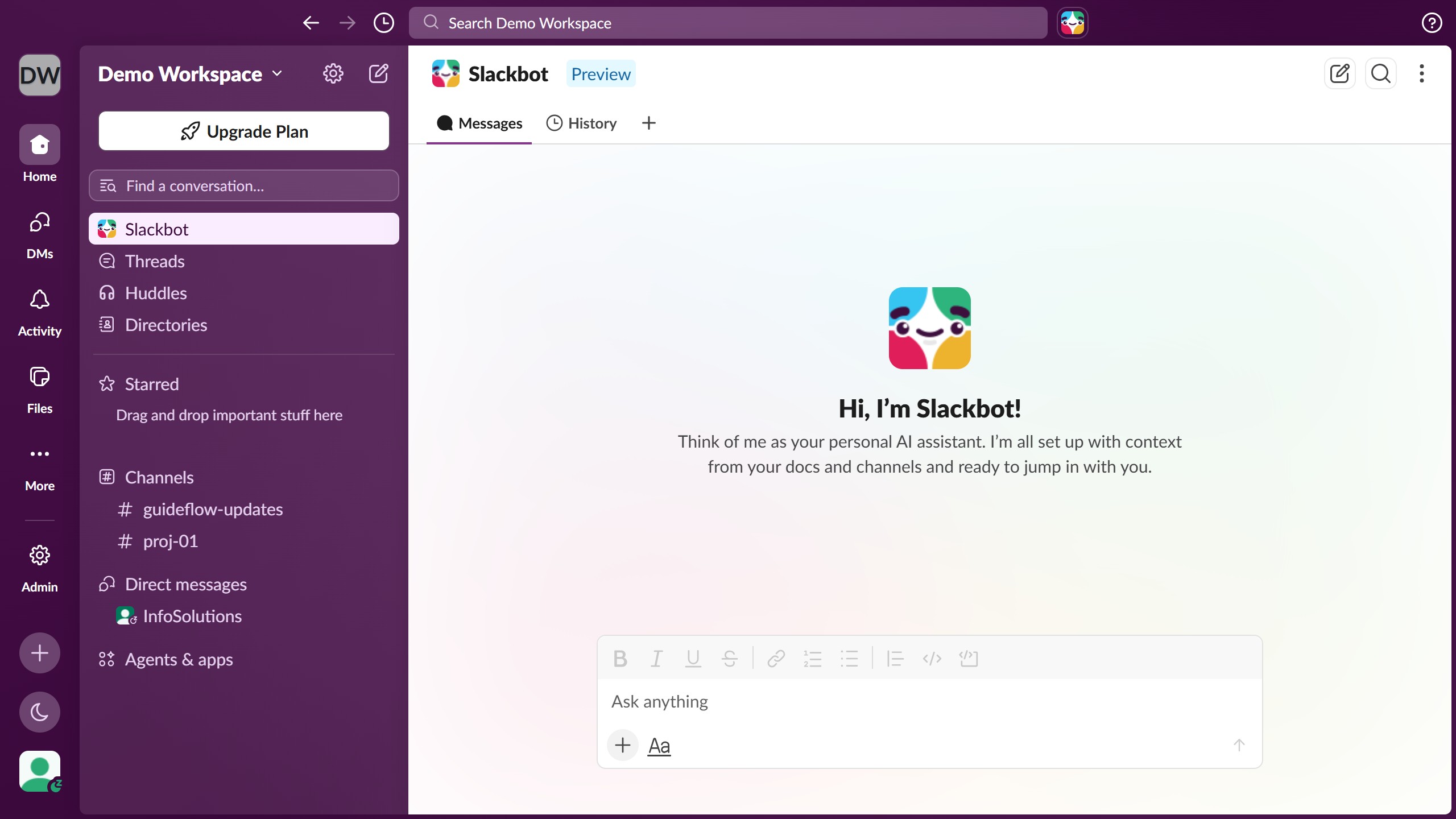
Here is how to pause notifications with a status in slack

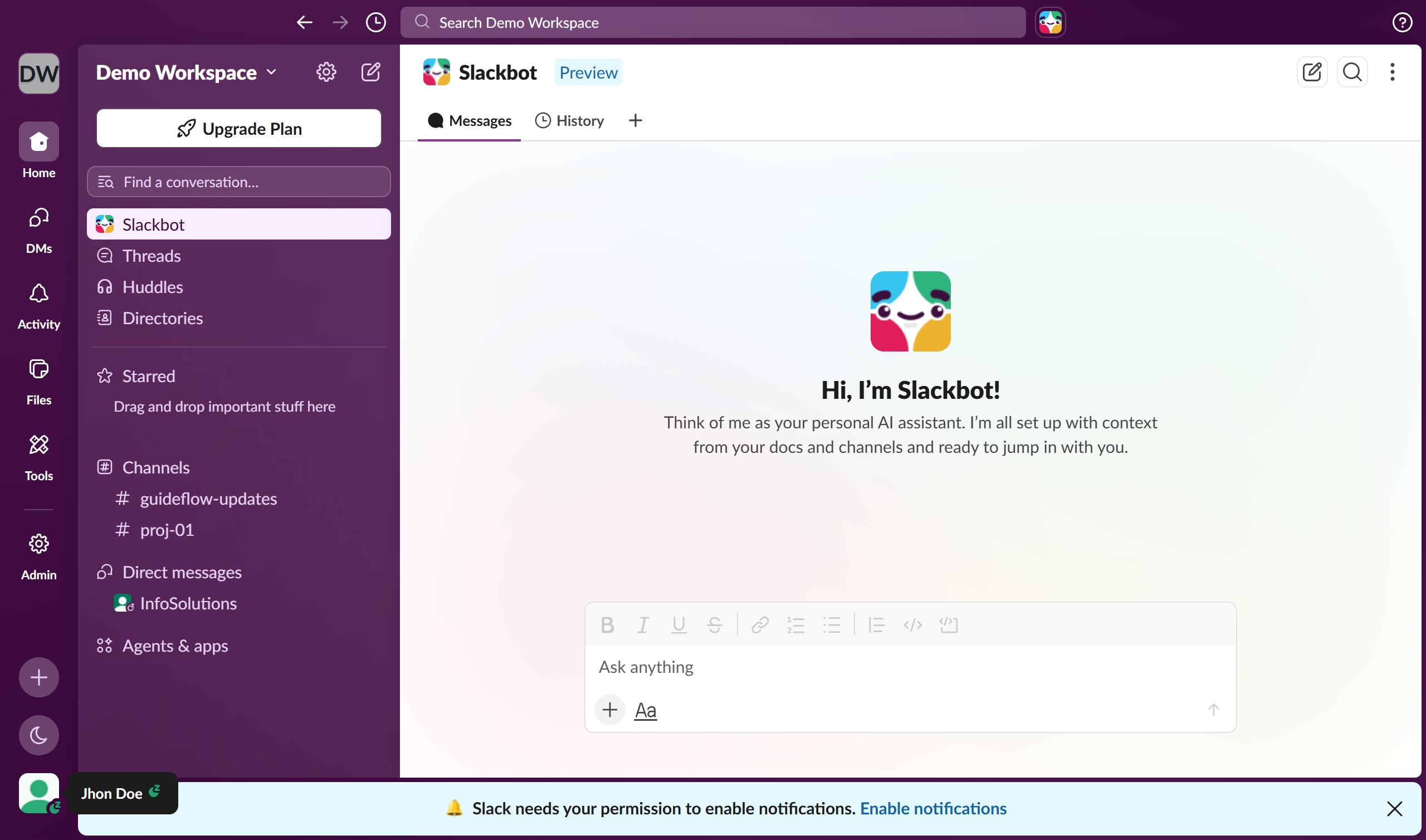
  1. First click on the user profile section in the sidebar
  2. Then select "Update your status" option from the dropdown menu
  3. Next click on a status option from the status suggestions list
  4. Then click on "Pause notifications" checkbox to enable notification pausing
  5. Finally click on the "Save" button to apply the status changes

Create your own interactive guide with Guideflow

Why should you pause notifications with a status in Slack

Slack is an innovative communication platform designed to streamline workplace collaboration.

With Slack's ability to pause notifications using a status, you can enhance your focus by minimizing distractions during crucial tasks. Setting your status to “do not disturb” lets your colleagues know you’re unavailable, fostering a respectful working environment.

Utilizing this feature can boost productivity by allowing you to concentrate on tasks without the interruption of constant notifications, ultimately contributing to a more balanced workflow.

Last update
March 16, 2026
Cursor MariaA cursor points to a button labeled "James."

Create your first demo in less than 30 seconds.