Slack
Slack is a business communication platform that organizes team conversations into channels and direct messages.
Website
Industry
Collaboration
Share this article:

How to manage canvas and list history settings in Slack

Here is how to manage canvas and list history settings in slack

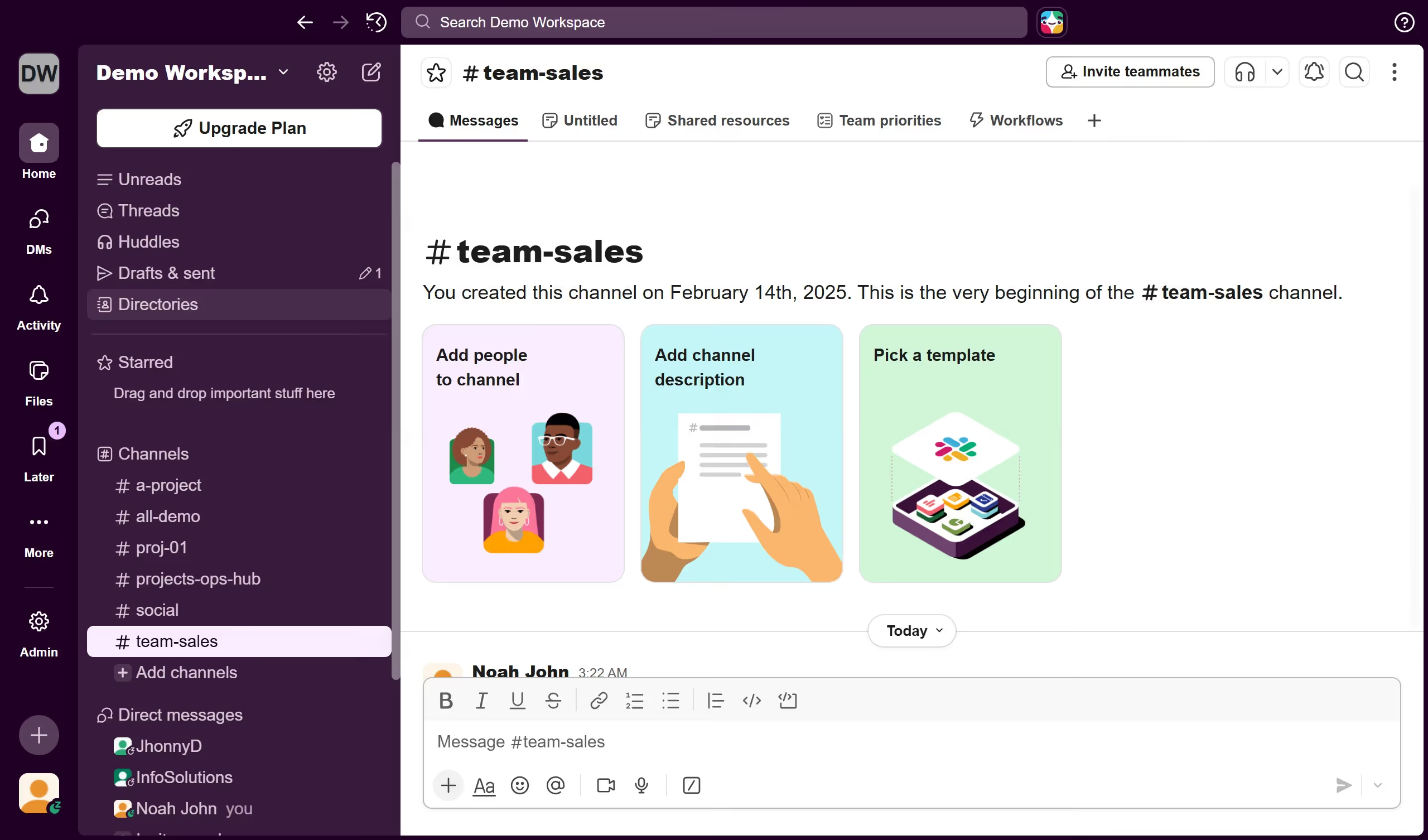
  1. First click on "Admin" button in the left sidebar
  2. Then click on "Workspace Settings" option in the Admin Tools menu
  3. Next click on "Expand" button in the Canvas and list history section
  4. Then click on the canvas and list retention dropdown menu
  5. Finally click on "Save" button to confirm the changes

Create your own interactive guide with Guideflow

Why should you manage canvas and list history settings in Slack

Slack is a dynamic communication platform designed to streamline team collaboration and increase productivity.

Managing canvas and list history settings in Slack allows you to efficiently keep track of past discussions and decisions, making it easier for teams to revisit vital conversations or project steps.

This feature enhances organizational memory, ensuring that all team members have access to important historical context, which promotes informed decision-making and continuity in workflows.

Utilizing these settings strengthens transparency and collaboration, vital for agile and responsive work environments.

Last update
March 16, 2026
Cursor MariaA cursor points to a button labeled "James."

Create your first demo in less than 30 seconds.