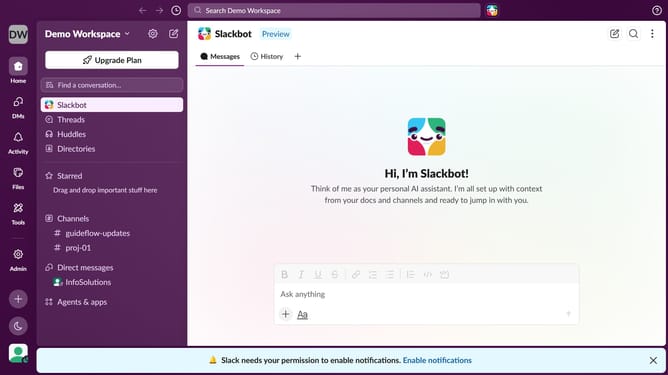
How to disable messages from VIPs in Slack
Here is how to disable messages from vips in slack
- First click on the profile icon in the left sidebar
- Then click on "Preferences" from the dropdown menu
- Next, click on the "Notifications" tab in the Preferences window
- Then, uncheck the "Messages from VIPs, even if notifications are paused" checkbox
- Finally, click on the close button to close the Preferences window
Why should you disable messages from VIPs in Slack
Slack is a powerful communication platform designed to streamline team collaboration.
The feature to disable messages from VIPs in Slack adds a layer of customization to your workspace. This empowers users to manage priority communications efficiently. It ensures that your focus remains undisturbed when tackling crucial tasks.
Utilizing this feature enhances productivity by minimizing interruptions. Prioritizing essential conversations, while still maintaining access to important updates, encourages a balanced workflow environment.
This blend of flexibility and control supports both individual focus and team cohesion.
Last update